
Get Phone Clover

app for your CRM. We set up each account with you.

UI

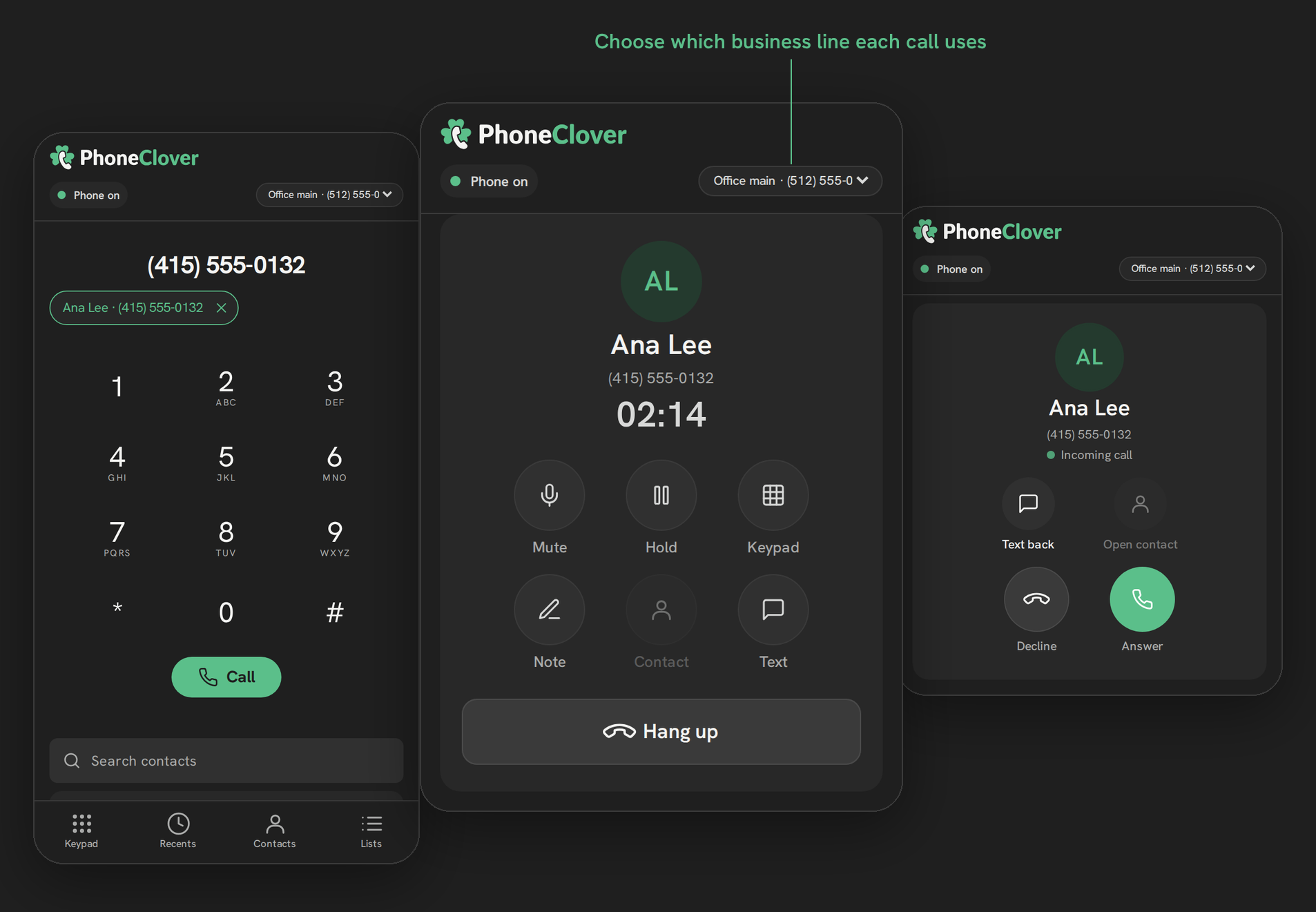
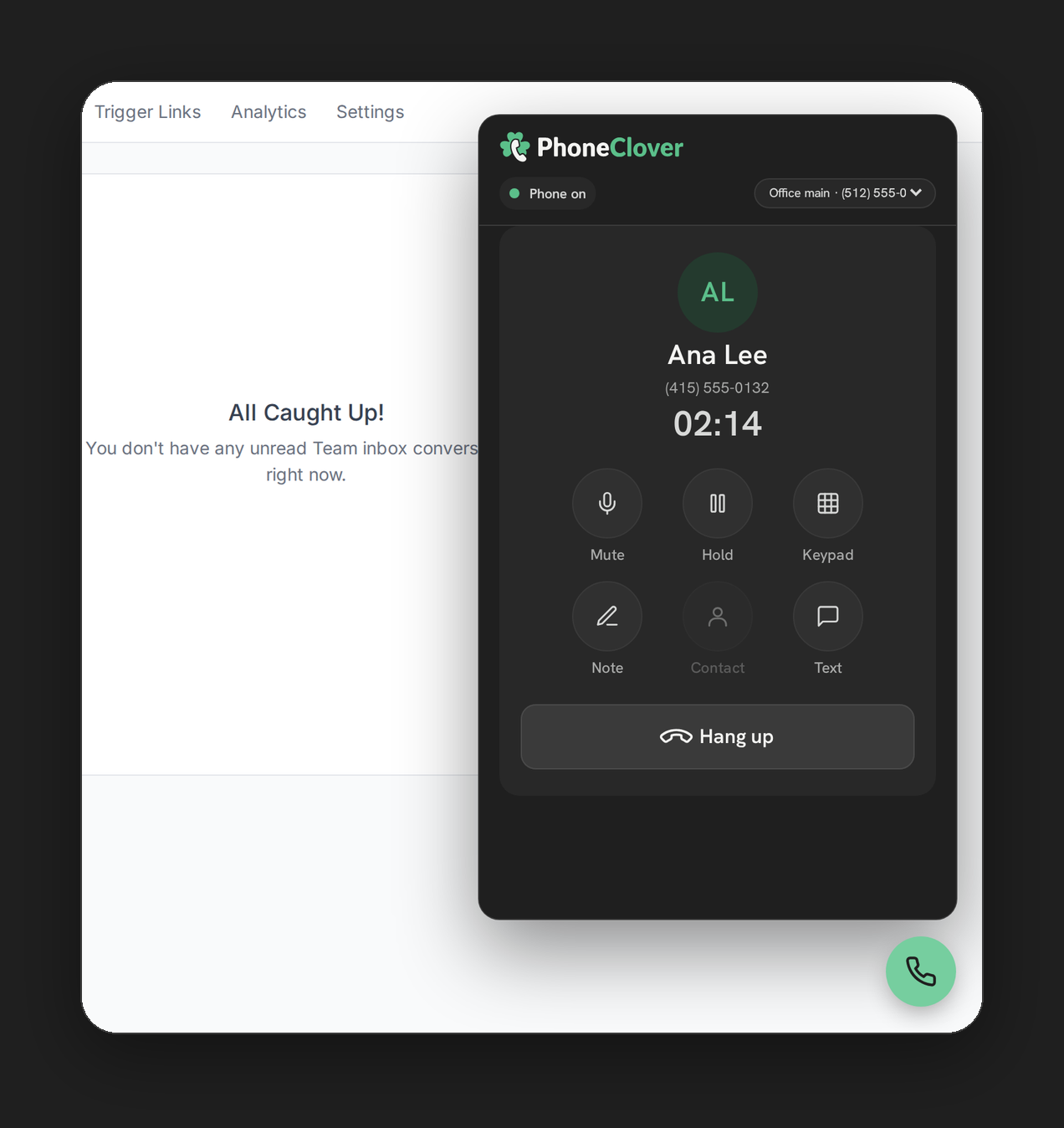
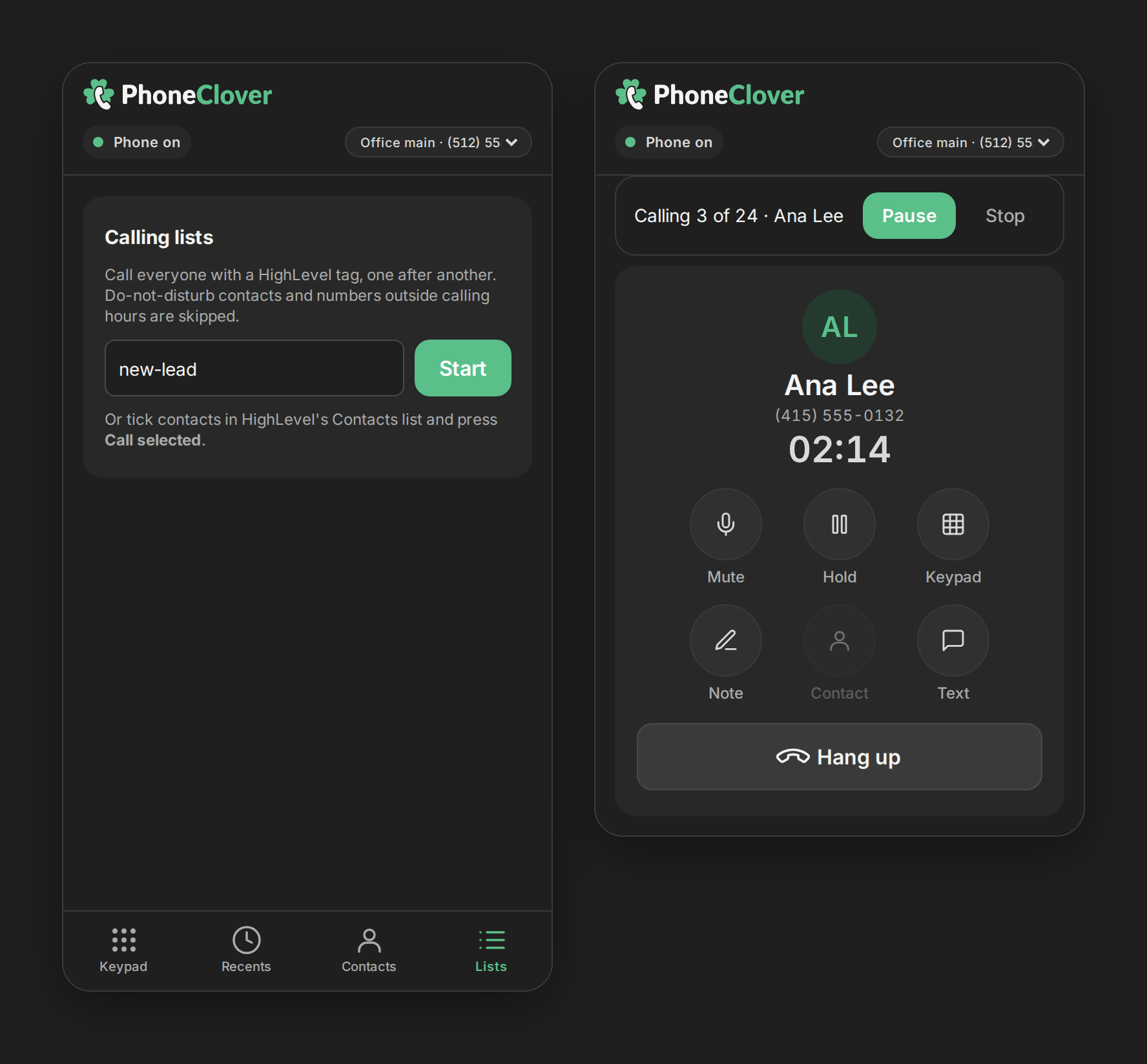
Your calls and messages, right where you work

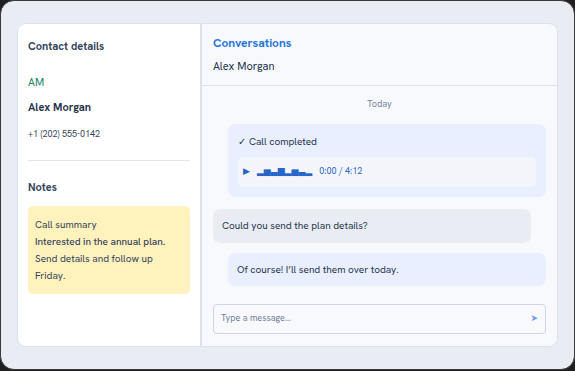
Keep contact details, conversations, recordings and notes together in your CRM. Choose a phone theme that fits your workspace.

One phone. Five visual themes.

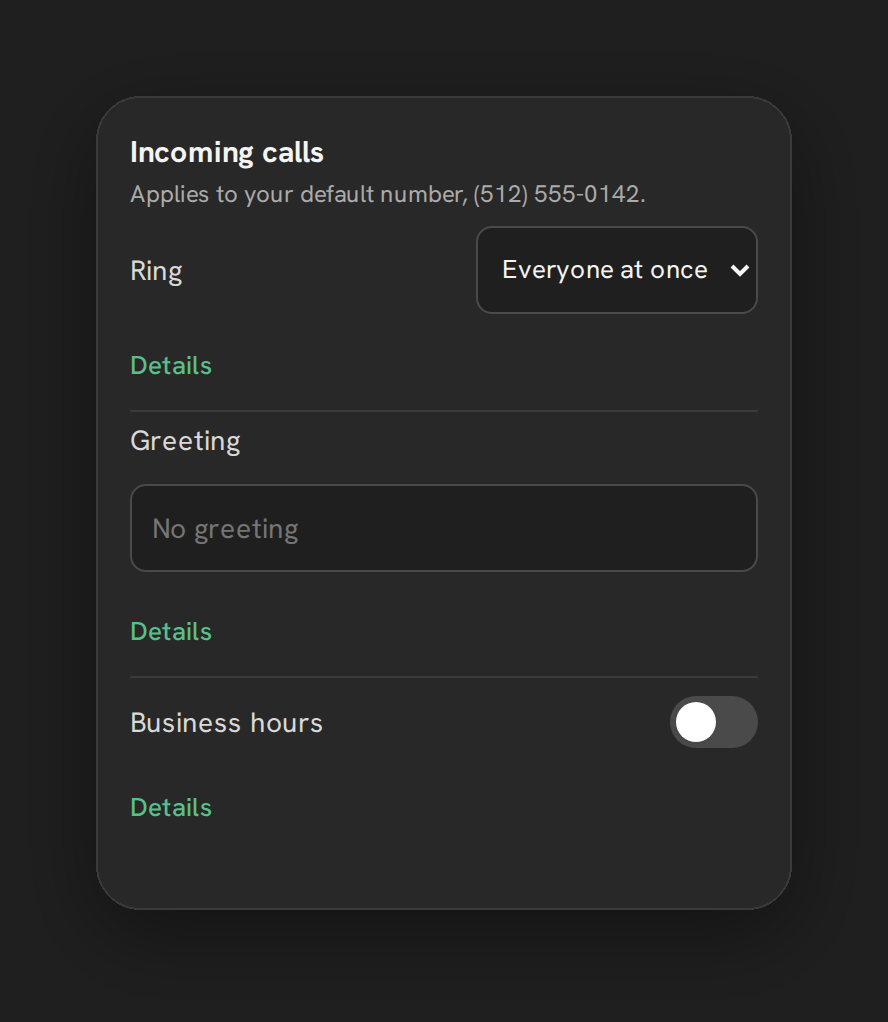
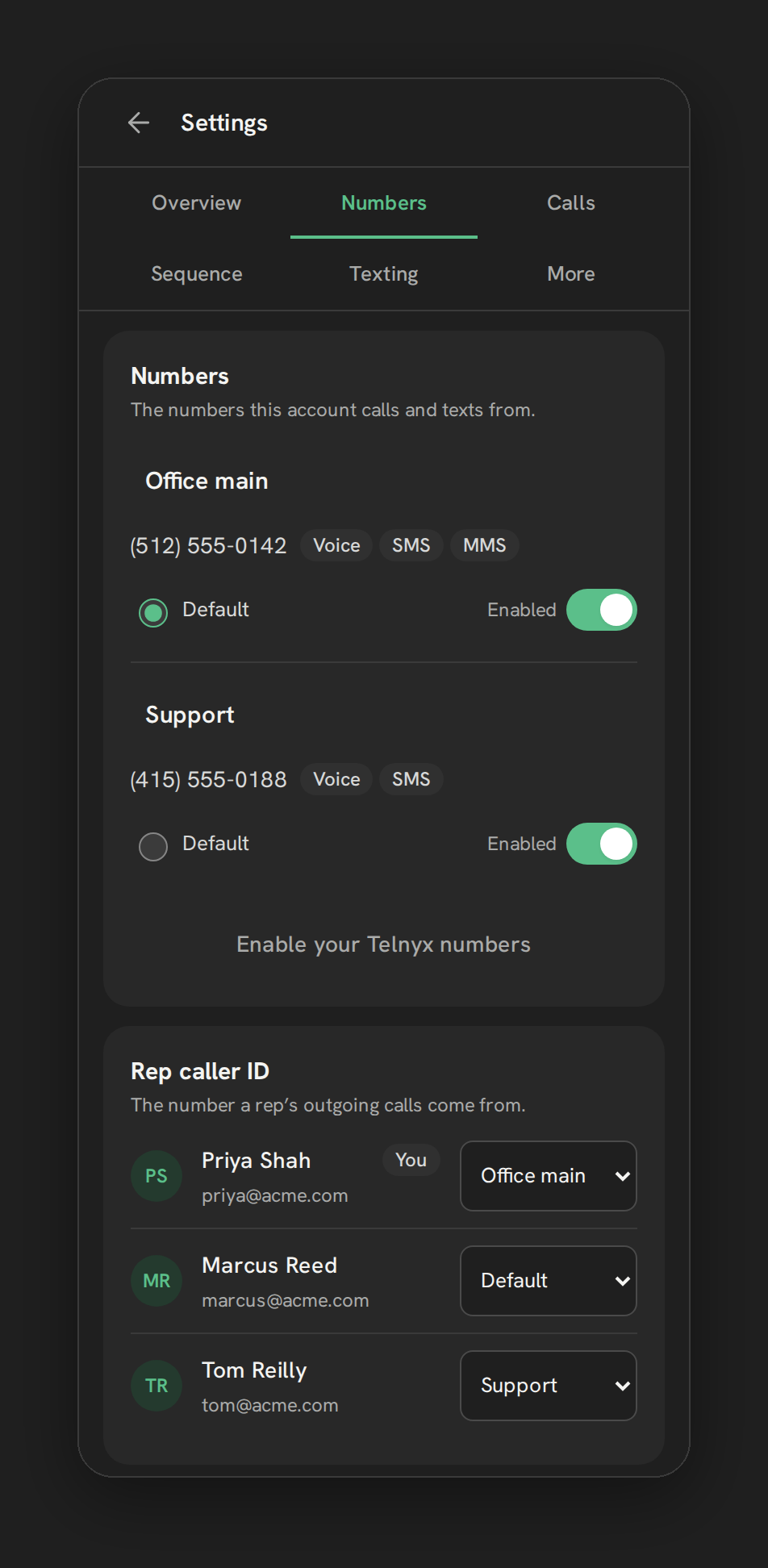
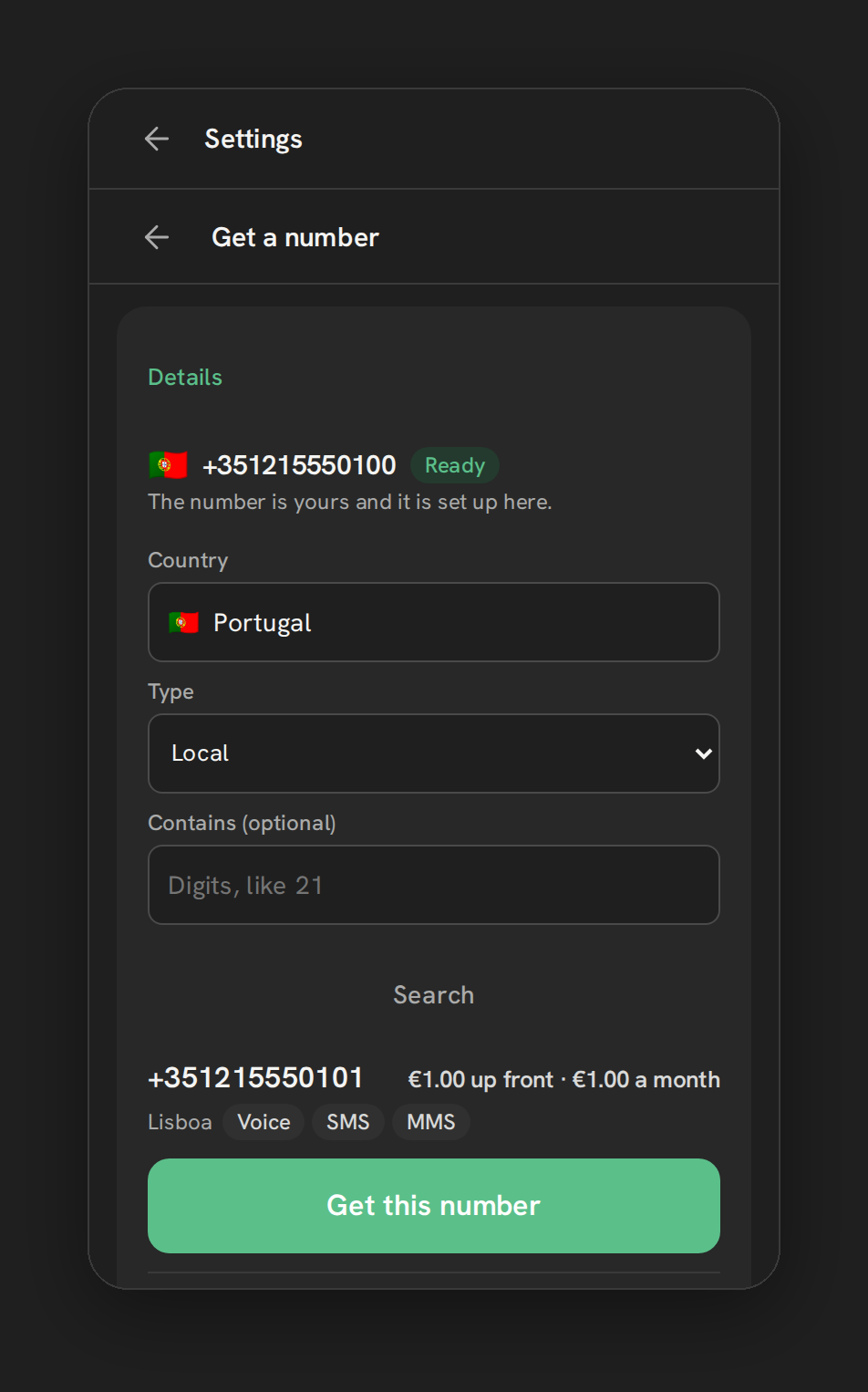
Choose Default, Light mint, Dark mint, Black or Clover in Settings → Themes. The calling tools stay familiar as the appearance changes.

Work in the sections your team already knows

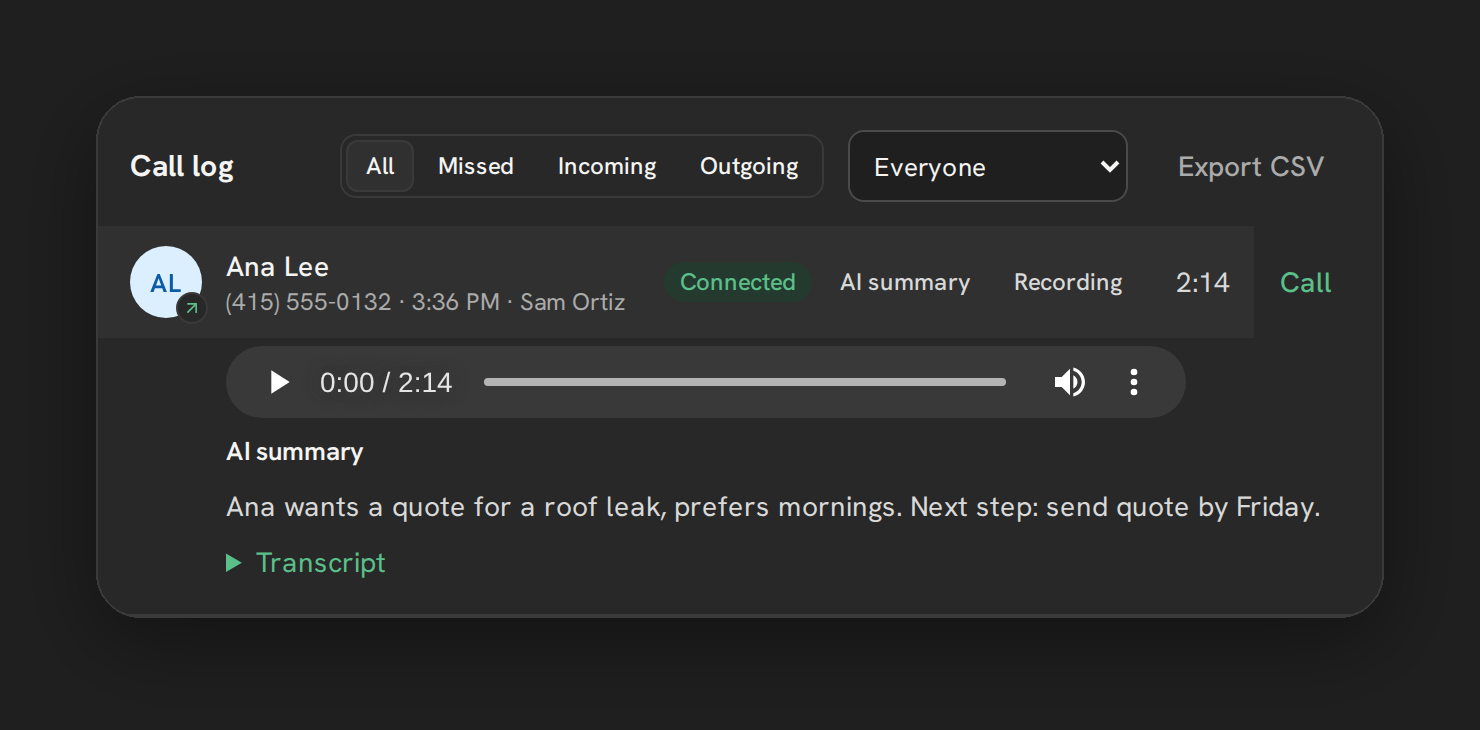
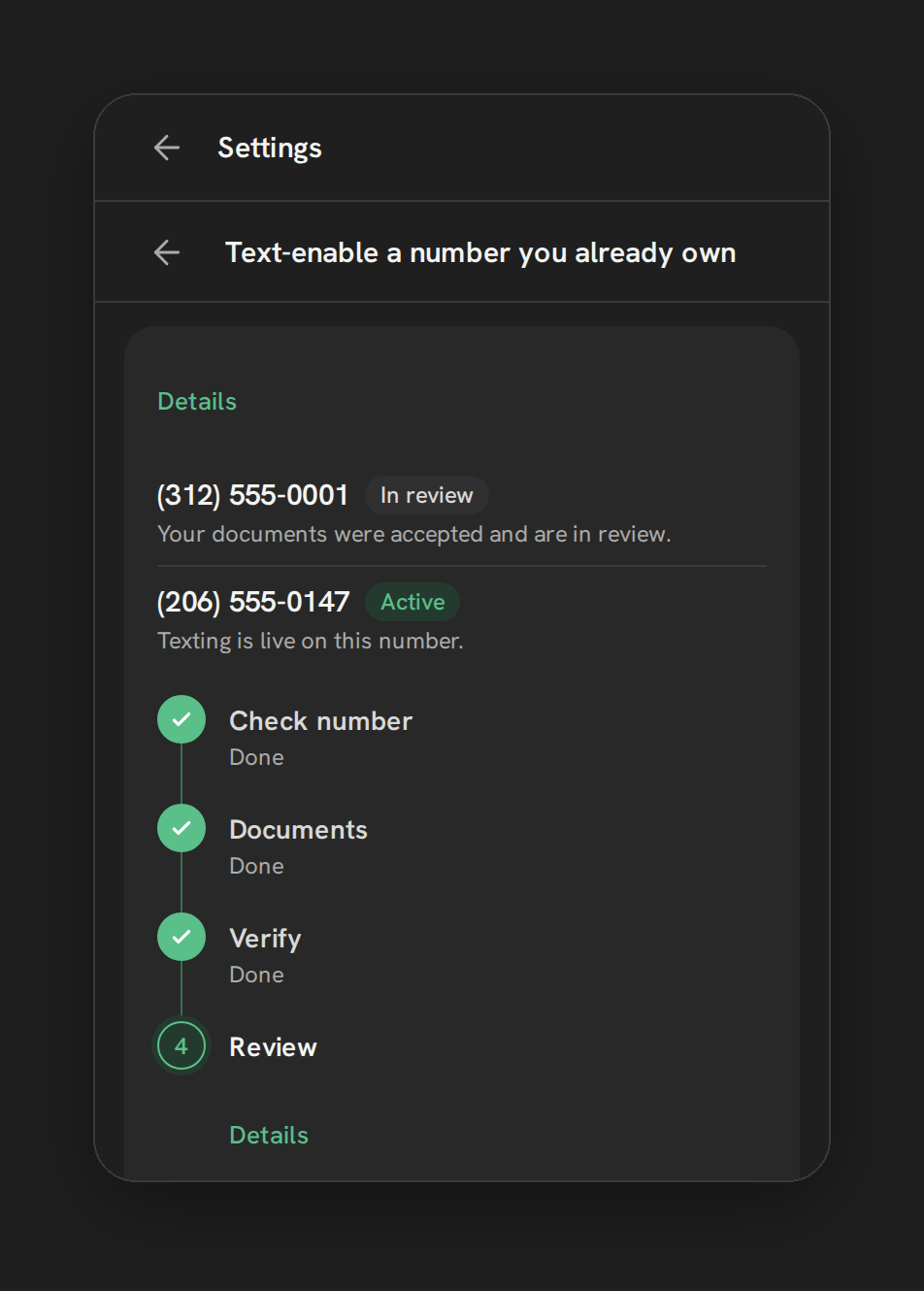
Call activity and recordings appear in Conversations, notes stay with the contact, and Telnyx messages arrive in the same conversation thread. Keep your customer context close without opening a separate messaging tool.

One phone, five looks

Choose Default, Light mint, Dark mint, Black or Clover in Settings → Themes. Your choice applies to the phone page and floating widget in this browser. The calling controls stay familiar as the appearance changes.

Bring your phone into your everyday workflow.

Tell us about your team and your call volume. We reply by email and set up your first business account with you.

Get Phone Clover