
Calling inside HighLevel, built for phone teams
A phone on every HighLevel page, calling lists from your tags, and outcomes that tag the contact and create the follow-up task. Calls run on your own Telnyx account.
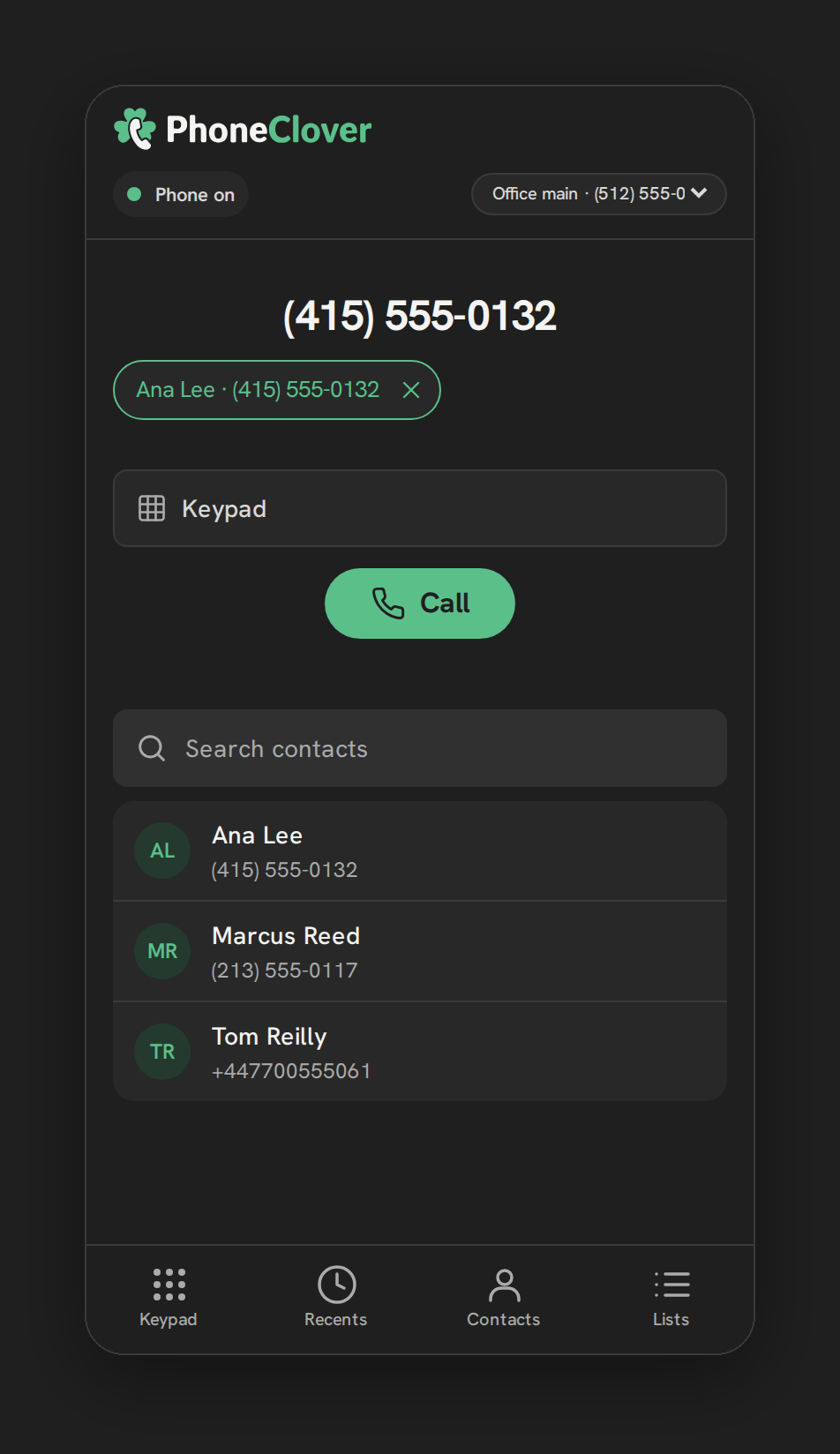
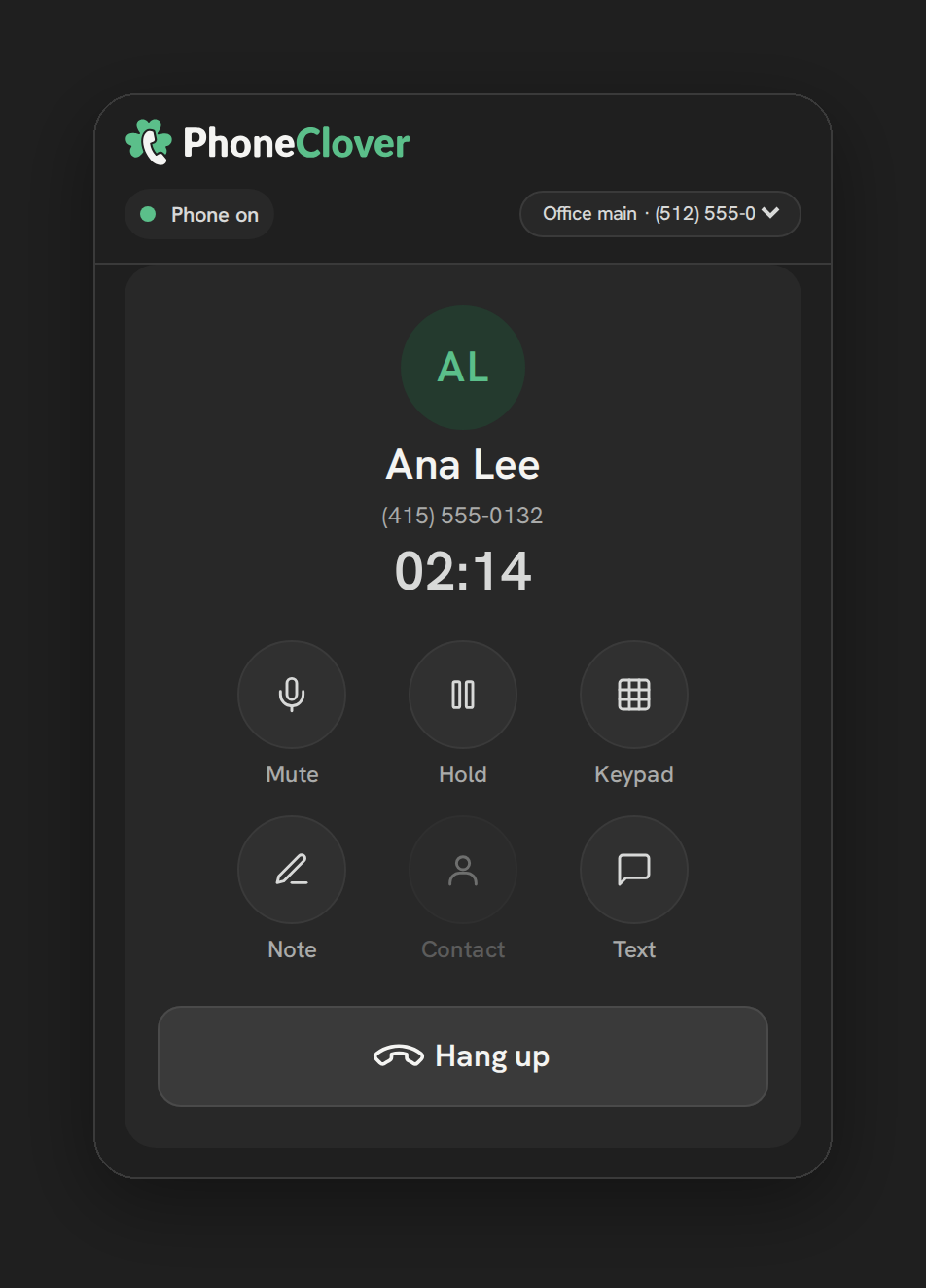
Calling is in early access: it runs in our pilot account today and is switched on for each new account as we set it up. Desktop browser only. What works today
A day with Phone Clover
How a rep's day runs when the phone lives inside HighLevel. Every step below happens without leaving the CRM.
- Morning
Build today's list
Pick a HighLevel tag, such as new leads, and Phone Clover turns it into a calling list. Do-not-disturb and calling hours are checked again at the moment of each dial.
- On the call
Call with context
Click to call from the contact or the list. On incoming calls the caller card shows the name, tags, DND status and latest note before you answer.
- After each call
Log the outcome
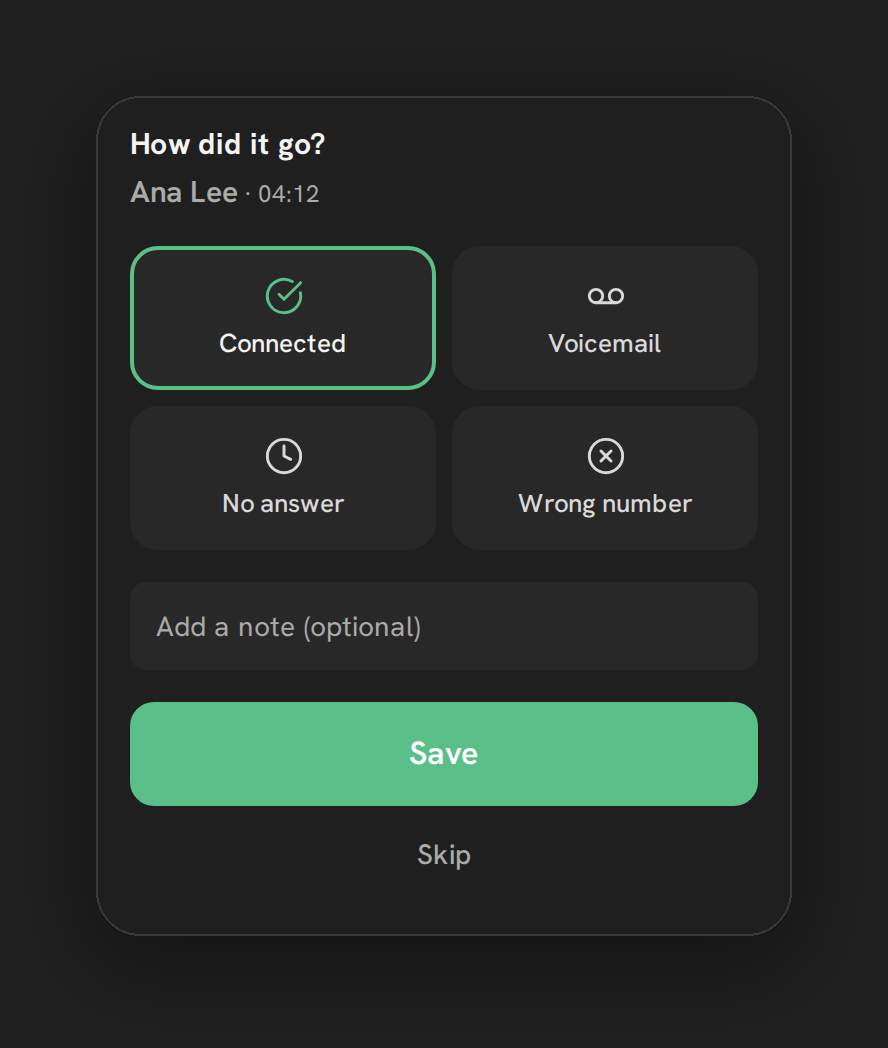
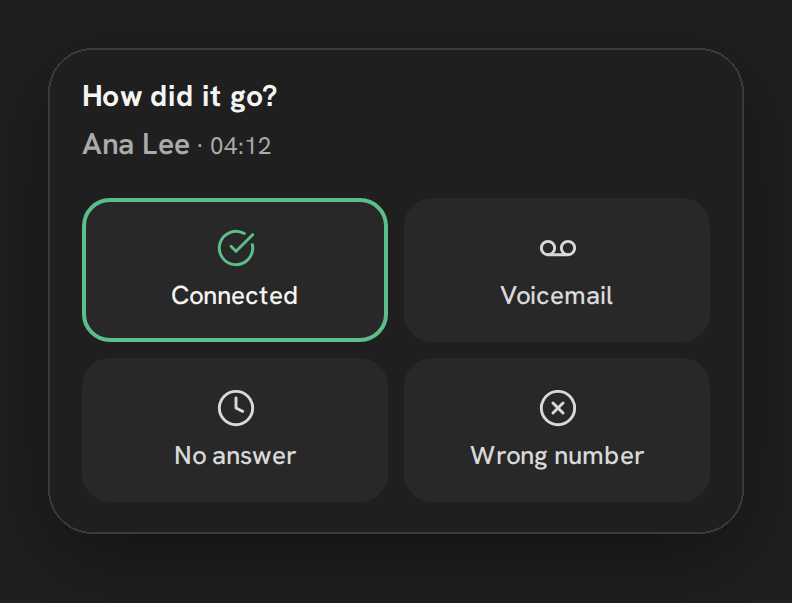
"How did it go?" asks for one tap. The outcome tags the contact and, for the ones you set up, creates a follow-up task in HighLevel.
- End of day
Check the dashboard
Calls, answered, missed and average talk time, a "To call back" list, and a by-rep table for admins. Export the call log to CSV.
A phone on every page
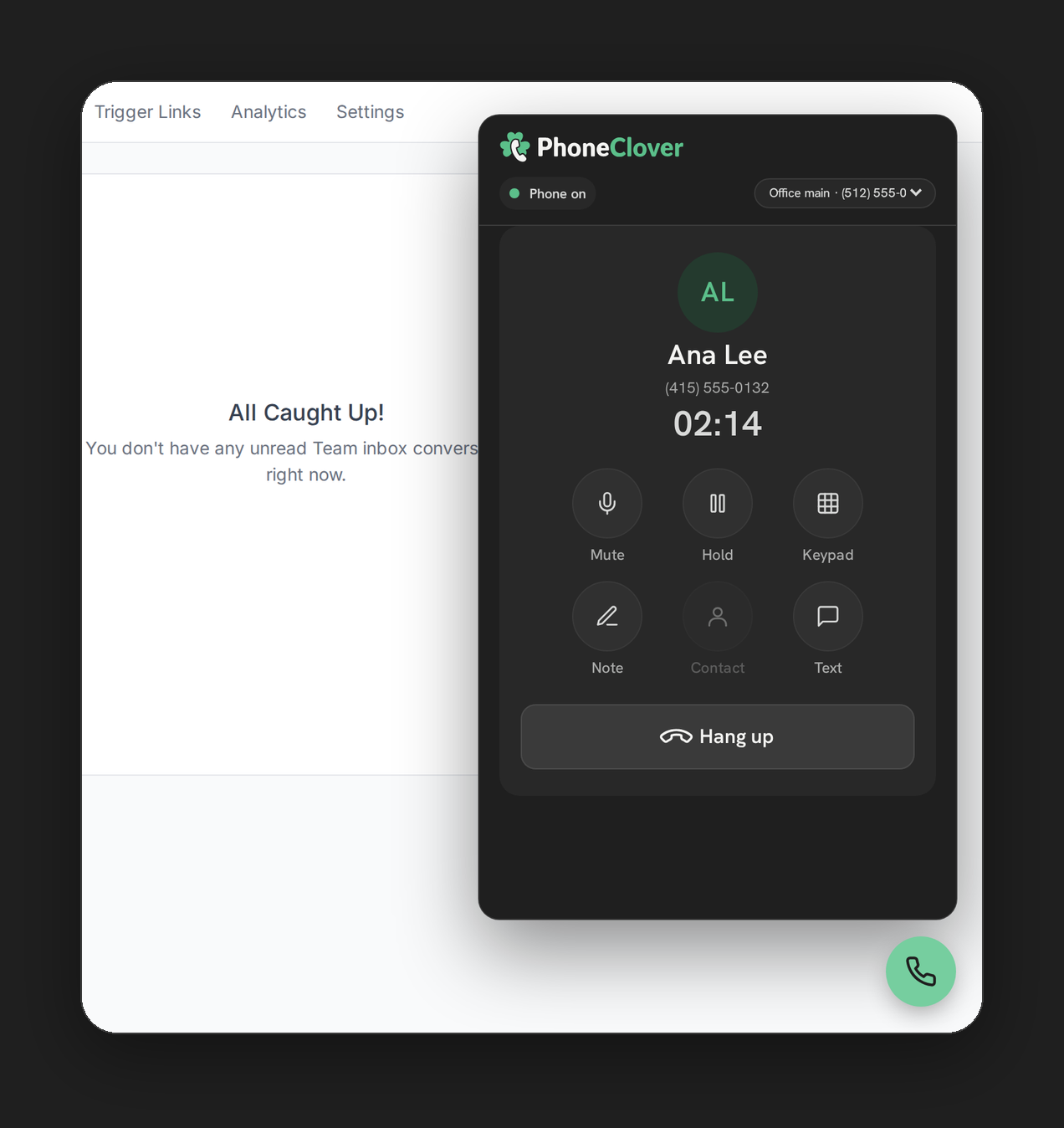
A floating phone stays on every HighLevel page, so reps answer and call without leaving the contact, the pipeline or the conversation they are in. The full Phone page adds recents, contacts, a keypad and lists.
- Click-to-call from contacts and opportunities
- Pick which business line each call uses
- Desktop notifications for incoming calls
Calling lists from your tags
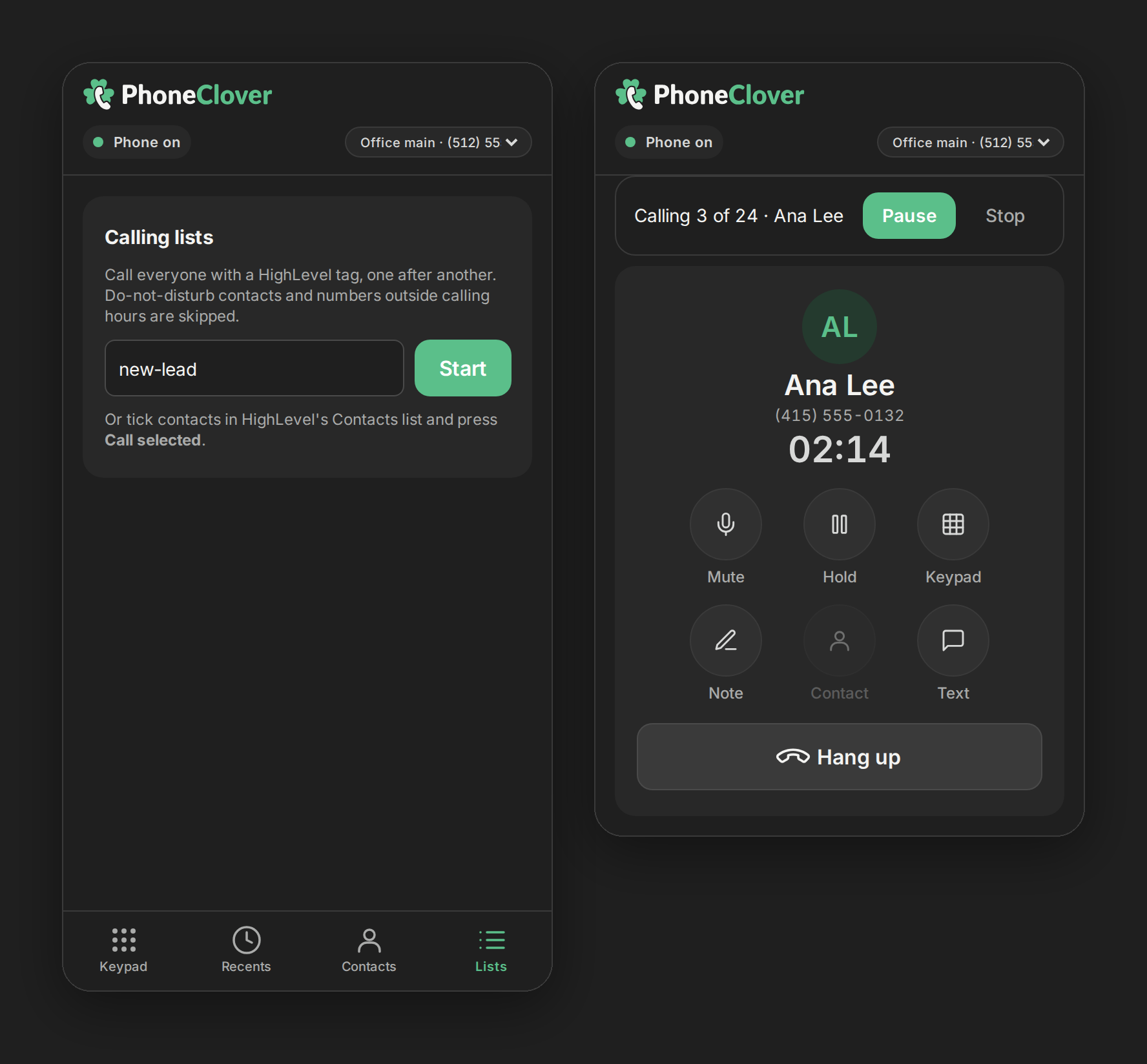
Turn a HighLevel tag or a set of ticked contacts into a list and work it top to bottom. Reps dial at their own pace, one contact at a time.
- Lists from a tag or from selected contacts
- DND and calling hours re-checked at dial time
- A tag list takes the first 100 contacts
Outcomes that tag and create tasks
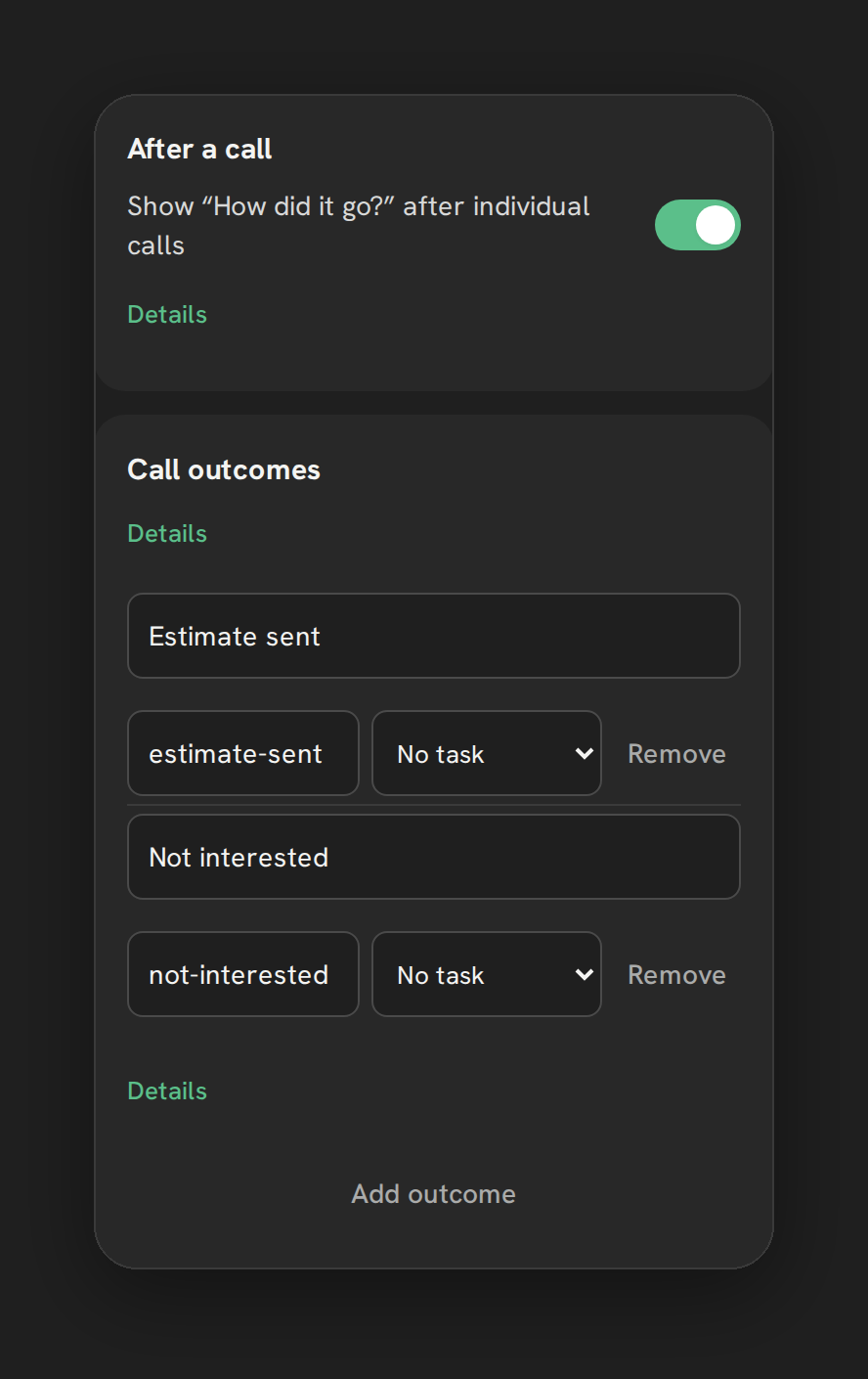
After each call, one tap records how it went. Admins add up to eight custom outcomes, each with its own tag and an optional follow-up task, due between the same day and 90 days later.
- Four built-in outcomes, plus your own
- Tags and tasks land on the HighLevel contact
- Optional note with each call
- Outcome: Booked
- Tag added to the contact
- Follow-up task created
Example: an outcome set up with its own tag and a follow-up task.
Routing, hours and voicemail
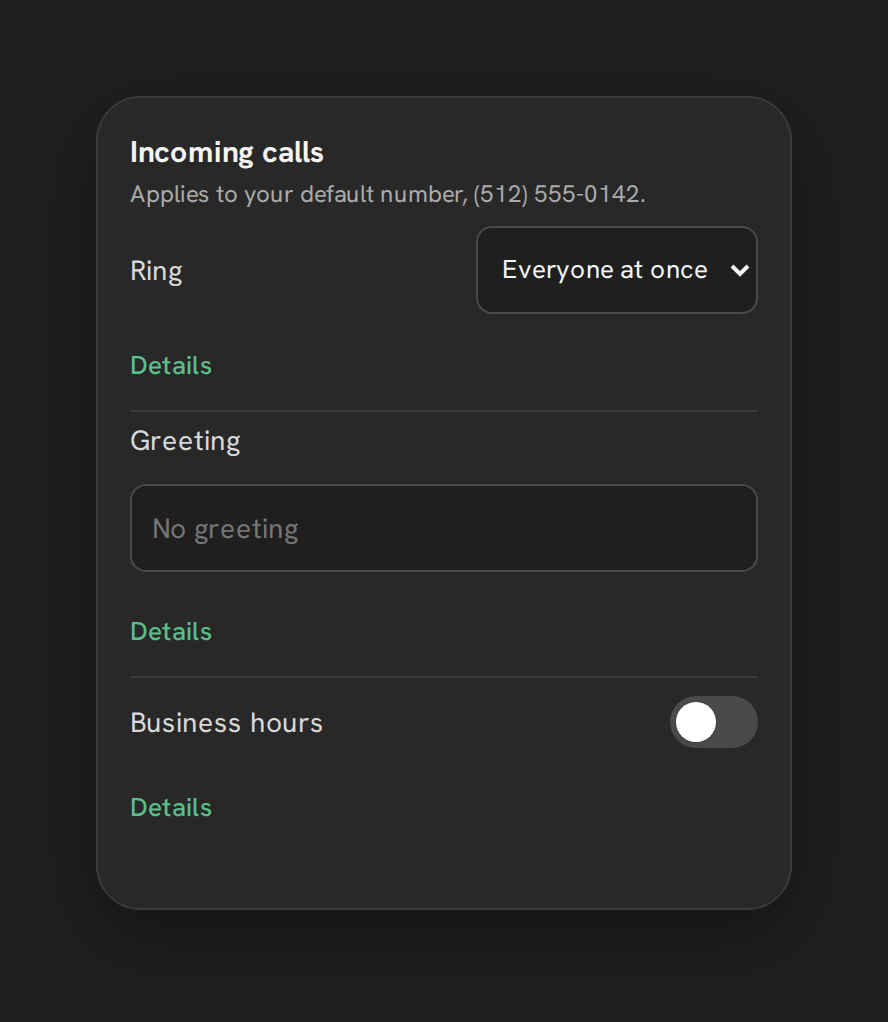
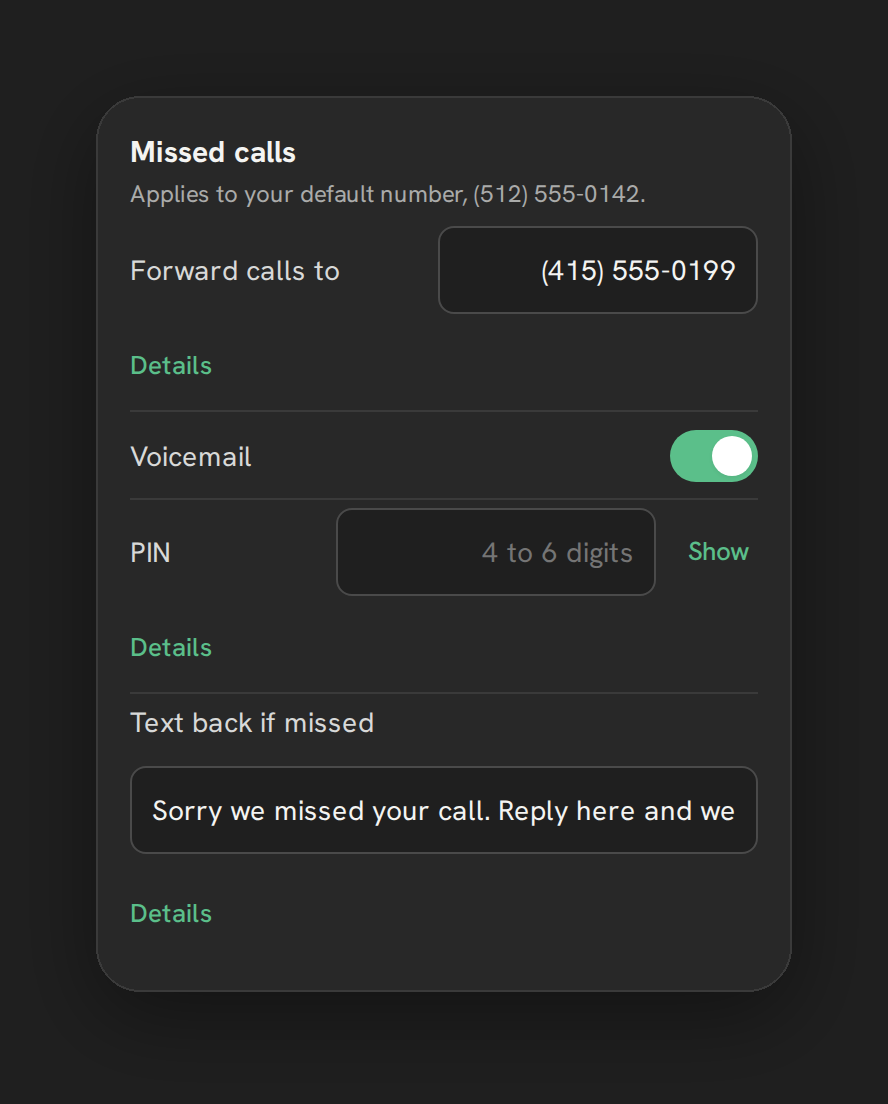
Incoming calls ring everyone at once or go round robin. Set business hours per number, forward to a mobile when nobody answers, and turn on voicemail and missed-call text-back when you want them.
- Everyone at once or round robin
- Available and Away status per rep
- Voicemail and text-back are off until you turn them on
Also in early access
Recordings and AI notes
Record calls and get a written summary and transcript in the call log. AI Notes is included in Pro and switched on per sub-account by us.
Recordings and AI notesRep dashboard
Today, 7 days or 30 days. Filter by missed, incoming or outgoing, see stats by rep, and export the log to CSV.
DashboardVoicemail detection
Off by default. When on, it checks every outgoing call for an answering machine, and Telnyx charges for the detection.
Voicemail detectionCaller card
Name, tags, DND and the latest note on every incoming call. It shows the deal stage once the Opportunities permission is granted.
Caller cardPut the phone inside HighLevel.
Tell us about your team and your call volume. We reply by email and set up calling on your first sub-account with you.