
GoHighLevel Phone System Options: What Exists Today, Compared Honestly
gohighlevel phone system 8 min read
The kinds of phone system you can run with GoHighLevel today, from built-in LC Phone to carrier apps, dialer extensions and outside systems, and who each suits.
- Best for
- Agency owners and sub-account admins choosing how their team will call and text from HighLevel, who want the options sorted by how they work rather than by brand.
- Not for
- Anyone looking for a ranked list of named products. We compare kinds of phone system, not vendors.
- The difference
- Phone Clover is one example of a carrier app: your own Telnyx account, a phone on every HighLevel page, desktop only, in early access.
Search for “GoHighLevel phone system” and most of what comes back is a ranked list of products, each written by one of the products on the list. The more useful question comes first: what kinds of phone system can run alongside HighLevel, and what does each kind change about how calls and texts behave inside the CRM?
This guide sorts the options into five categories, explains the one platform rule that shapes all of them, and ends with a way to choose by team rather than by brand. We name LC Phone, because it is HighLevel’s own. We don’t name other apps.
The short answer
| Category | What it is | Calls happen | Texts in HighLevel |
|---|---|---|---|
| LC Phone | HighLevel’s built-in phone, on Twilio | HighLevel’s own dialer, web and mobile | Yes, built in |
| Your own Twilio account | HighLevel’s phone features on a Twilio account you hold | HighLevel’s own dialer | Yes, built in |
| Carrier apps inside HighLevel | An app that connects another carrier, such as Telnyx | The app’s own phone, inside HighLevel pages | Depends on the app (Phone Clover: Conversations in early access, workflows not proven yet) |
| Dialer extensions and overlays | A browser extension or overlay with its own carrier | The extension’s phone, on top of the page | Usually synced, not native |
| Outside phone systems | A separate business phone system linked by automation | The outside system | Logged by automation, if at all |
The rest of this guide explains each row.
The platform rule behind every option
One sentence from HighLevel’s developer documentation explains most of the differences: “Call providers cannot be used to place or receive calls within the CRM and can only be used to log calls via inbound and outbound apis.” The same page adds that the call provider “is not used to replace the voice/SIP connection.”
In plain terms: HighLevel’s native call screen only works with HighLevel’s own phone (LC Phone or your own Twilio account). Any other carrier can write call records into HighLevel, but it can’t make HighLevel’s dialer ring. So every non-Twilio option brings its own calling screen: a floating widget, an embedded page or a browser extension. That is not a flaw in any one app. It is how the platform works, and it applies to Phone Clover too.
Texting is different. HighLevel lets an app register as the SMS provider for a sub-account, so texts can travel over another carrier while reps keep using Conversations. Only one SMS provider can be active per sub-account.
Option 1: LC Phone, the built-in phone
LC Phone is, in HighLevel’s words, its “proprietary telephony service provider that powers SMS and call capabilities natively within the CRM.” It runs on Twilio, and HighLevel’s pricing guide says “pricing matches Twilio’s rates.”
What you get without installing anything:
- Browser calling from the Web Dialer in HighLevel’s top bar.
- Mobile app calling. Inbound calls ring in the HighLevel mobile app, on up to 10 devices, and reps can call out from it.
- Desk phones as individual SIP endpoints.
- The phone basics: IVR, voicemail, call recording, number pools for call tracking and A2P registration in the Trust Center.
- A Power Dialer queue built from workflow-created call tasks. We explain exactly what that does in does GoHighLevel have a power dialer?
- Texting everywhere HighLevel texts: Conversations, workflows, bulk sends and the mobile app.
The trade-offs people raise:
- Cost at volume. LC Phone bills $0.0166 per minute outbound and $0.01165 inbound in the US, as published in September 2026. Telnyx’s list rates are about half that. More on what that does and doesn’t mean below.
- Carrier choice. It is Twilio, with Twilio’s number inventory. Some countries are hard to get numbers in.
- Texting from an existing number. HighLevel now documents a hosted SMS option for numbers you already own, requested through its support chat rather than as a self-serve step. If you are weighing that against a full port, see GoHighLevel number porting.
- No multi-line dialing. The Power Dialer works one call at a time.
For a closer look, see Phone Clover vs LC Phone and our LC Phone alternative guide.
Option 2: your own Twilio account
HighLevel still supports connecting a sub-account to your own Twilio account instead of LC Phone. Its FAQ says: “Yes, Twilio remains supported. However, LC-Phone is the default and recommended option.”
This keeps HighLevel’s native dialer, mobile app calling and workflow texting, because it is still Twilio. What changes is the account and the bill: numbers and usage sit in your Twilio account. The switch runs through HighLevel’s “Disable LC Phone” form, one sub-account at a time, and HighLevel warns that numbers not released first can be lost. It is a billing and ownership choice more than a feature choice. For the case against staying on Twilio at all, read is there a Twilio alternative for GoHighLevel?
Option 3: apps that bring another carrier into HighLevel
This category connects a different carrier, often your own account with it, to HighLevel. Because of the platform rule, these apps work in two parts:
- Calls run in the app’s own phone, placed on HighLevel pages as a widget or embedded page, and get logged back to the contact.
- Texts can run through HighLevel’s Conversations if the app registers as the SMS provider. Whether workflows and bulk sends work too depends on the app; for Phone Clover, Conversations texting is early access and workflow and bulk texting are not proven yet.
What you gain depends on the app, but the category’s reason for existing is carrier choice: your own numbers on your own account, the carrier’s rates and inventory, and the carrier’s own tools. What you give up is HighLevel’s native call screen and, in most cases, mobile calling.
Phone Clover is in this category, and we describe it honestly further down. One thing none of these apps are: a SIP trunk. If you run desk phones or a PBX, read what bringing your own carrier or SIP trunk means in HighLevel.
Option 4: dialer extensions and overlays
These are dialers that sit on top of HighLevel, often as a browser extension that spots phone numbers on the page and turns them into click-to-call links. They usually bring their own carrier and bill per seat.
Their strength is outbound volume. This is where you find multi-line and parallel dialing, where several numbers ring at once and the rep gets whoever answers. Their limits: the calling happens in the extension rather than in HighLevel, the data syncs back rather than living natively, and multi-line dialing has compliance weight of its own, which the power dialer guide explains.
Option 5: outside phone systems linked by automation
Plenty of teams already have a business phone system and want HighLevel to know about the calls. The usual link is an automation tool that writes a note or activity to the contact after a call.
That works for record-keeping. It doesn’t put a phone inside HighLevel, workflows can only react to what the automation passes over, and texting usually stays in the outside system. It suits teams whose phones are run by someone else, such as a head office, and who mainly need the CRM to show that a call happened.
How the categories compare
| LC Phone or own Twilio | Carrier app | Dialer extension | Outside system | |
|---|---|---|---|---|
| Who holds the numbers | HighLevel (LC Phone) or you (Twilio) | Usually you, on the carrier | The dialer vendor | The phone vendor |
| Calling surface | HighLevel’s dialer | The app’s phone in HighLevel | The extension | The outside system |
| Mobile calling | Yes, HighLevel app | Often not | Varies | The system’s own app |
| Texting in workflows and bulk | Yes | Depends on the app | Varies | Rarely |
| Multi-line dialing | No | Varies | Often | Varies |
| Desk phones | SIP endpoints | Usually not | No | Usually yes |
Where Phone Clover fits
Phone Clover is a private HighLevel app in early access. It connects your own Telnyx account. The calling features below are early access and run in our pilot account today:
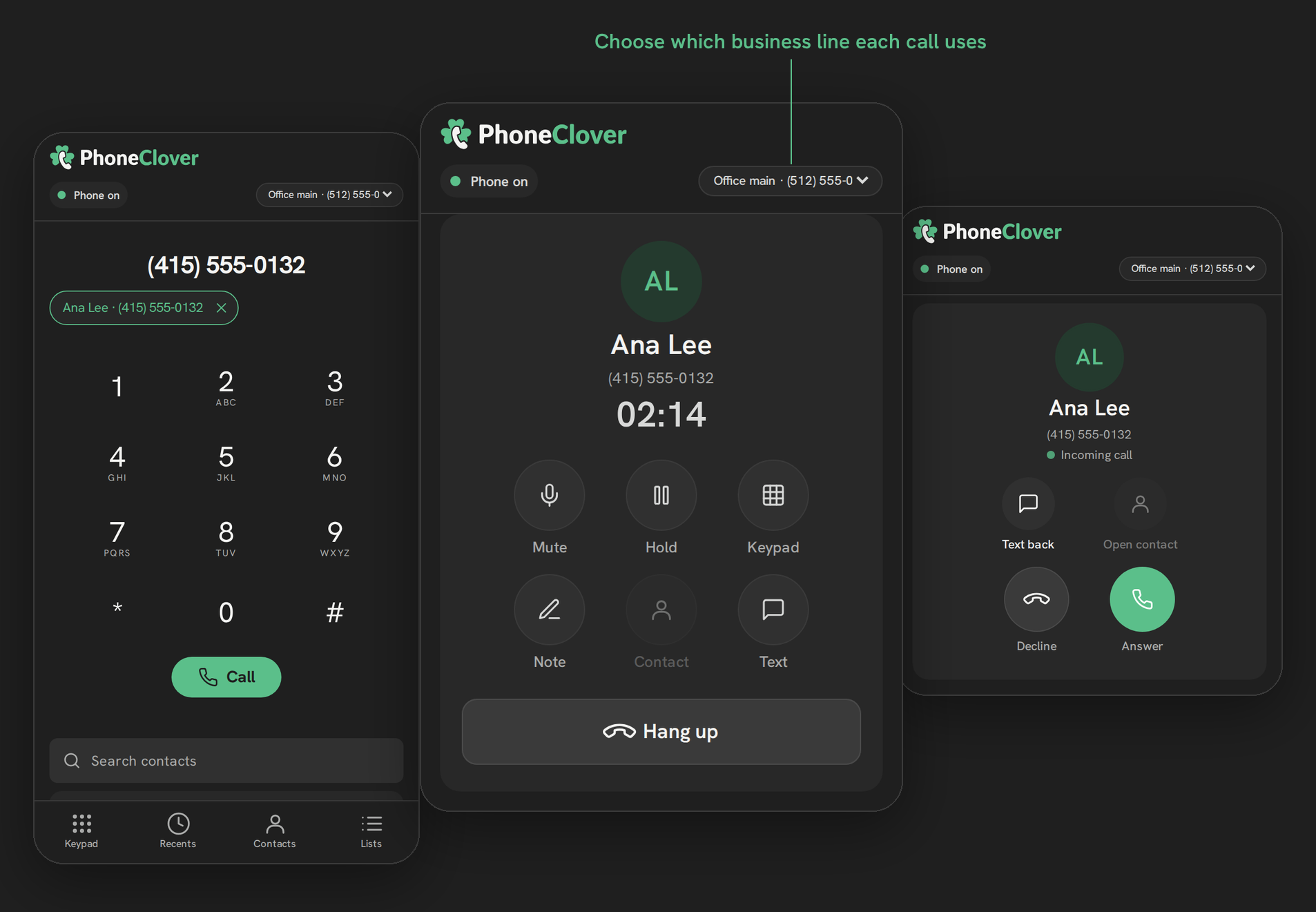
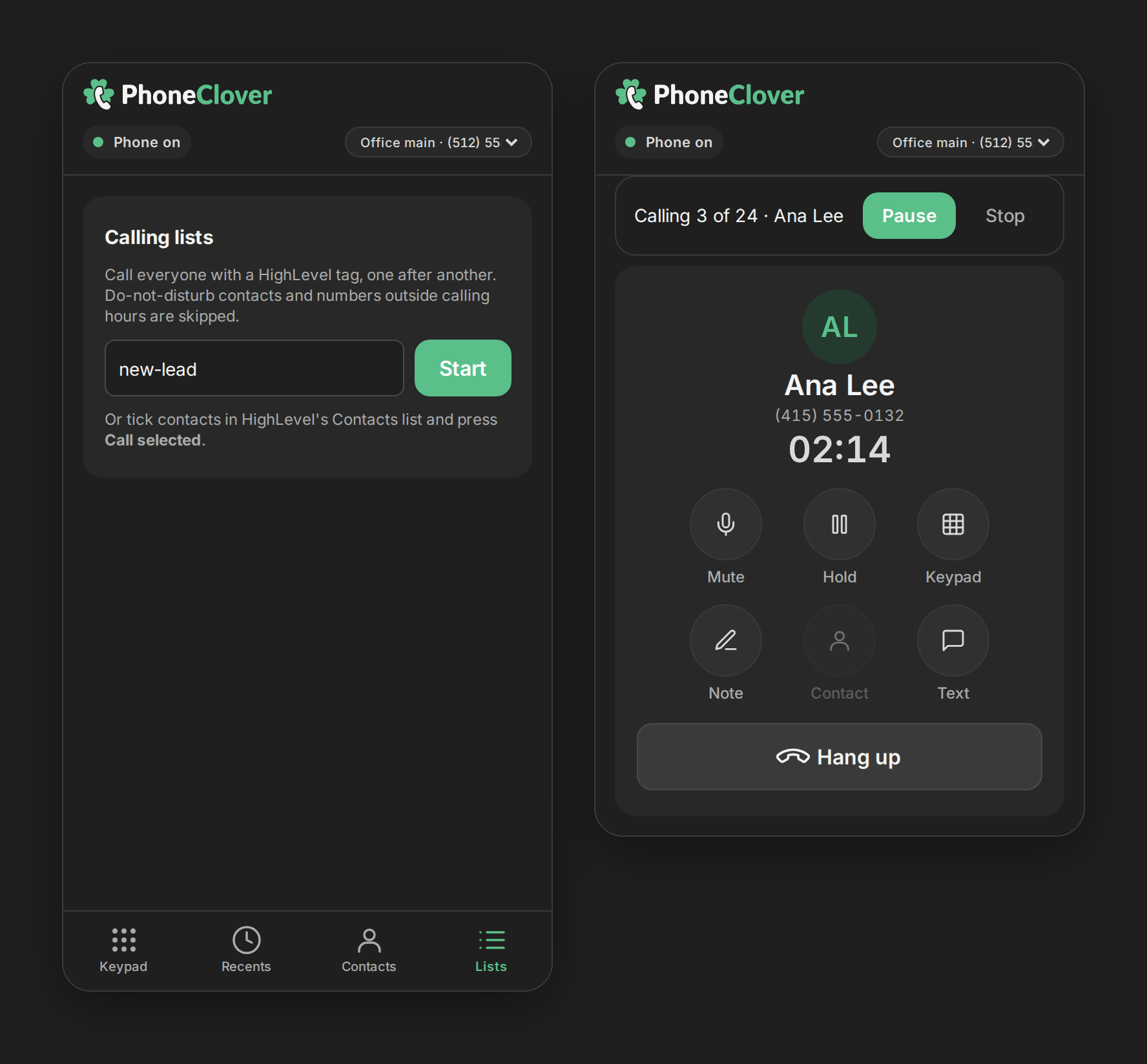
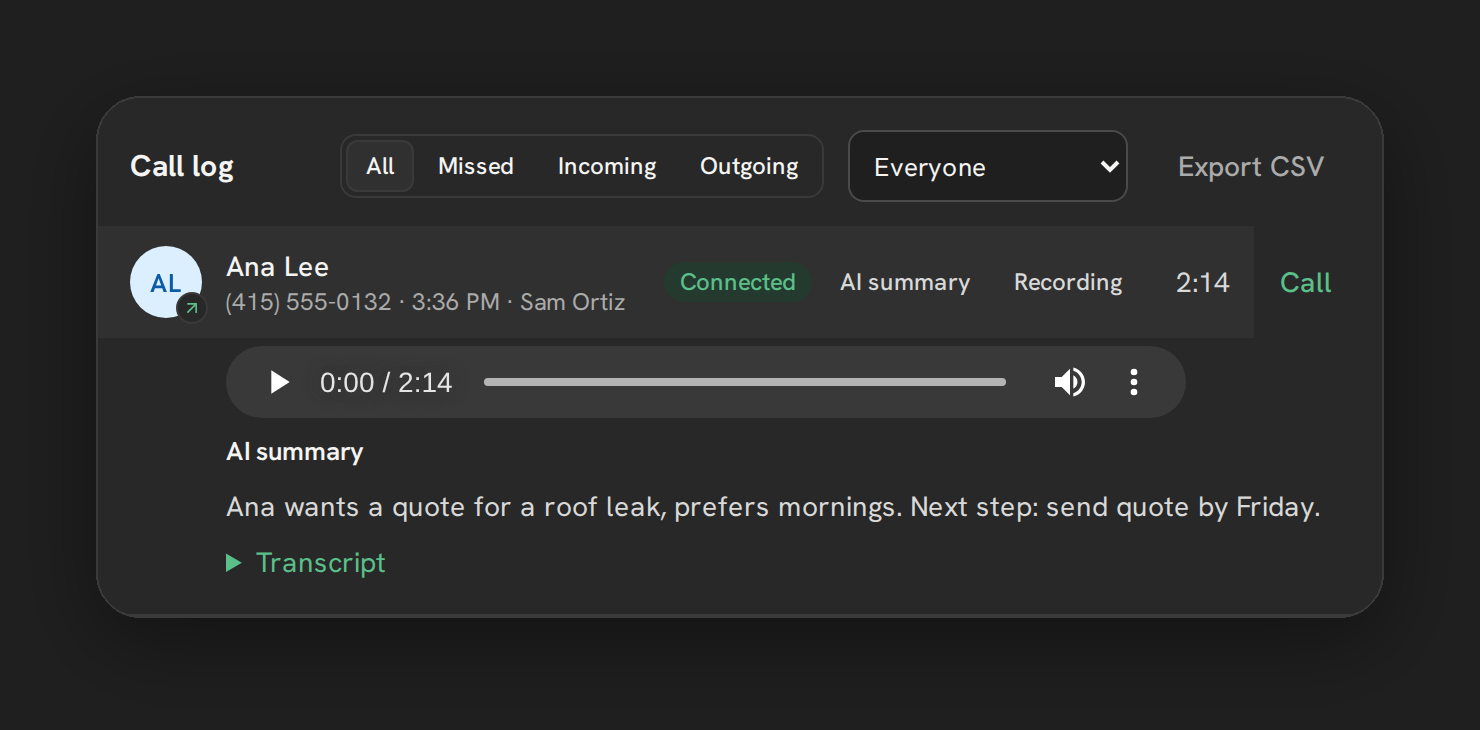
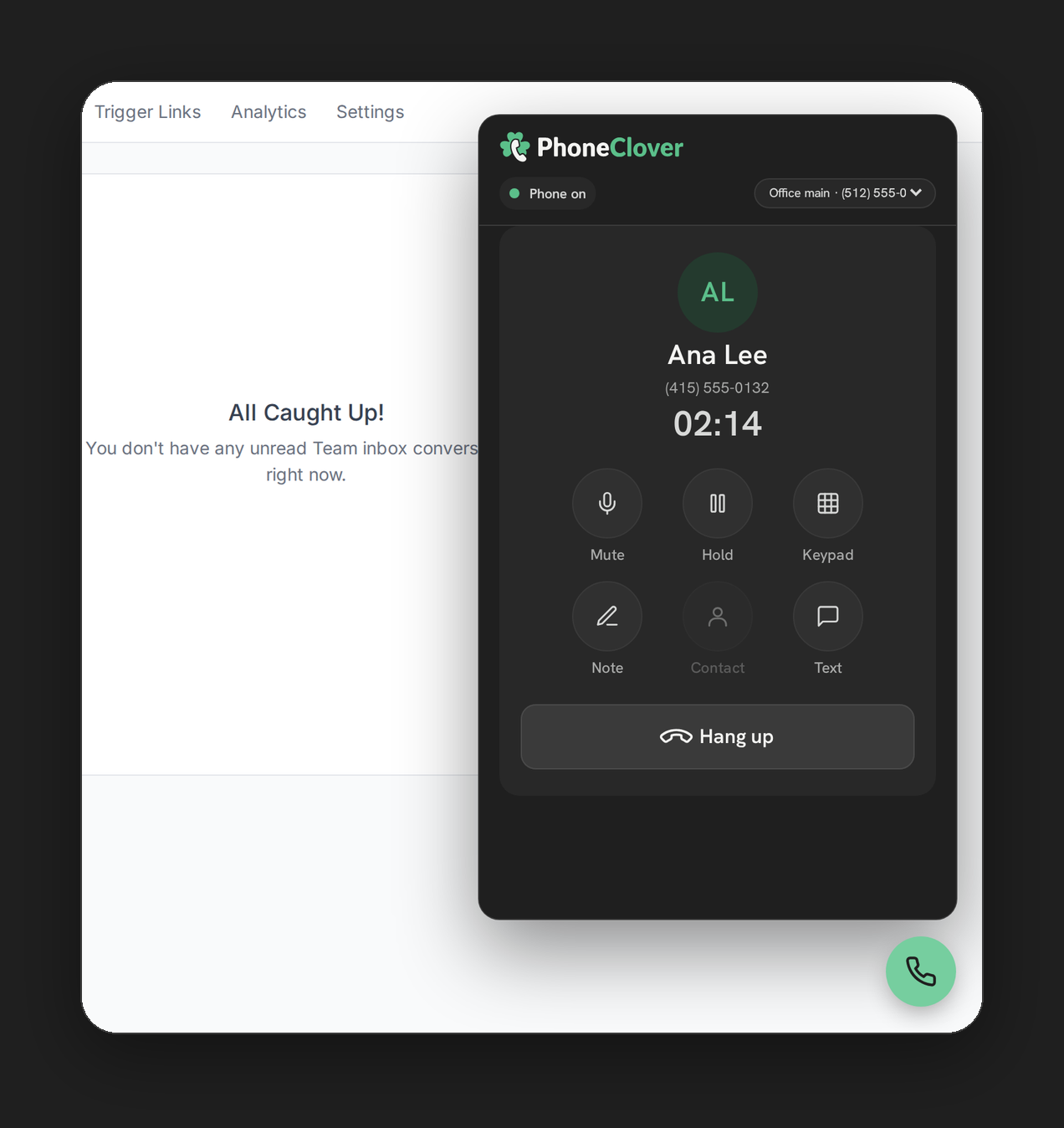
- A browser phone on every HighLevel page, plus a full Phone page with Recents, Contacts, Keypad and Lists.
- Click-to-call from Contacts and Opportunities, and a caller card when a call rings.
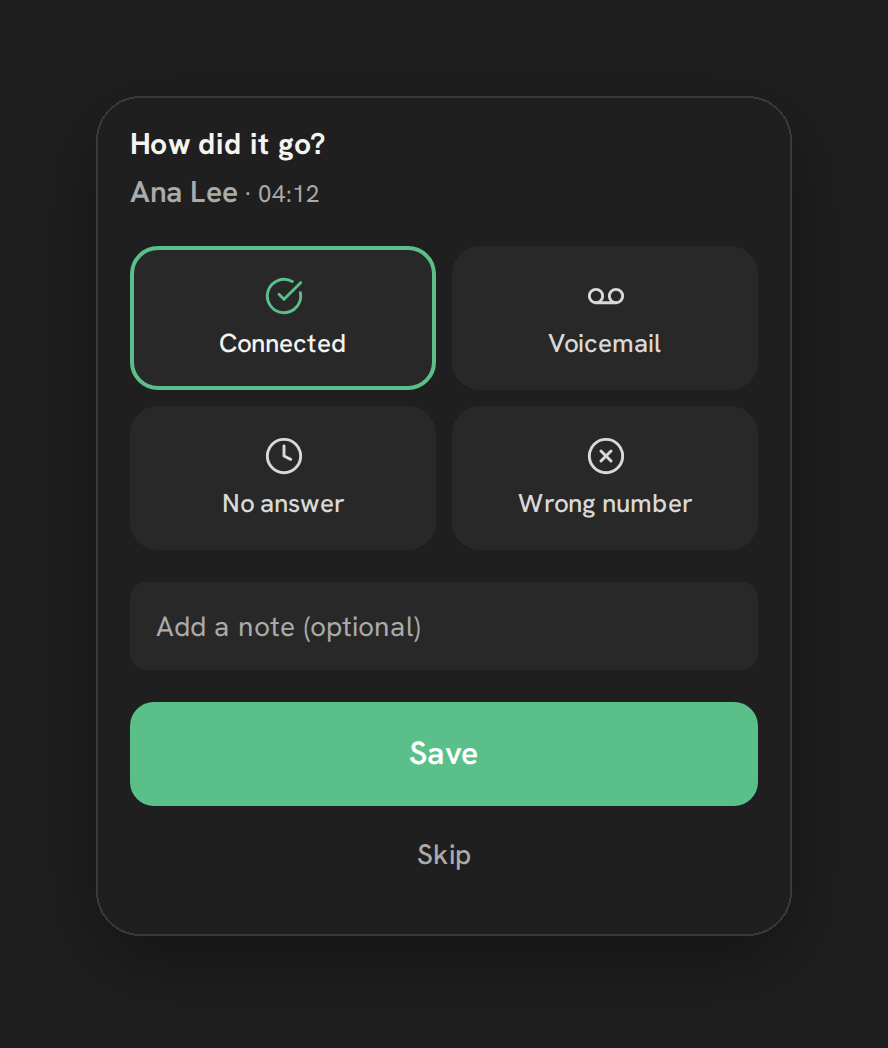
- Calling lists from a tag or selected contacts, with do-not-disturb and calling-hours checks at dial time, and outcomes after every call. See calling lists.
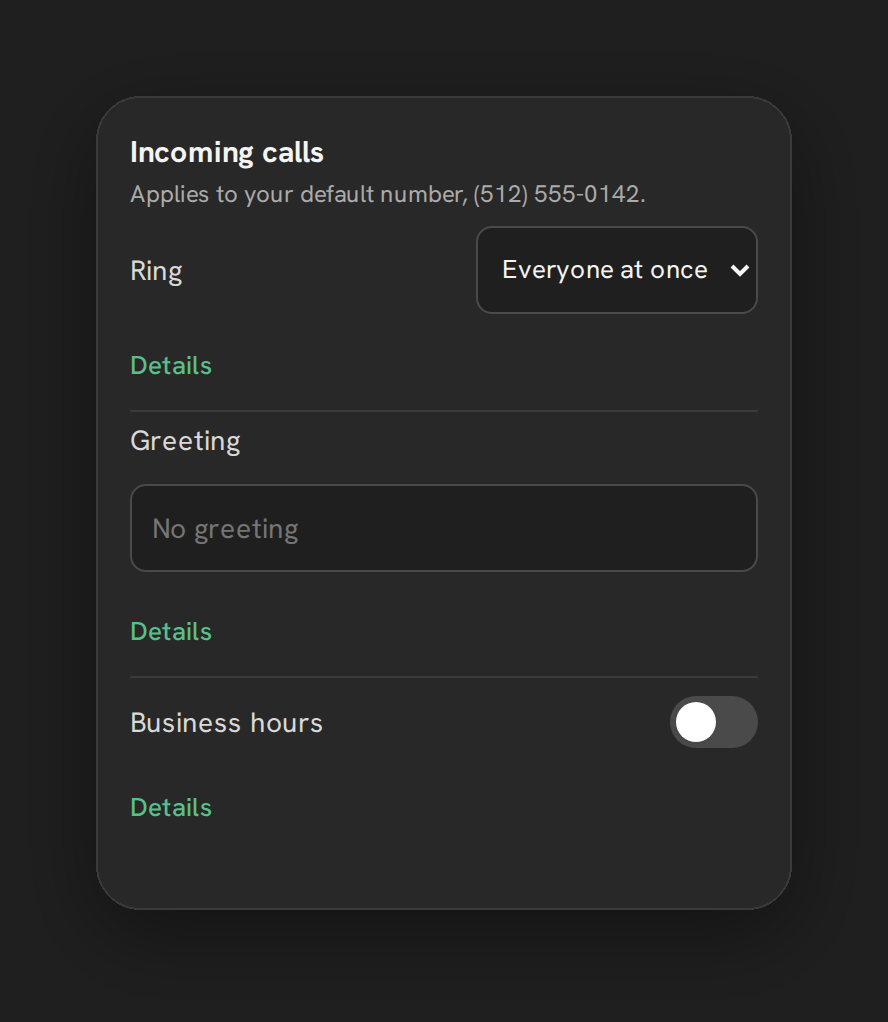
- Routing: everyone at once or round robin, business hours, forward to mobile and voicemail.
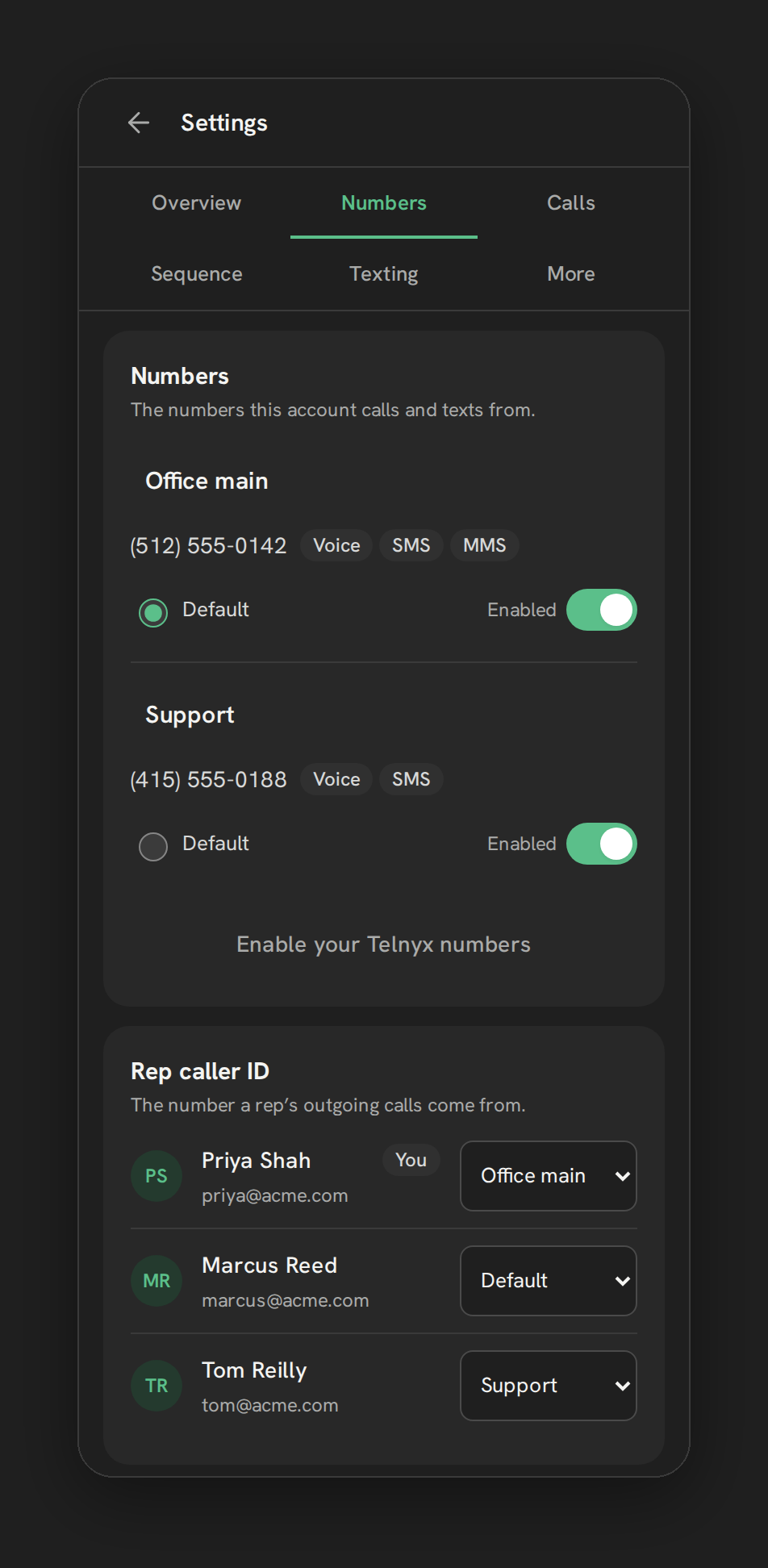
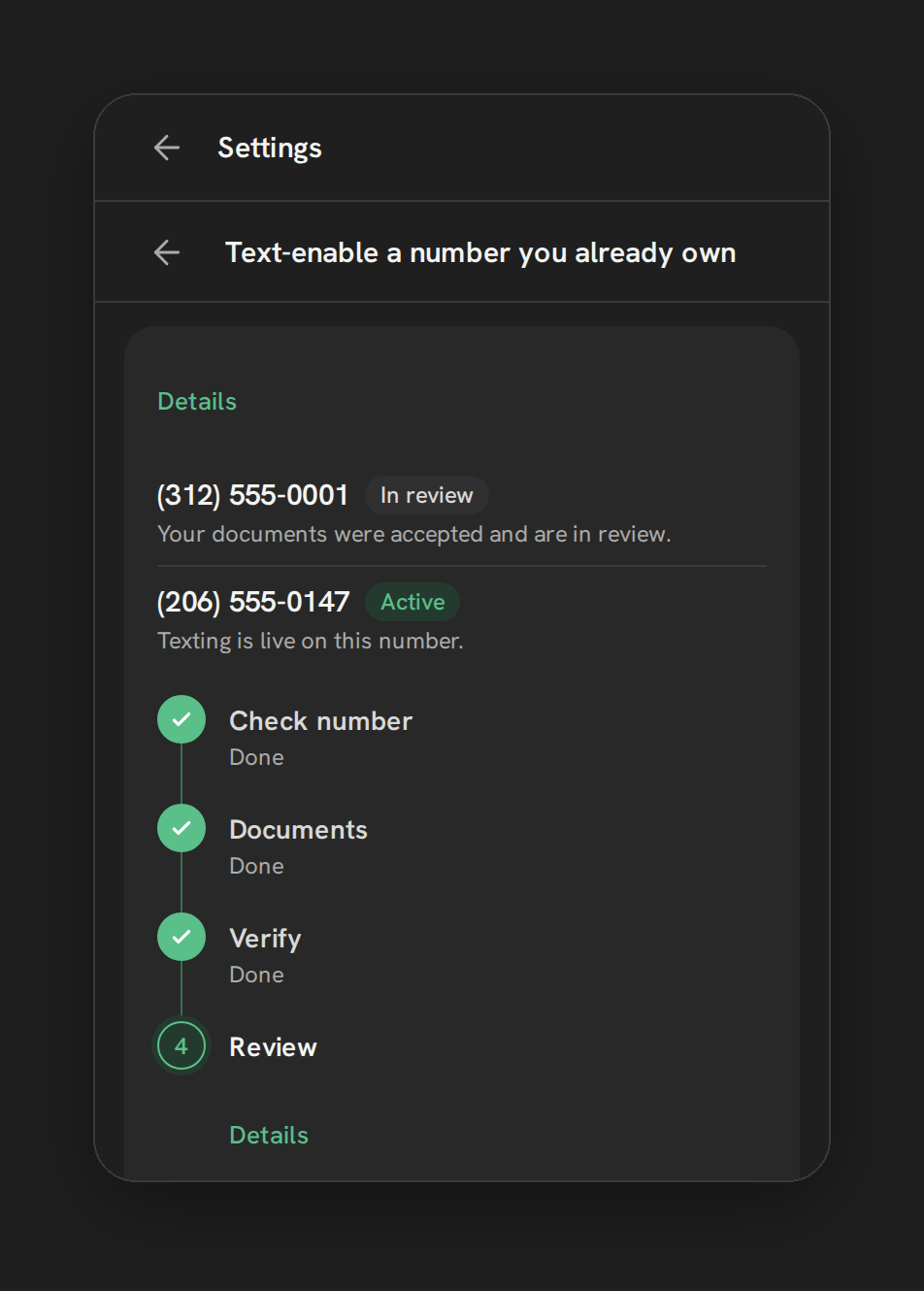
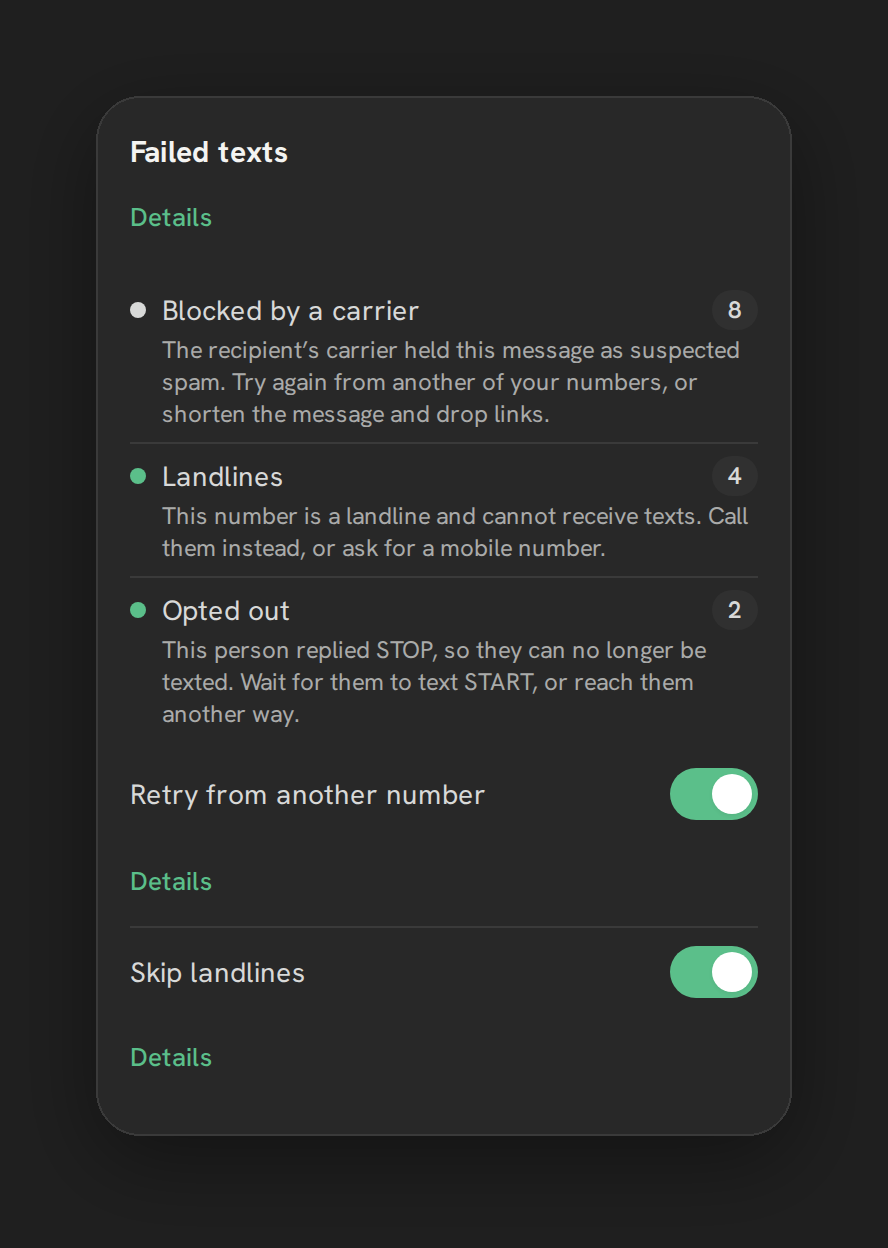
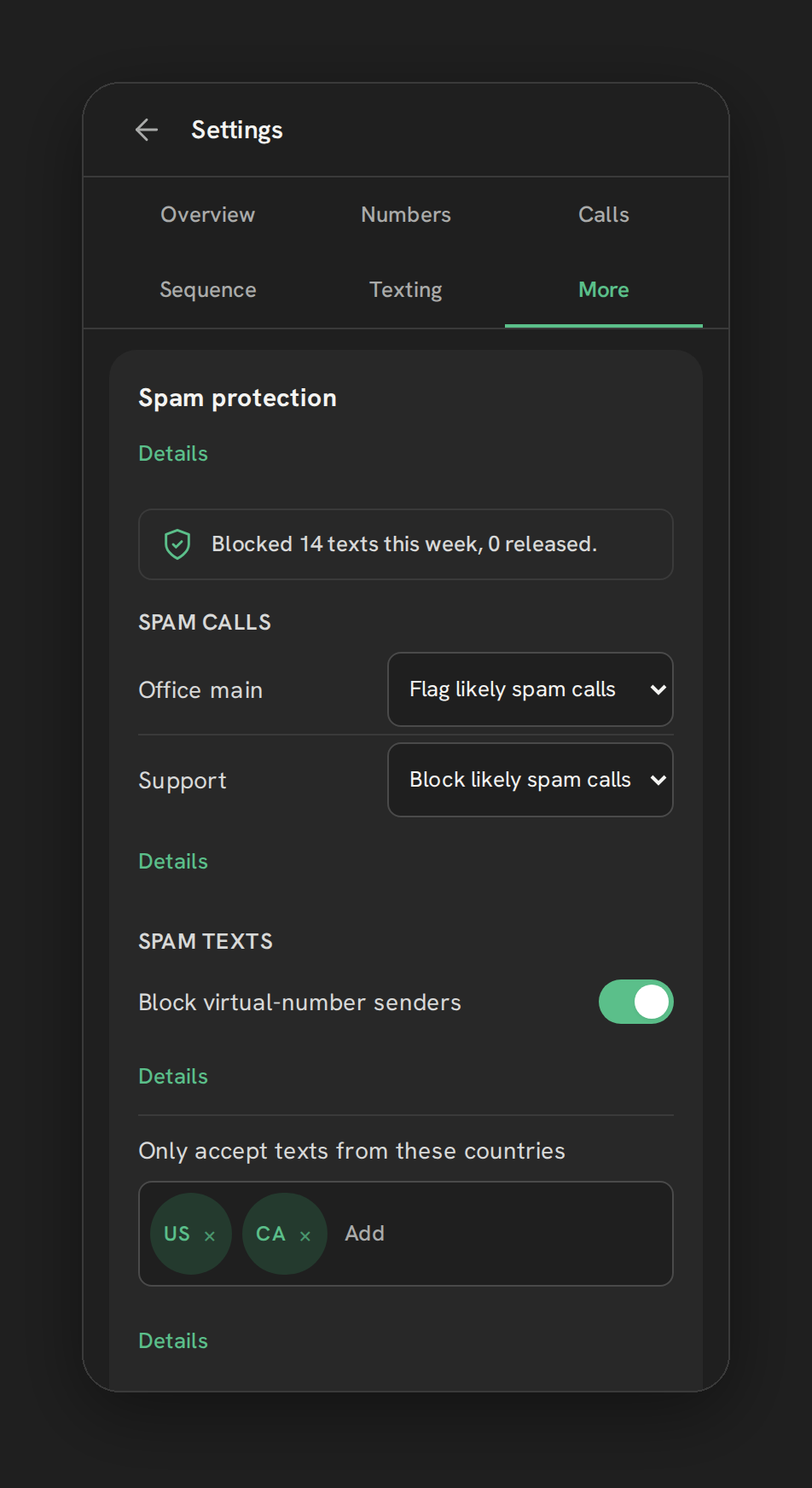
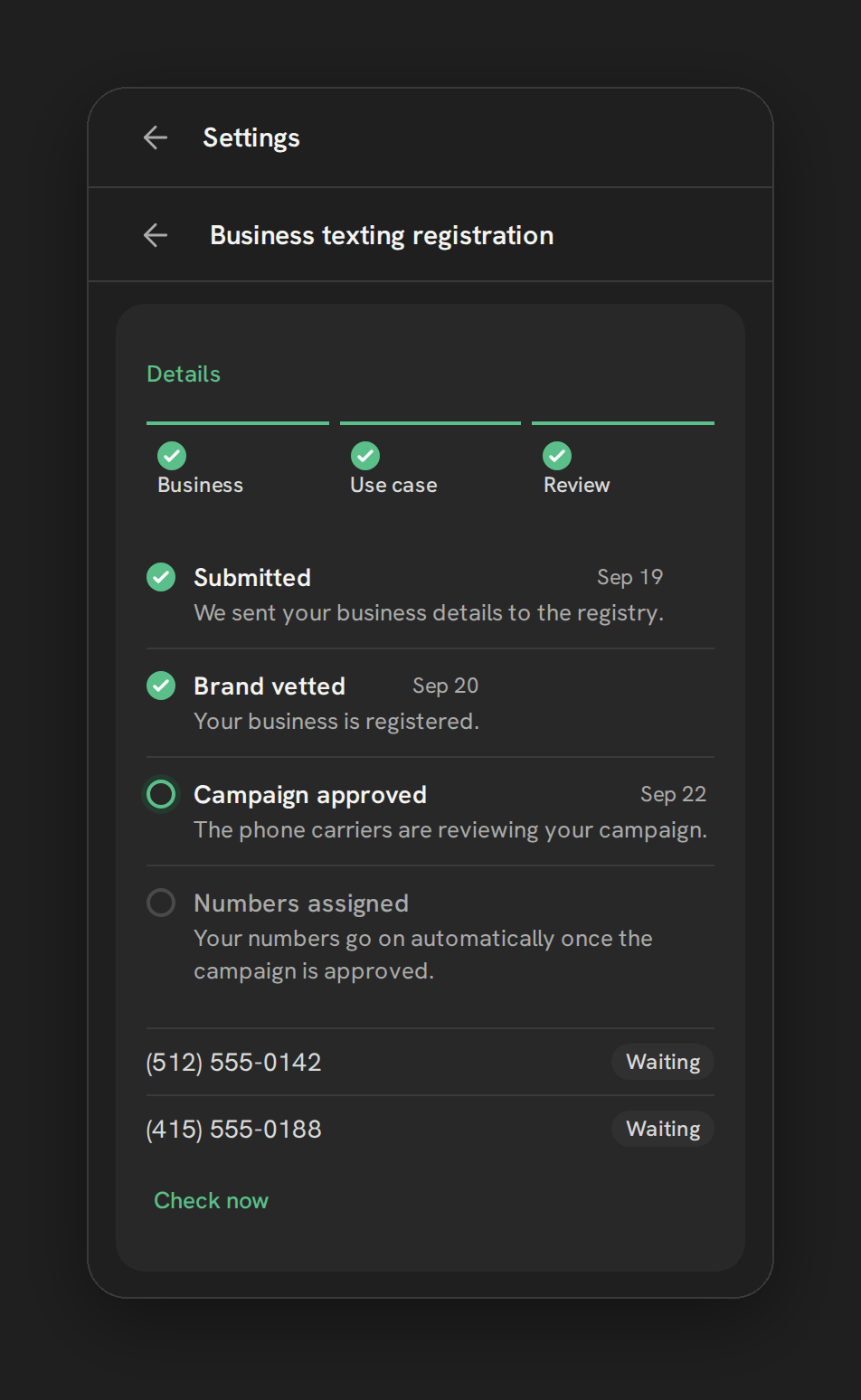
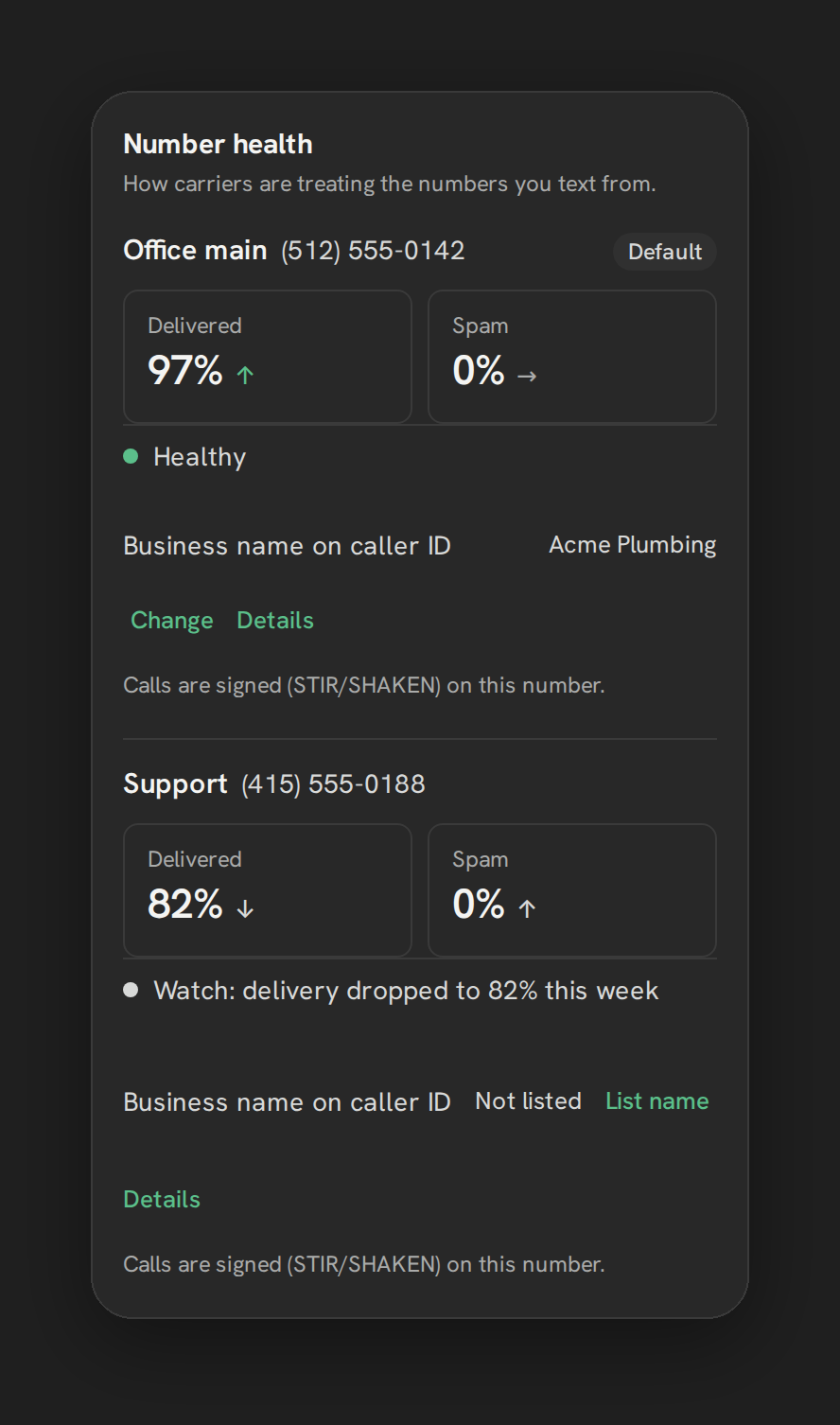
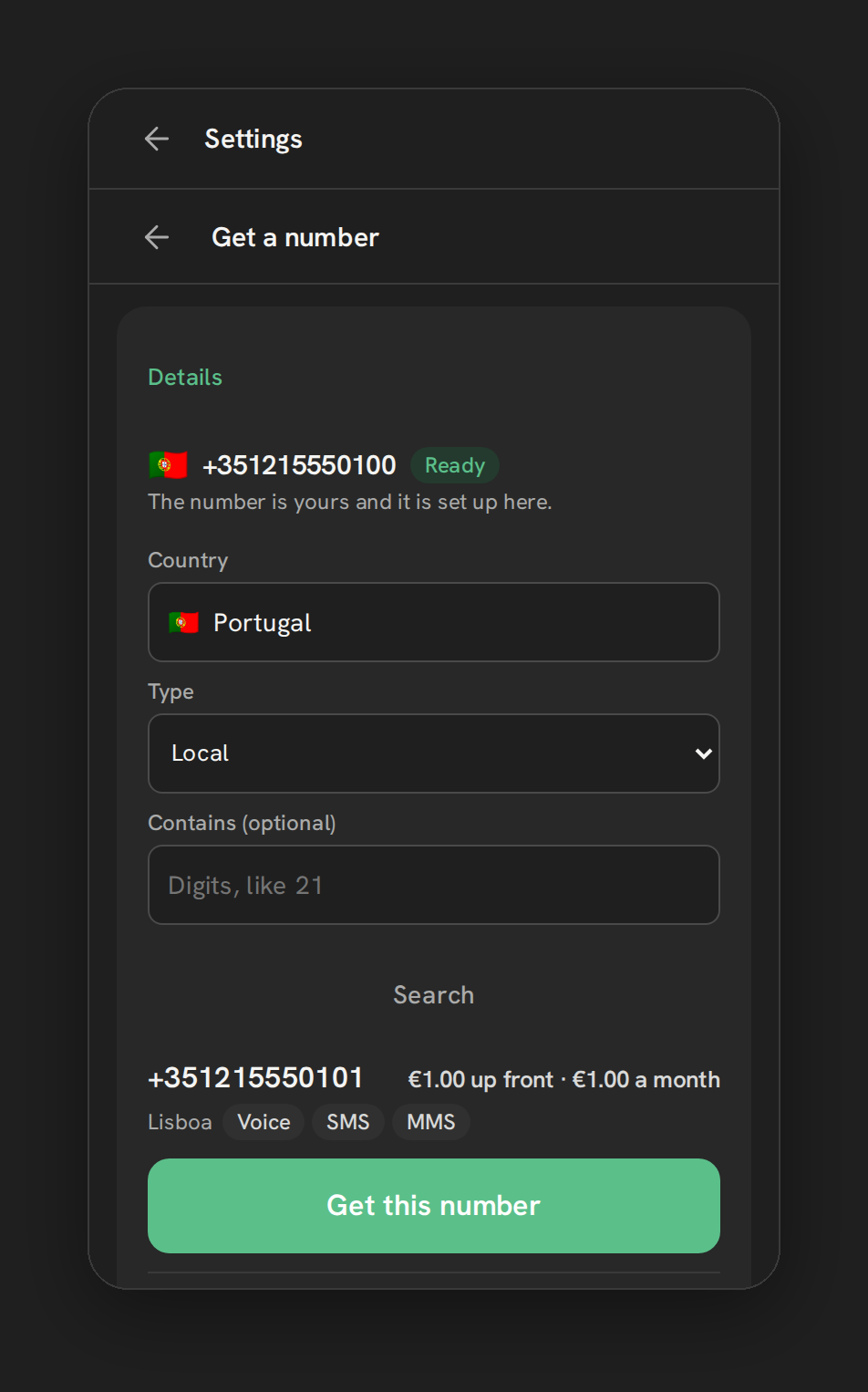
On the number and texting side, these are ready for early-access accounts: number health, Hosted SMS for existing numbers, international numbers and a 10DLC registration wizard.
What it is not, today:
- Calling is early access. Browser calling runs in our pilot account today.
- Desktop only. There is no mobile calling. Reps away from a computer forward calls to their cell; our browser vs mobile calling guide covers that trade-off.
- Texting through Conversations is early access, and workflow and bulk texting are not proven yet.
- No 911, no SIP trunk or desk phones, no warm transfer, no multi-line or predictive dialing.
- Not self-serve. There is no signup or trial; early access is by arrangement.
On cost: at September 2026 list rates, Telnyx per-minute voice rates are well under LC Phone’s. Phone Clover adds a software fee, so at light call volume LC Phone can cost less overall. Heavy callers save the most. See pricing for the early-access plans.
Choosing by team, not by brand
- Solo operator or light calling. Stay on LC Phone. The software fee of any add-on will outweigh the per-minute savings.
- Reps who work from their phones. LC Phone or your own Twilio account, for mobile app calling.
- Desk phones or an existing PBX. LC Phone’s desk phone endpoints, or an outside system linked by automation. Carrier apps generally don’t do SIP.
- High-volume outbound that needs several lines ringing at once. The dialer extension category. Check how it handles abandoned calls.
- Teams that want their own carrier account, text from a landline number customers already know, need numbers in countries Twilio covers poorly, or call enough that per-minute cost matters. A carrier app, such as Phone Clover on Telnyx.
- Inbound-heavy service businesses. Check routing, business hours and missed-call handling first. Our missed-call text-back guide covers what that should look like.
Whichever you choose, ask every vendor about emergency calling. Phone Clover has no 911, and you shouldn’t assume any option does until its own terms say so.
Where this leaves you
There is no single best GoHighLevel phone system. There is LC Phone, which is good enough for many teams, and there are other categories that each trade something native for something specific: carrier choice, dialing volume or an existing phone system. Decide which trade you want first, then look at products.
For the full picture of running HighLevel calling on your own Telnyx account, read Telnyx for GoHighLevel and Calling, or see how the browser phone works day to day.