
GoHighLevel Number Porting: Documents, Timeline and Alternatives
gohighlevel number porting 8 min read
Port a number into GoHighLevel: the documents you need, the 2 to 4 week timeline, why ports get rejected, and when hosted SMS lets you skip porting.
- Best for
- Businesses and agencies that want to use a number customers already know inside HighLevel, and need to decide between porting it, hosting texting on it or just showing it as caller ID.
- Not for
- Anyone porting a mobile number to text from it without moving the calls. Hosted texting doesn't work on mobile numbers.
- The difference
- Phone Clover's Hosted SMS wizard adds texting to a US landline or VoIP number on your own Telnyx account, and leaves the calls where they are. Porting itself is not a step inside Phone Clover.
Short answer: HighLevel ports US numbers into LC Phone in about two to four weeks for fewer than 50 numbers. You need a signed letter of authorization (LOA), a recent carrier bill and the account number. If you only want to text from the number, hosted SMS is faster and leaves the calls where they are.
A client has had the same business number for years. It is on their van, their website and every invoice, and they want it in HighLevel. The first answer most people reach for is porting. Sometimes that is right. Often, what the client wants is to text from that number and see the conversation in HighLevel, and that doesn’t need a port at all.
This guide covers what porting into HighLevel involves, how long it takes and why ports get rejected. It also covers the two ways to use a number without porting it, and what Phone Clover does and does not do.
Three ways to use a number you already have
| Path | What moves | Texting | Calls | Planning horizon, per the providers |
|---|---|---|---|---|
| Port the number | Everything: the number leaves the old carrier | Yes, once registered for texting | Move to the new carrier | Weeks (HighLevel: 2 to 4 for small ports) |
| Hosted SMS | Only the messaging side | Yes | Stay with the current carrier | Days (HighLevel: 3 to 10 business days) |
| Verified Caller ID | Nothing | No | Your number shows on outbound calls from HighLevel | After a verification call |
Most of the decision comes down to one question: do the calls need to move too?
What porting actually does
Porting moves a number from one carrier to another, for good. The old carrier releases it, the new one takes over its calls and texts, and the old service ends. In the US, the process runs on a letter of authorization (LOA): a signed statement from the number’s owner that says “move this number”, checked against the old carrier’s records.
Because the check is a match against records, most ports that fail do so on details: a name spelled differently from the account, an old service address or a missing account number.
Porting into LC Phone
HighLevel’s help center describes two routes into LC Phone:
- In the app. “The in-app option is available to Agency Owners and Admins with Labs enabled, supports US numbers only, and auto-generates the LOA.” You start from Phone System, then Phone Numbers, then Add Number, then Port-in Numbers, and the LOA is emailed to the authorized person to sign.
- A manual form, which “requires you to upload a signed LOA yourself.”
Either way, HighLevel says it can only port in US numbers through its standard workflow.
What you need, per HighLevel:
- A signed LOA.
- The latest bill from the current carrier, as a clear PDF.
- The numbers to port.
- The carrier account number, and the PIN or passcode for any mobile numbers.
How long it takes. HighLevel’s help center: “between two and four weeks from when you submit the required documentation for port requests of fewer than 50 numbers and six to eight weeks for larger, more complex ports.” It also says: “Keep the old carrier active until completion.” Cancel the old service early and the number can be lost.
Why ports get rejected. HighLevel lists “incorrect account details, missing information, invalid wireless PIN, unsigned LOA, or documentation that does not match carrier records.”
After the port. HighLevel’s migration guide is direct: “A successful number transfer does not automatically complete messaging compliance.” A US local number needs an approved A2P 10DLC brand and campaign before business texting works. Build that into the timeline, and read why 10DLC campaigns get rejected before you submit.
Porting out of LC Phone
This part is less documented. HighLevel describes moving an LC Phone number into your own Twilio account as a support-run migration, “approximately 1-2 business days after Support has all required information.” We found no HighLevel article on porting an LC Phone number to an outside carrier: where to get the account number and PIN, or whether a fee applies. If you might ever leave, ask HighLevel support for those details before you need them.
You may not need to port: hosted SMS
Hosted SMS, also called hosted messaging, adds texting to a number while its calls stay exactly where they are. The number’s owner signs an LOA for messaging only: the right to route its texts moves, and voice stays put.
HighLevel now offers this for LC Phone. As of September 2026, its help center describes Number Hosting as enabling “SMS/MMS messaging on an eligible phone number that remains owned and voice-enabled through another carrier.” It covers supported US and Canadian numbers, including most landlines and toll-free numbers (toll-free needs verification). HighLevel says “Mobile numbers cannot be hosted through this workflow.” You request it through HighLevel’s support chat, and it lists a typical approval time of 3 to 10 business days.
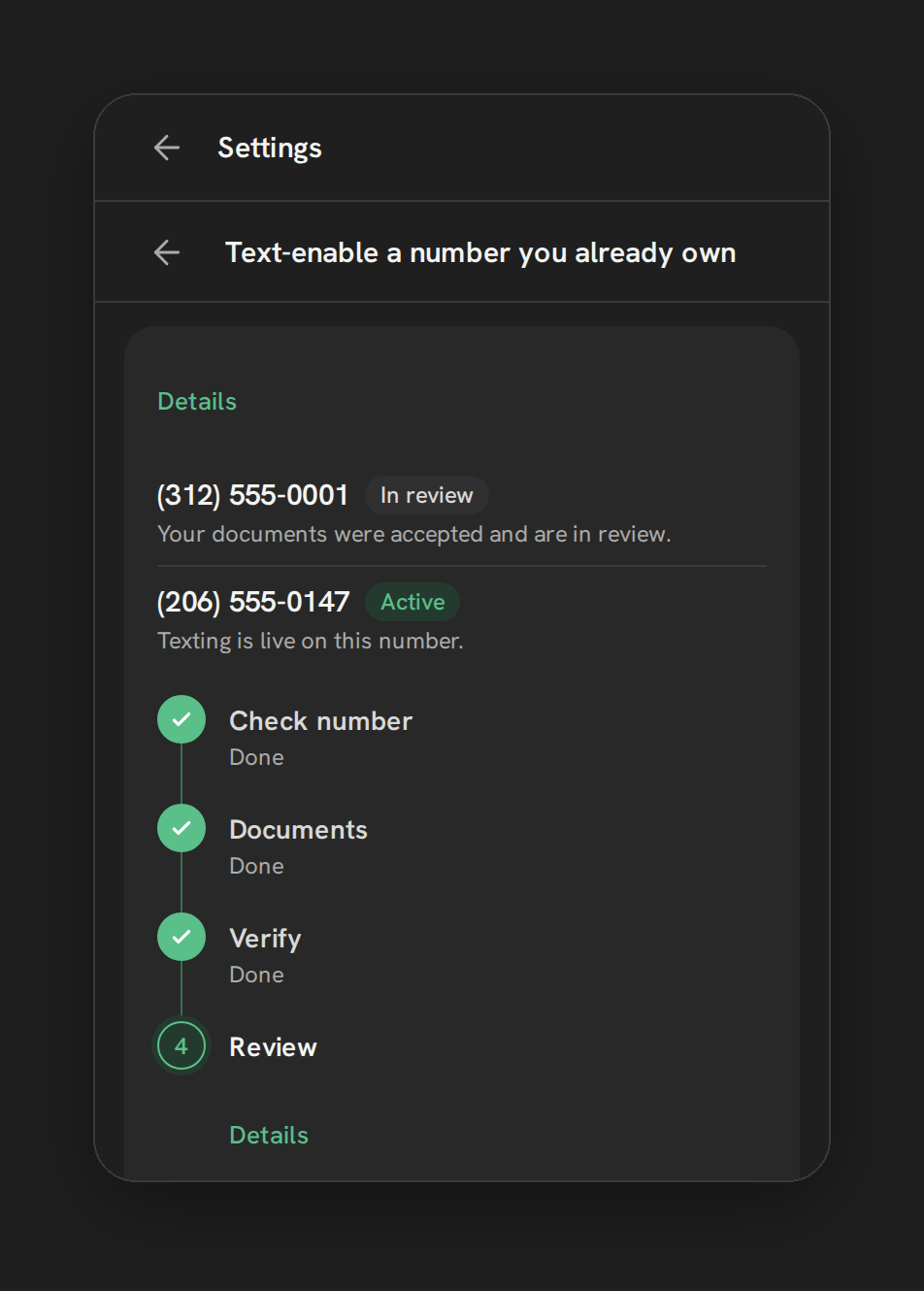
Phone Clover’s Hosted SMS wizard does the same job on your own Telnyx account, as a wizard the admin runs in the app instead of a support request. An admin opens Settings, then Numbers, then Add a number, then Text-enable a number you already own, and works through four steps:
- Check number. Landlines and VoIP numbers qualify. Mobile numbers can’t be hosted.
- Documents. Upload a signed LOA and a recent phone bill showing the number, as PDFs up to 5 MB each. A template LOA is included.
- Verify. The app texts a code to the number to prove you control it.
- Review. Telnyx reviews Monday to Friday, usually in 1 to 3 business days, and texting switches on when it clears.
Calls on that number are never touched. The limits: US numbers only, no mobile numbers, verification by text only, and no way to cancel a request once it is submitted. The wizard is ready for early-access accounts once they are set up. Texting through HighLevel Conversations on Telnyx is early access and runs in our pilot account today; workflow and bulk texting are not proven yet.
Our full walkthrough is how to text-enable an existing business number without porting, and the step-by-step is in Hosted SMS for an existing number.
Verified Caller ID: calls only
HighLevel’s Verified Caller ID lets a number you own “appear as the caller ID for outbound calls placed through HighLevel”, after a verification call and code. It is useful when reps call from HighLevel and customers should recognize the number.
It doesn’t add texting and doesn’t move inbound calls. HighLevel also notes it isn’t supported for domestic calls in some countries. It solves the “customers don’t pick up an unknown number” problem, not the “we want to text from our number” problem.
Porting into Telnyx for Phone Clover
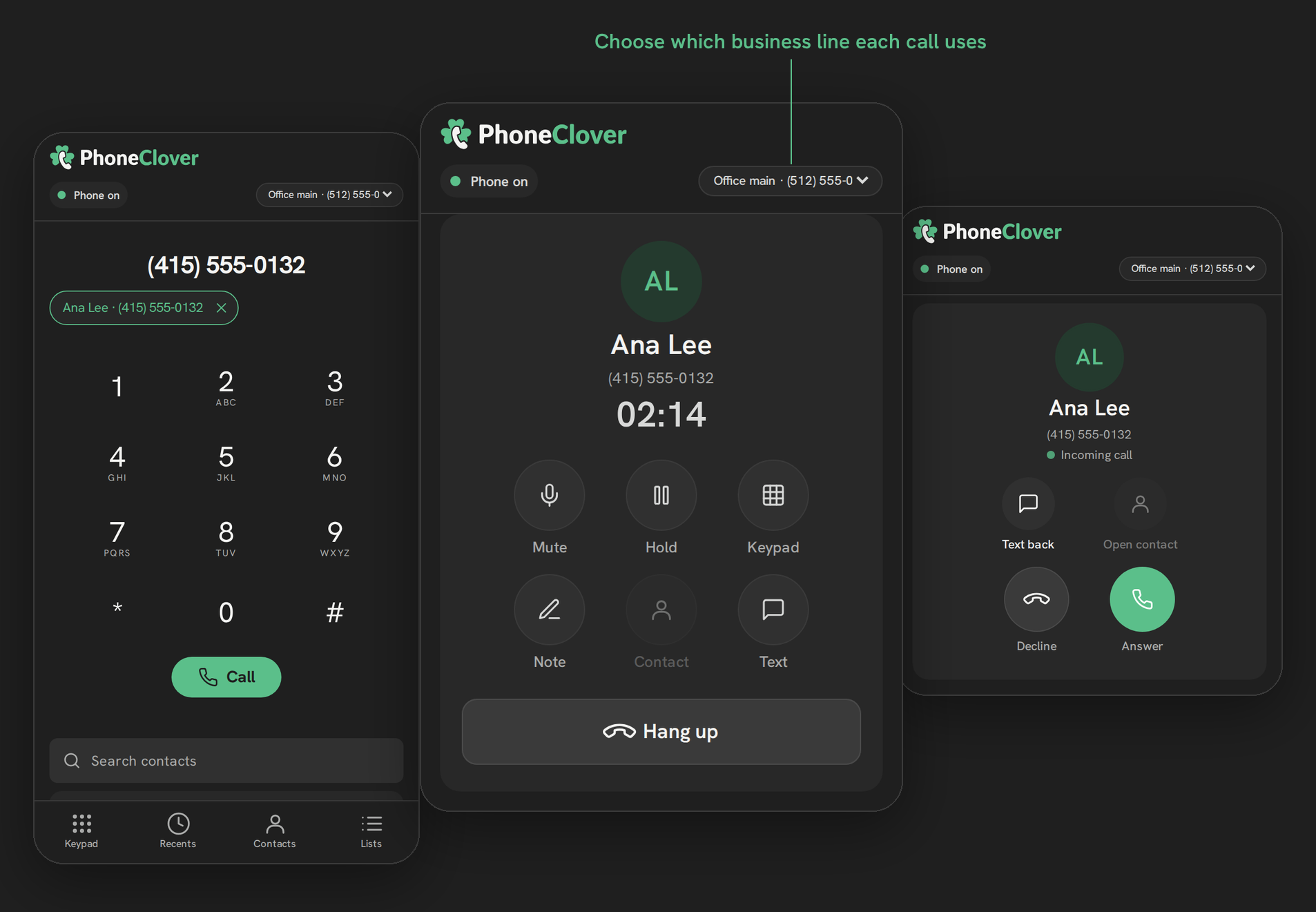
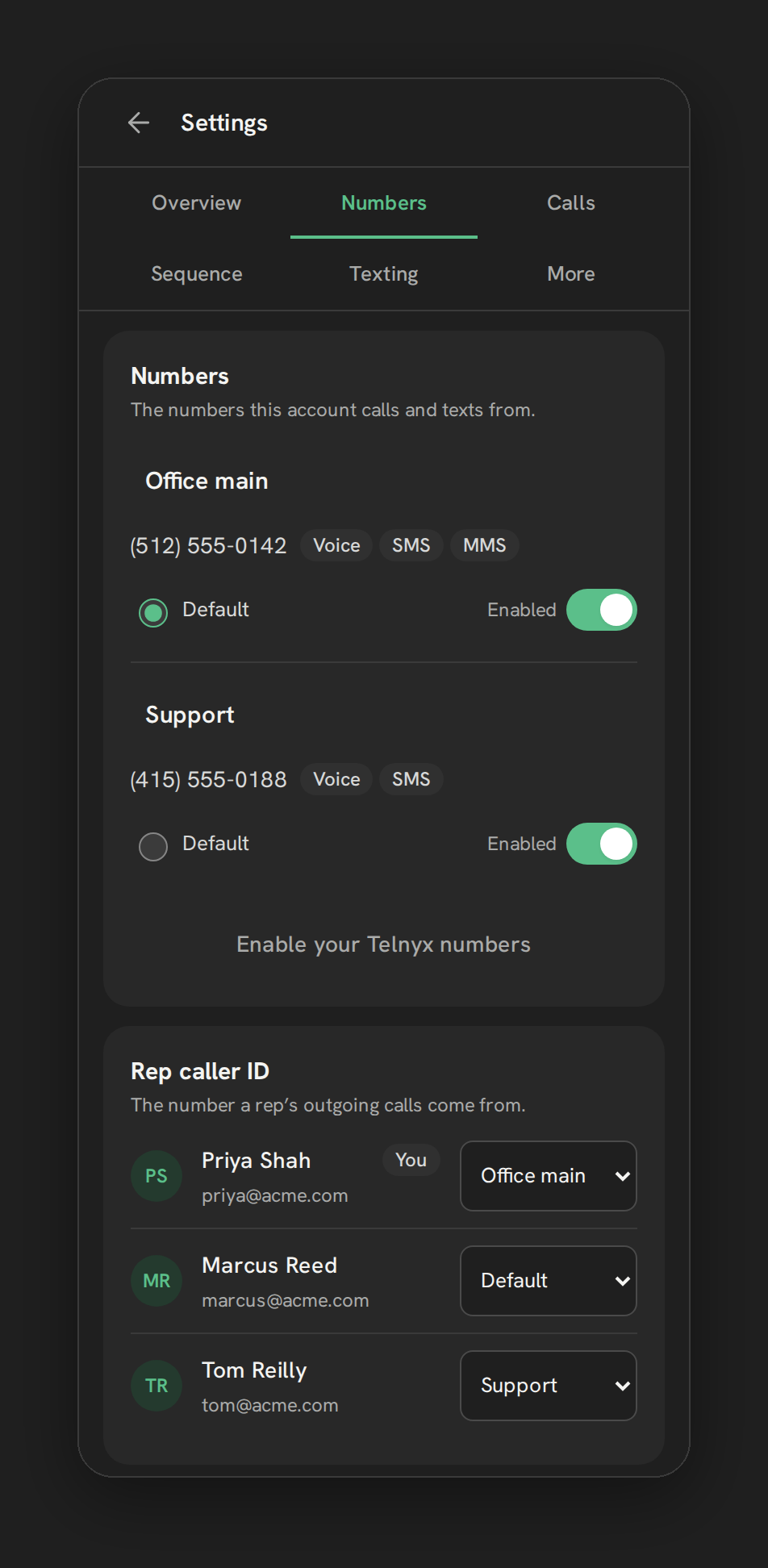
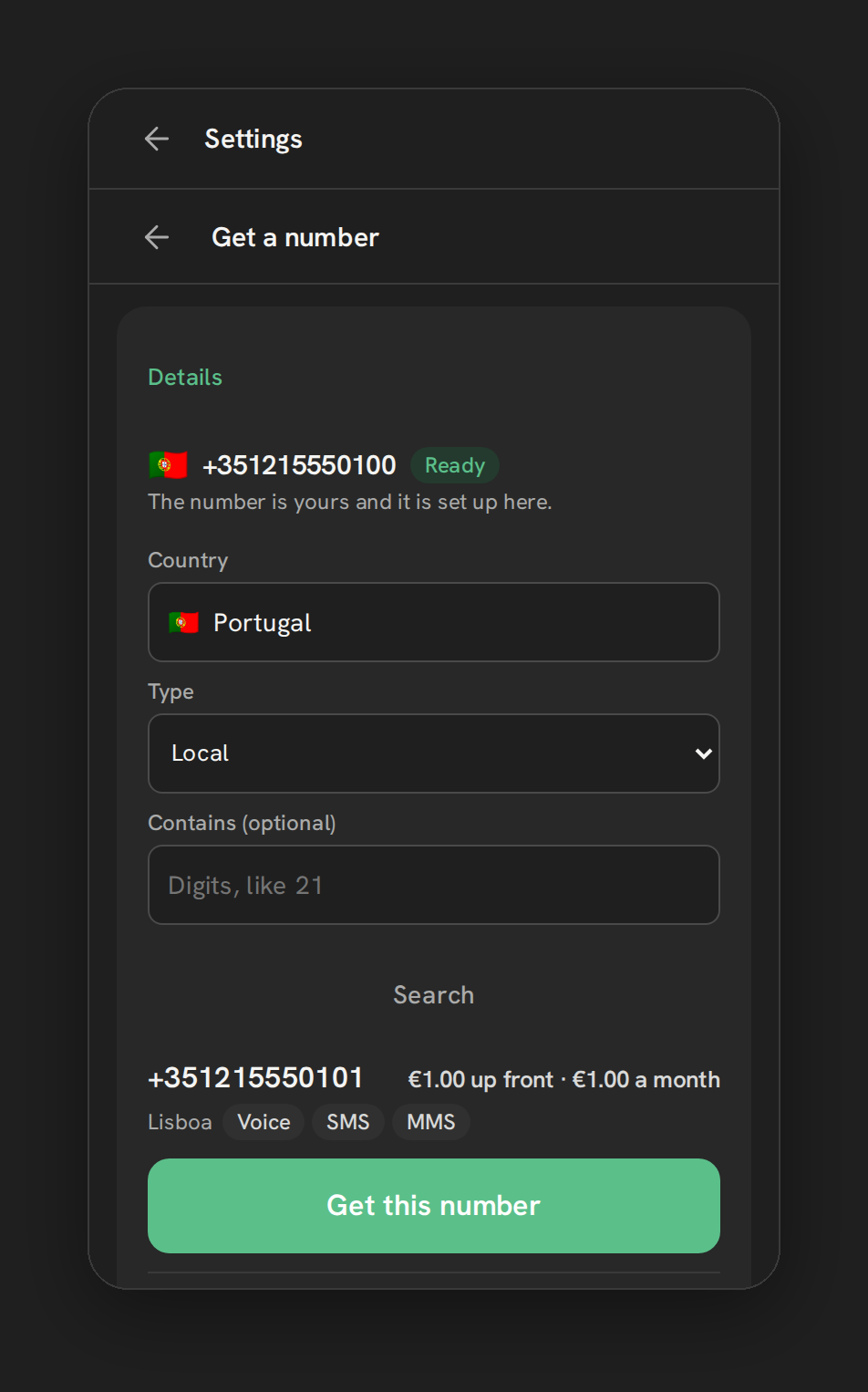
If you want a number’s calls on Telnyx too, for example ringing in Phone Clover’s browser phone, the number has to be ported into your Telnyx account. That happens on the Telnyx side, between your Telnyx account and the current carrier. It is not a step inside Phone Clover. The Get a number screen offers an email link if you want our help, and once the port completes you add the number with Enable your Telnyx numbers like any other.
Telnyx publishes its own figures, so we quote them rather than guess:
- Timing. Telnyx estimates 7 business days for a simple port and 15 business days or more for others. Some carriers support its faster FastPort process; many don’t.
- Cost. “Telnyx does not charge for port-in fees for US and Canadian numbers.”
- Rejections. Telnyx lists the usual suspects: the customer name spelled differently, a wrong service address, an inactive number and a missing account number.
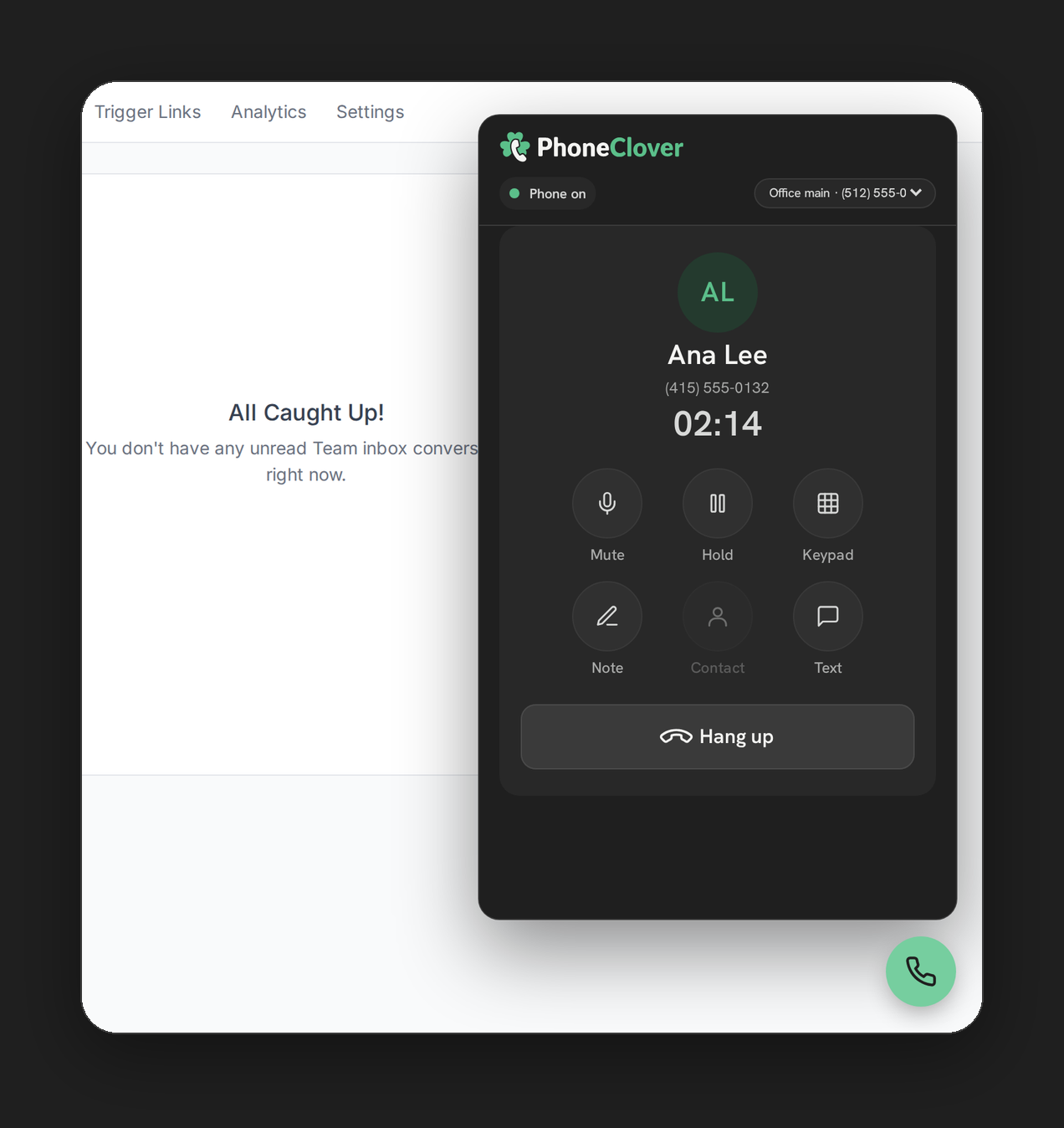
Browser calling in Phone Clover is early access and runs in our pilot account today, so a port for calling is worth planning with us first. Porting a number to Telnyx also doesn’t bring 911, desk phones or a SIP trunk with it: Phone Clover has none of those. For how ported numbers fit with the rest, see using Telnyx numbers in GoHighLevel and number management.
A checklist before you port
- Get a current bill from the carrier that holds the number today.
- Copy the account name and service address exactly as the carrier has them.
- Find the account number, and the port-out PIN if it is a mobile number.
- List every number on the account you want to move, and any you want to keep.
- Don’t cancel the old service until the new carrier confirms the port.
- Plan texting compliance. Register the number for 10DLC, or verify it if it is toll-free.
- Pick a quiet window. A port changes who routes the calls, so avoid your busiest week.
Port or host?
Port when the calls need to move too: you are leaving the old carrier, you want the number ringing in your new phone system, or you are consolidating numbers onto one account.
Host when texting is what’s missing: the office line works fine for calls, customers already text it and get no answer, and nobody wants to touch the phone system. It is faster and it leaves the calls alone.
Mobile numbers are the exception. Hosting can’t add texting to a mobile number. To text from it through HighLevel, the whole number, calls included, has to be ported to a non-mobile provider.
If the number you need is in another country, porting is the wrong tool; see international phone numbers in GoHighLevel for which countries work and what paperwork they ask for.
Where this leaves you
HighLevel can port US numbers into LC Phone, and it takes weeks. Porting is often more than the problem needs, though. If the goal is texting from a number customers know, hosted SMS does it in days and leaves the calls alone. HighLevel now offers that through support, and Phone Clover offers it as an in-app wizard on your own Telnyx account. Porting into Telnyx for Phone Clover is not self-serve; it runs through Telnyx, with our help if you ask.
For the wider comparison, see Phone Clover vs LC Phone, our LC Phone alternative guide and Telnyx for GoHighLevel. If you were hoping to bring desk phones or a PBX along with the number, read what bringing your own carrier or SIP trunk means in HighLevel first.