

Bring Your Own Carrier to GoHighLevel: What's Possible Today (and What Isn't)
gohighlevel sip trunk 7 min read
Can you connect a SIP trunk or your own carrier to GoHighLevel? What HighLevel supports today, what it doesn't, and where bringing your own Telnyx account fits.
- Best for
- HighLevel agencies and teams who searched for a SIP trunk or bring-your-own-carrier option and want a straight answer on what exists today before they plan around it.
- Not for
- Teams that need desk phones, a PBX, or their own SIP trunk connected to HighLevel. Phone Clover does not offer SIP trunking or desk phone support.
- The difference
- Phone Clover lets you bring your own Telnyx account: your numbers and your carrier bill, with a browser phone inside HighLevel (early access, in our pilot today). It connects through Telnyx's API, not a SIP trunk.
Search for “GoHighLevel SIP trunk” and most of what comes back is feature requests on HighLevel’s own ideas board: “Native SIP Trunk Number Support Without Twilio”, “Bring Your Own PBX / Carrier (SIP Trunking or SIP Gateway)”, “Allow sip trunking in LC phone”, plus the same request in Spanish. People ask for it from Georgia, Spain and Mexico, for the PBX systems their offices already run, and for voice AI setups. What you won’t find is a plain answer to the question underneath: what can I actually do today?
This article is that answer. It covers what “SIP trunk” usually means in this context, what HighLevel supports right now, where bringing your own Telnyx account through Phone Clover fits, and, just as clearly, what Phone Clover does not do.
What people mean by “SIP trunk” here
A SIP trunk is a connection between a phone system and a carrier over the internet. In practice, people who ask for one in HighLevel usually want one of three things:
- Their own carrier behind HighLevel. Numbers, rates and routing from a carrier they chose, instead of HighLevel’s.
- Their existing PBX connected. An office already runs a hosted or on-site PBX, with extensions, IVR menus and desk phones, and they want HighLevel to plug into it.
- Local numbers HighLevel can’t sell. Some countries have little or no inventory through HighLevel, and a local provider’s trunk looks like the way around it.
Those are three different problems. It helps to keep them apart, because the options below solve different ones.
What HighLevel supports today
HighLevel’s built-in phone is LC Phone, which runs on Twilio. HighLevel’s pricing guide says its “Pricing matches Twilio’s rates”. Here is what HighLevel documents as of September 2026, and how each item lines up against a real SIP trunk.
| Option in HighLevel | What it does | Who carries the calls | Is it a SIP trunk? |
|---|---|---|---|
| LC Phone | Built-in calling and texting | Twilio, through HighLevel | No |
| SIP desk phones | Registers a physical VoIP desk phone to LC Phone | Twilio, through HighLevel | No, it is an endpoint |
| Verified Caller ID (“Bring Your Own Number”) | Shows your own number as caller ID on outbound calls | Twilio, through HighLevel | No |
| Number Hosting (Hosted SMS) | Adds texting through LC Phone to a number whose voice stays with your carrier | Your carrier for voice, LC Phone for texts | No |
| Your own Twilio account | Connects a Twilio account you own instead of LC Phone | Twilio, on your account | No |
A few details matter:
- The desk phone option is not a trunk. HighLevel’s desk phone guide says it can “connect compatible physical VoIP deskphones using SIP”, with each phone provisioned with a SIP domain, username and password. On the ideas board, when HighLevel pointed a SIP trunk thread at that article, a user answered the key point directly: with a desk phone, “call routing, numbers, etc are still handled by twilio/lc.” A trunk would bring your own numbers, carrier and routing.
- Verified Caller ID is outbound only. HighLevel says it “only confirms placing voice calls” and “does not confirm inbound calling support for existing owned numbers.”
- Hosted SMS keeps voice where it is. HighLevel’s number hosting guide describes keeping “voice service with your existing carrier” while texts run through LC Phone. It is the closest thing to “bring your own number” for texting, and it is not porting.
So the honest summary: HighLevel has no native SIP trunk or bring-your-own-carrier path today. A reply on the ideas board mentions multi-vendor integration work on LC Phone, but we couldn’t confirm the poster’s role or that anything has shipped. Plan around what is documented, not a roadmap comment.
What bringing your own Telnyx account is
Phone Clover is a private HighLevel app in early access. It solves the first problem on the list, your own carrier, in a different way than a trunk would.
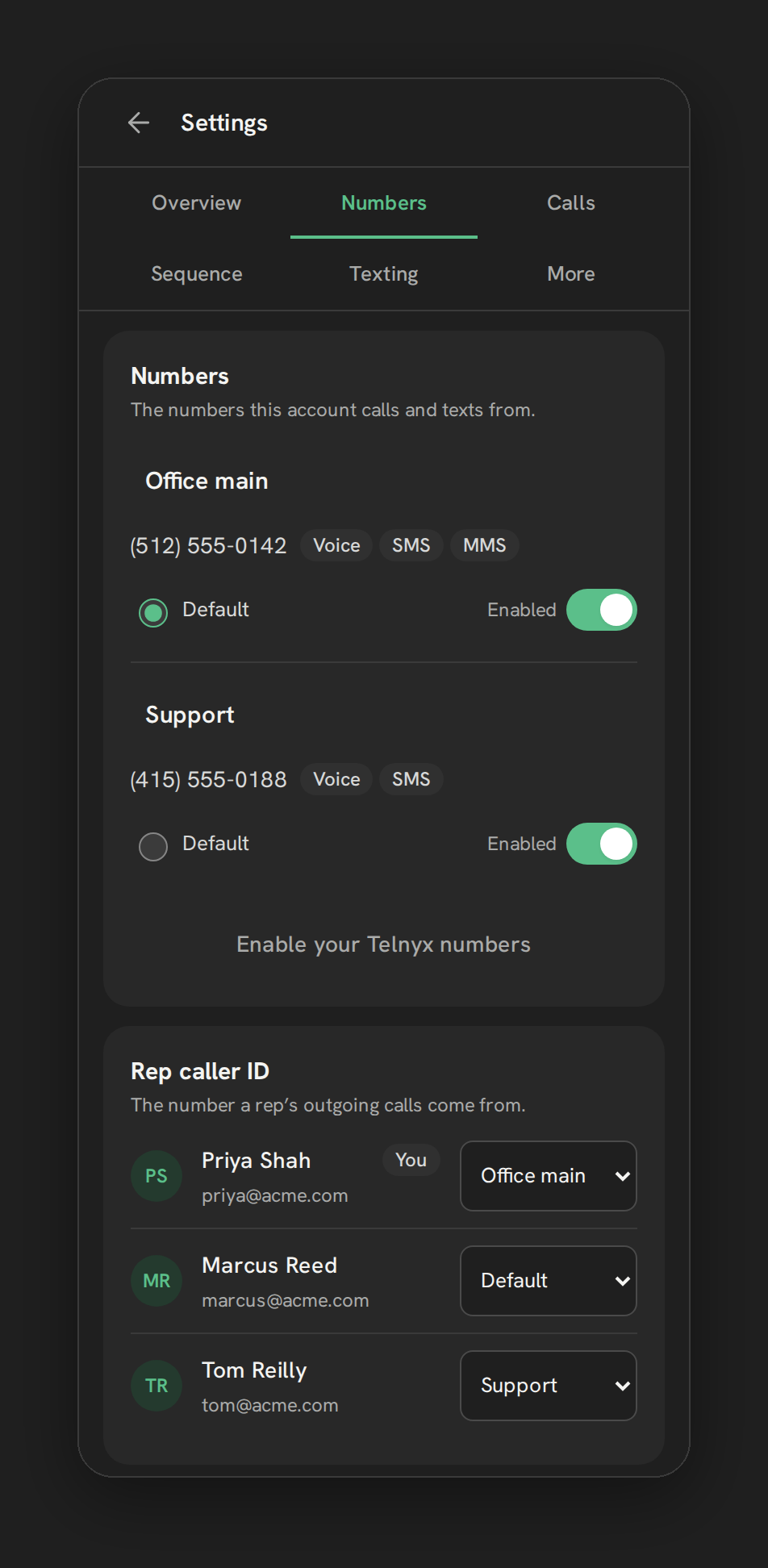
You connect your own Telnyx account by pasting an API key and public key into the Telnyx account card in Phone Clover’s settings. Phone Clover then creates a messaging profile and an outbound voice profile inside your Telnyx account, and numbers already in that account show up on the Numbers tab ready to add. From there:
- The numbers are yours. They live in your Telnyx account. Phone Clover adds, buys, labels and watches them from inside HighLevel.
- The carrier bill is yours. Telnyx bills you directly for numbers, minutes and text segments, and Phone Clover charges for the software.
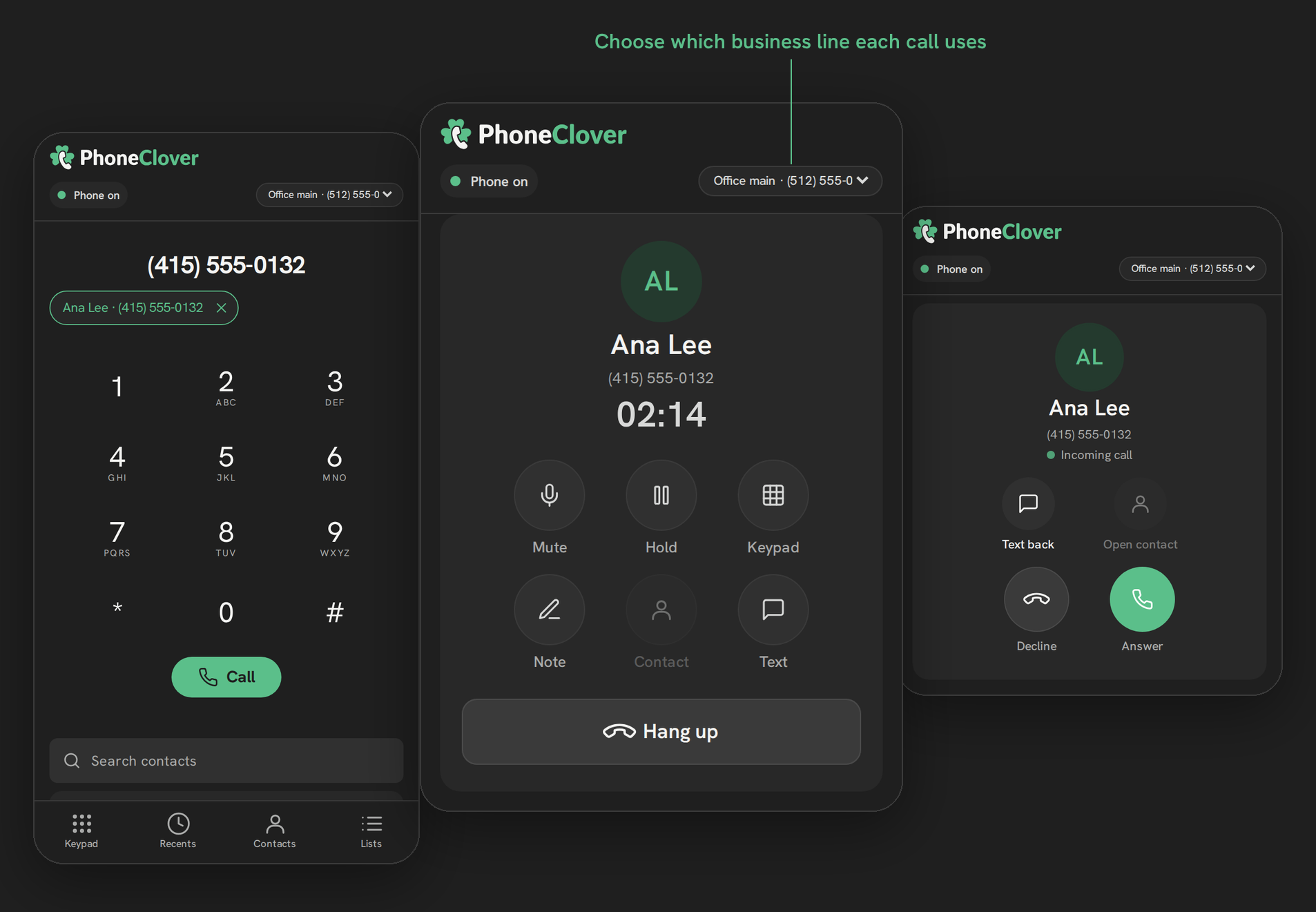
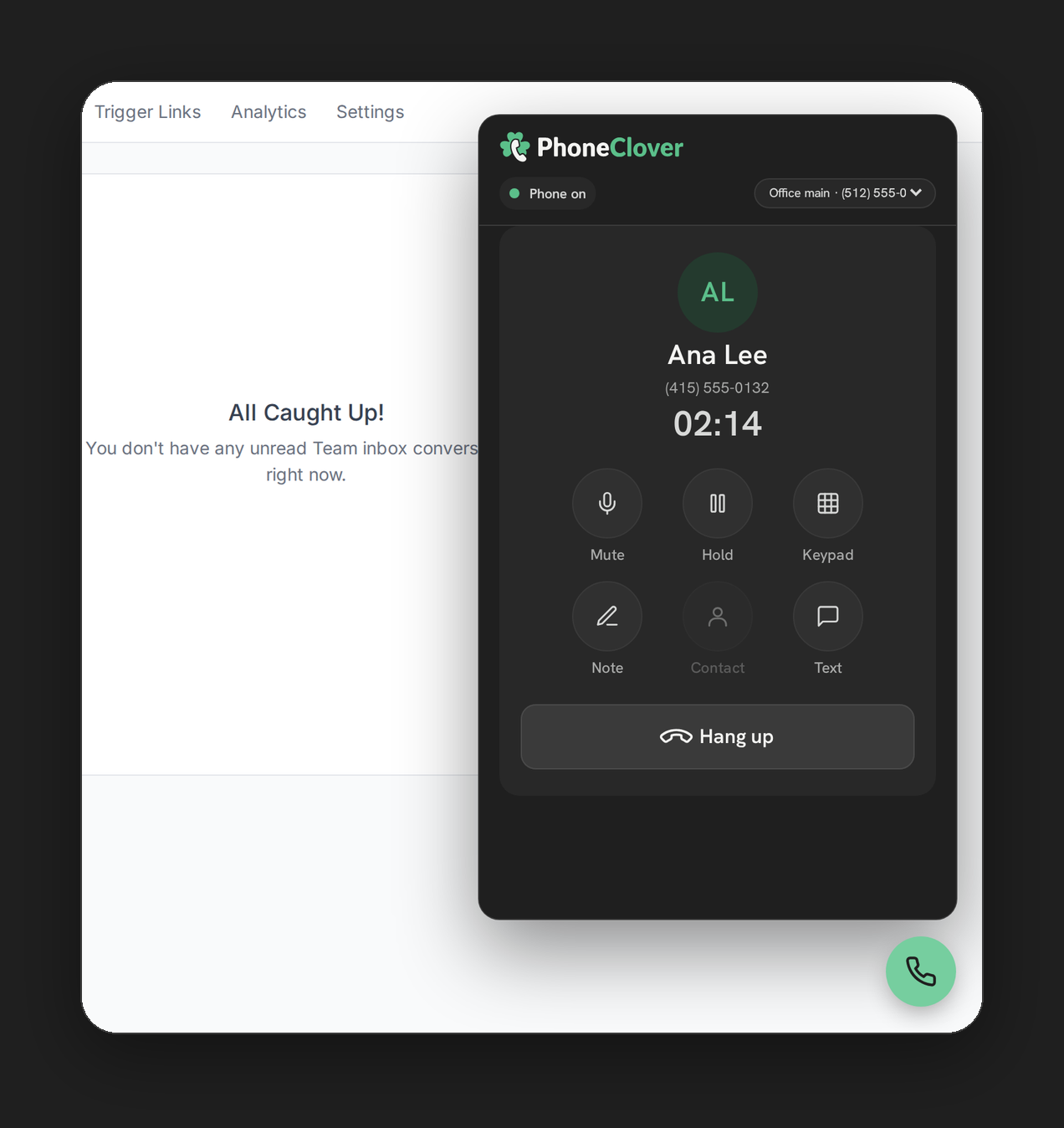
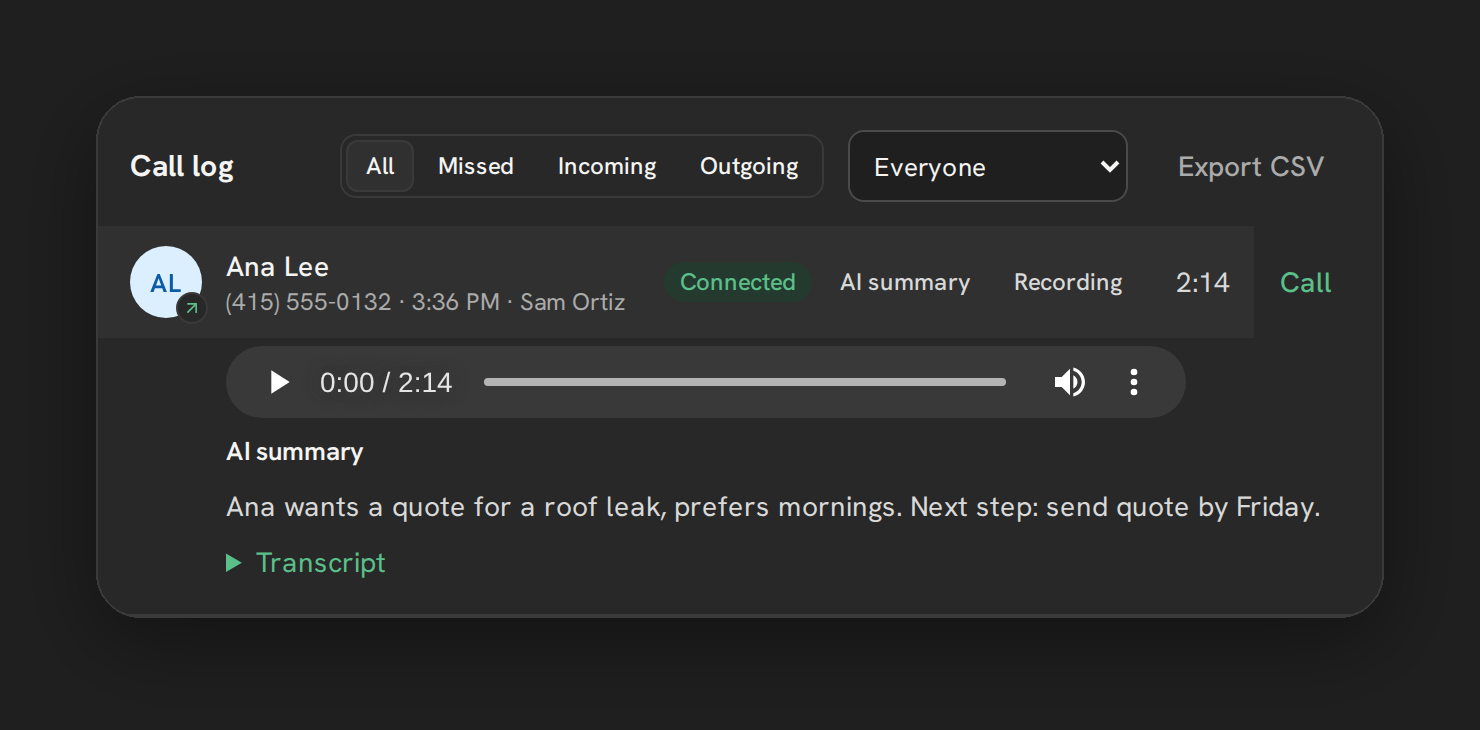
- Calling happens in a browser phone inside HighLevel. A floating phone on every HighLevel page plus a full Phone page, on desktop. Browser calling is in early access: it runs in our pilot account today and is switched on for each new account as we set it up.
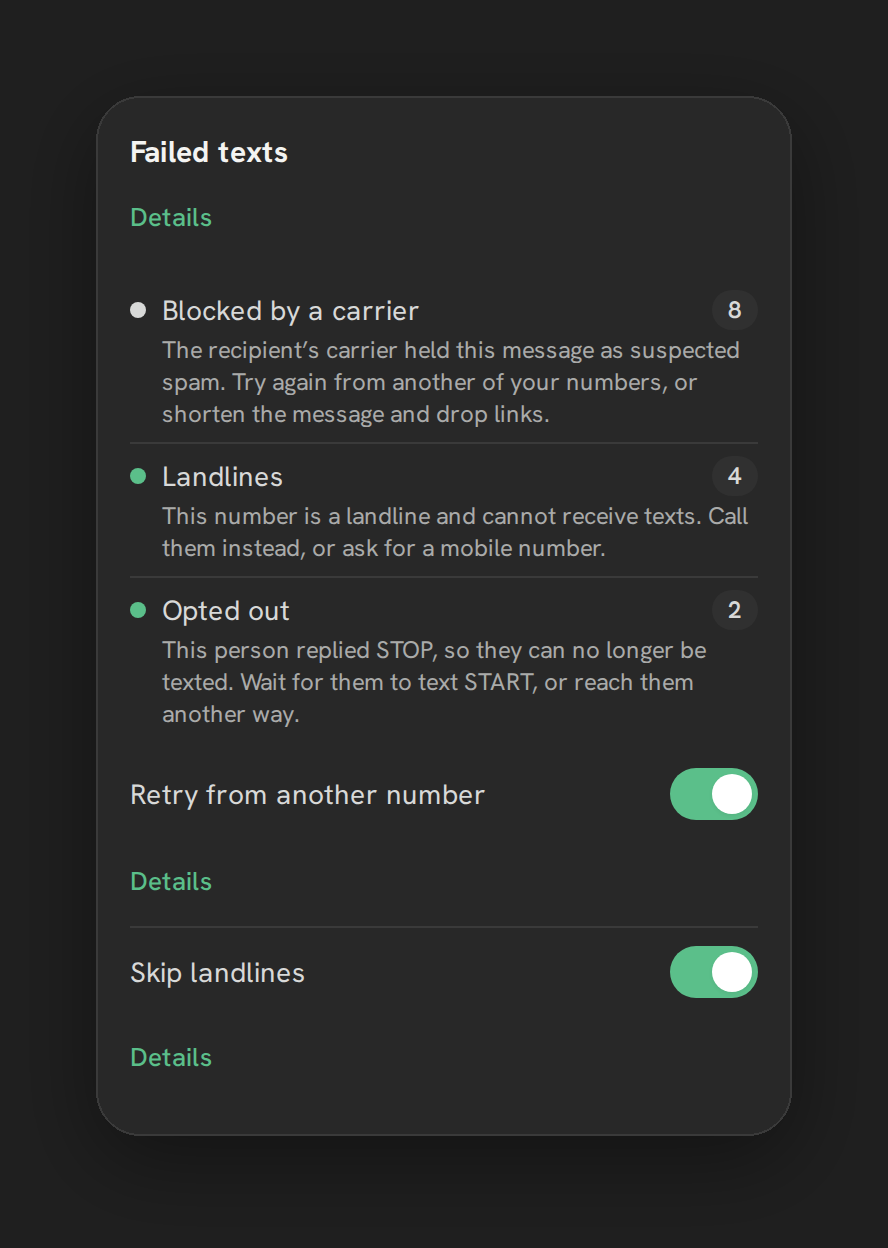
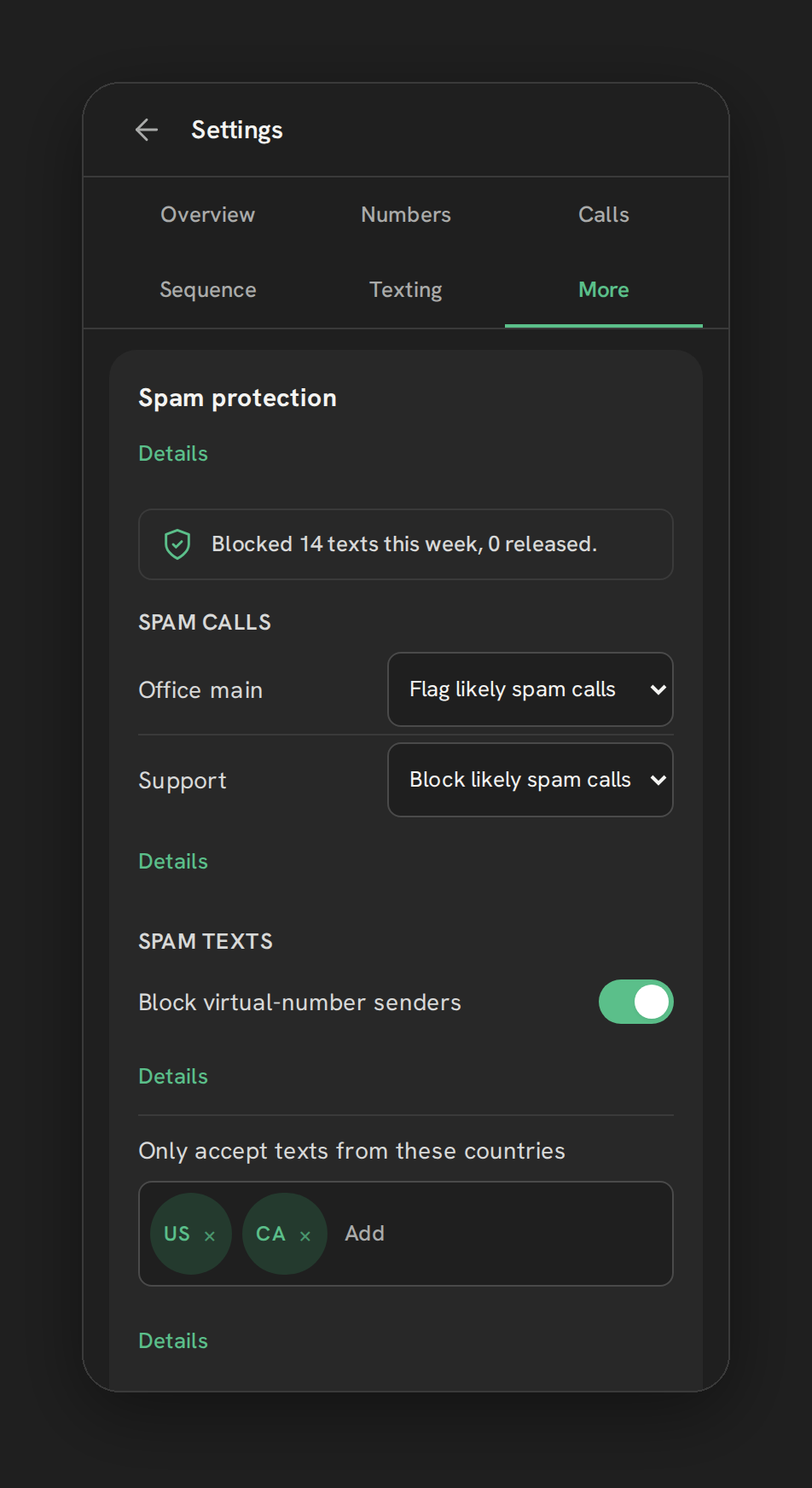
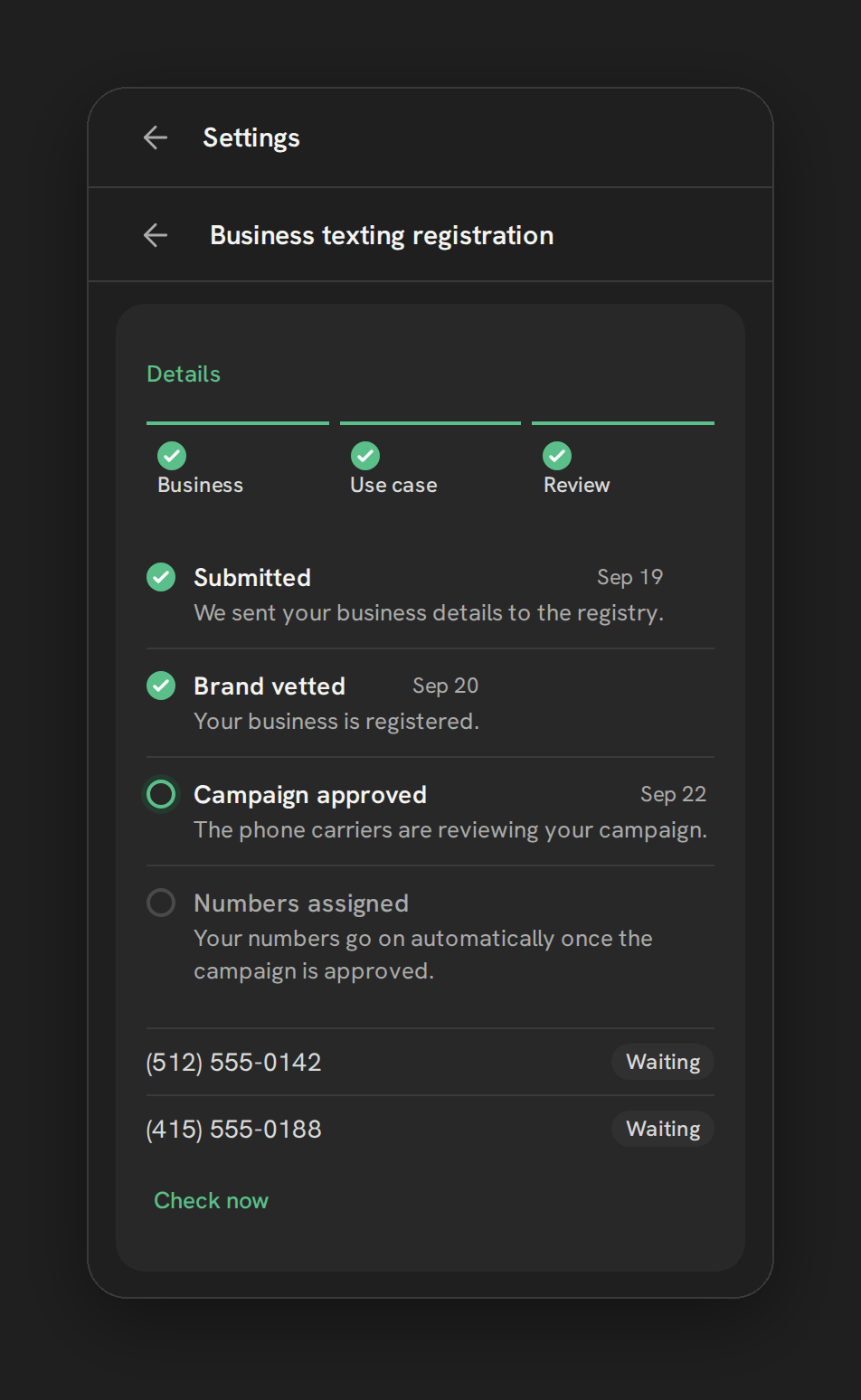
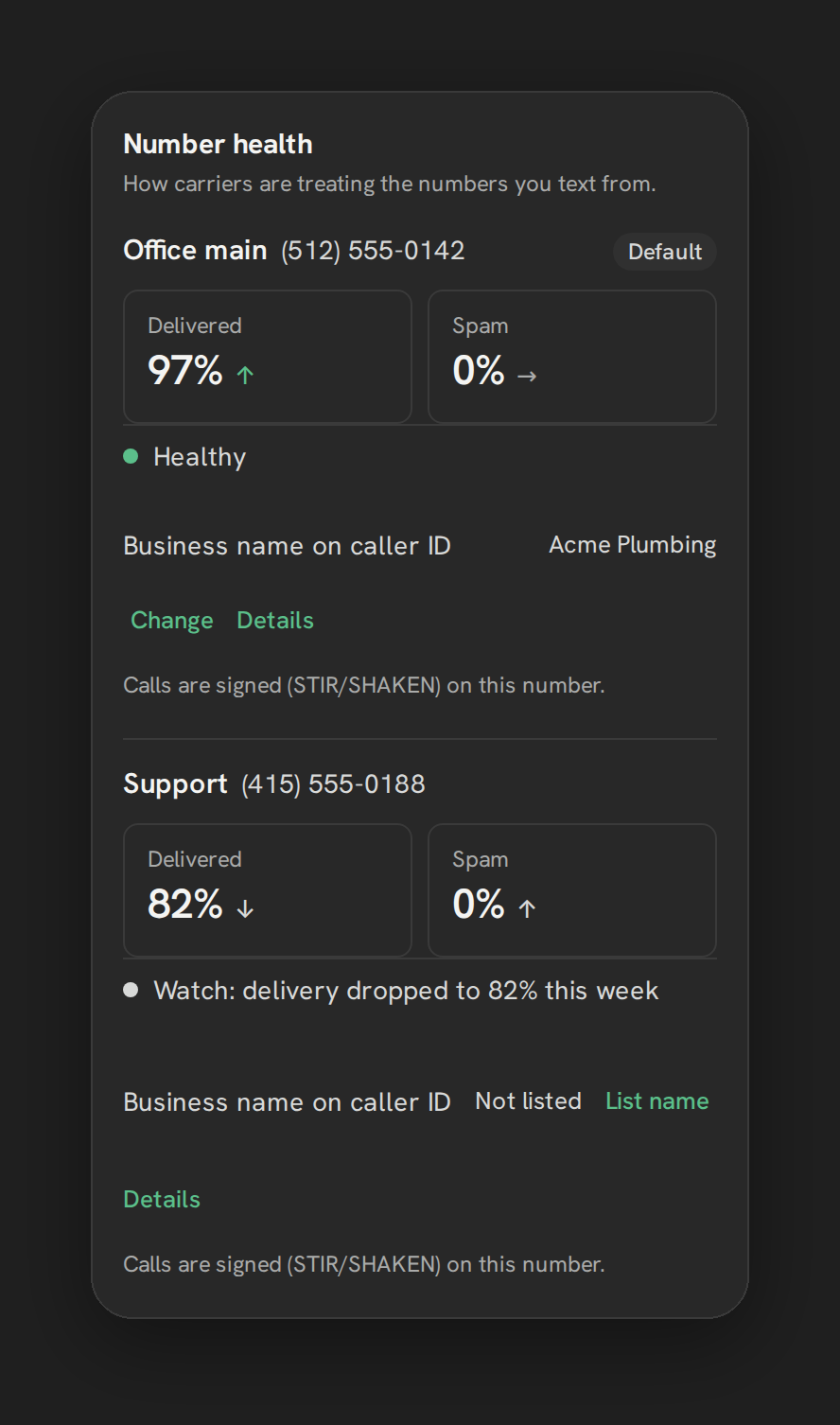
- Texting tools run on your numbers. Hosted SMS, failed-text reasons, the spam firewall, number health work today for every early-access account, and the 10DLC wizard is in early access. Texting from HighLevel’s own Conversations through Telnyx is in early access in our pilot; workflow and bulk texting are not proven yet, so we do not promise volume sending.
The connection between Phone Clover and Telnyx is Telnyx’s API and signed events, not SIP registration. That difference is the whole point of the next section. The step-by-step setup is in Connect your Telnyx account, and the number management page covers what you can do with the numbers.
What Phone Clover does not do
If you came here for a SIP trunk, this is the part to read twice.
- No SIP trunk. There is no SIP endpoint or credential in Phone Clover that a PBX can register to or route calls through.
- No desk phones. Physical VoIP desk phones cannot register to Phone Clover. Calls run in a desktop browser.
- No PBX integration. Phone Clover doesn’t connect to any PBX, and doesn’t sync extensions or IVR menus.
- No mobile app calling. Voice does not run in the HighLevel mobile app. Incoming calls can forward to a mobile or other number when nobody answers.
- No 911. Phone Clover does not provide 911 or E911 on any number. Keep another line for emergencies.
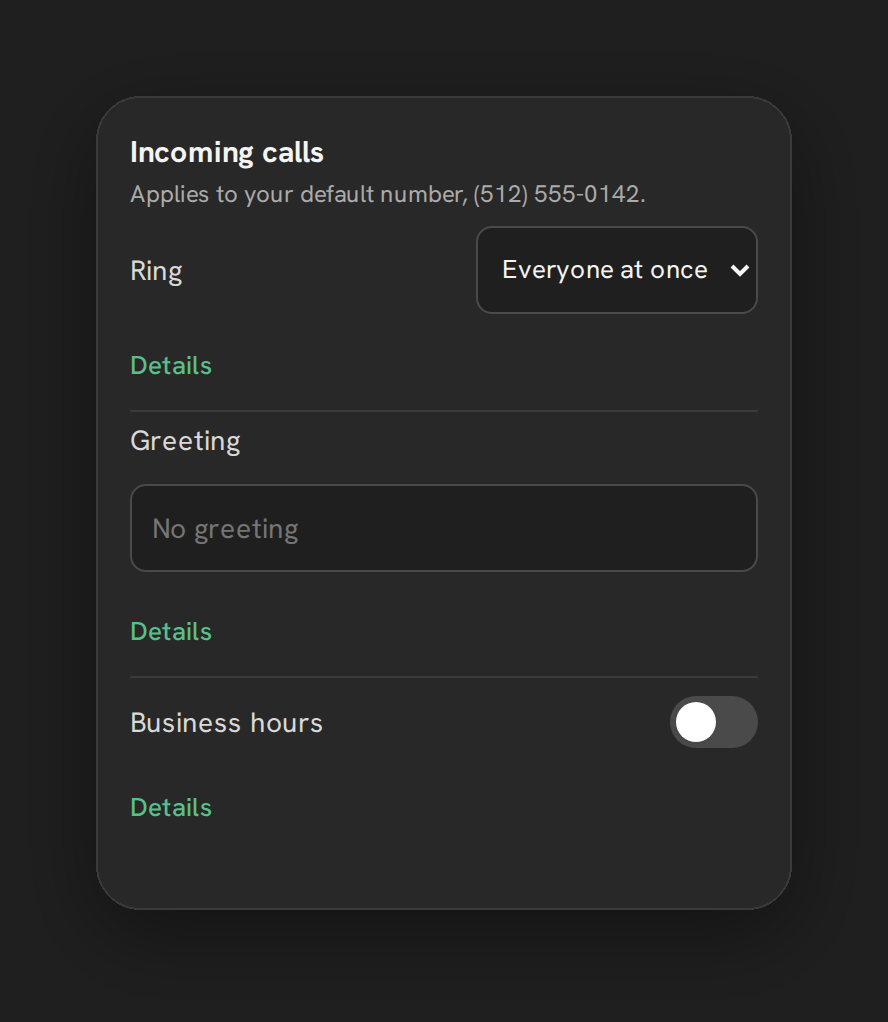
- No IVR menus. There is no press-1-for-sales menu. Incoming calls get a text-to-speech greeting.
- Simple routing only. Calls ring everyone at once or go round robin, with one business-hours window per number. In-order routing is not built.
We are not promising any of these for later either. If your plan depends on one of them, Phone Clover is not the answer today.
Who this distinction matters for
Teams with SIP hardware or a PBX. If the office runs on desk phones and a PBX, and you want HighLevel to join that system, neither Phone Clover nor any HighLevel option documented today does it. Your realistic choices are LC Phone with its desk phone support, keeping the PBX separate and logging calls another way, or waiting for HighLevel to ship something native. Our GoHighLevel phone system options guide compares those categories.
Teams that call from a browser. If reps live in HighLevel on a laptop all day, a SIP trunk was only ever a means to an end: your own carrier, your own numbers, lower per-minute voice rates. Those ends are what bringing your own Telnyx account gives you, without a trunk.
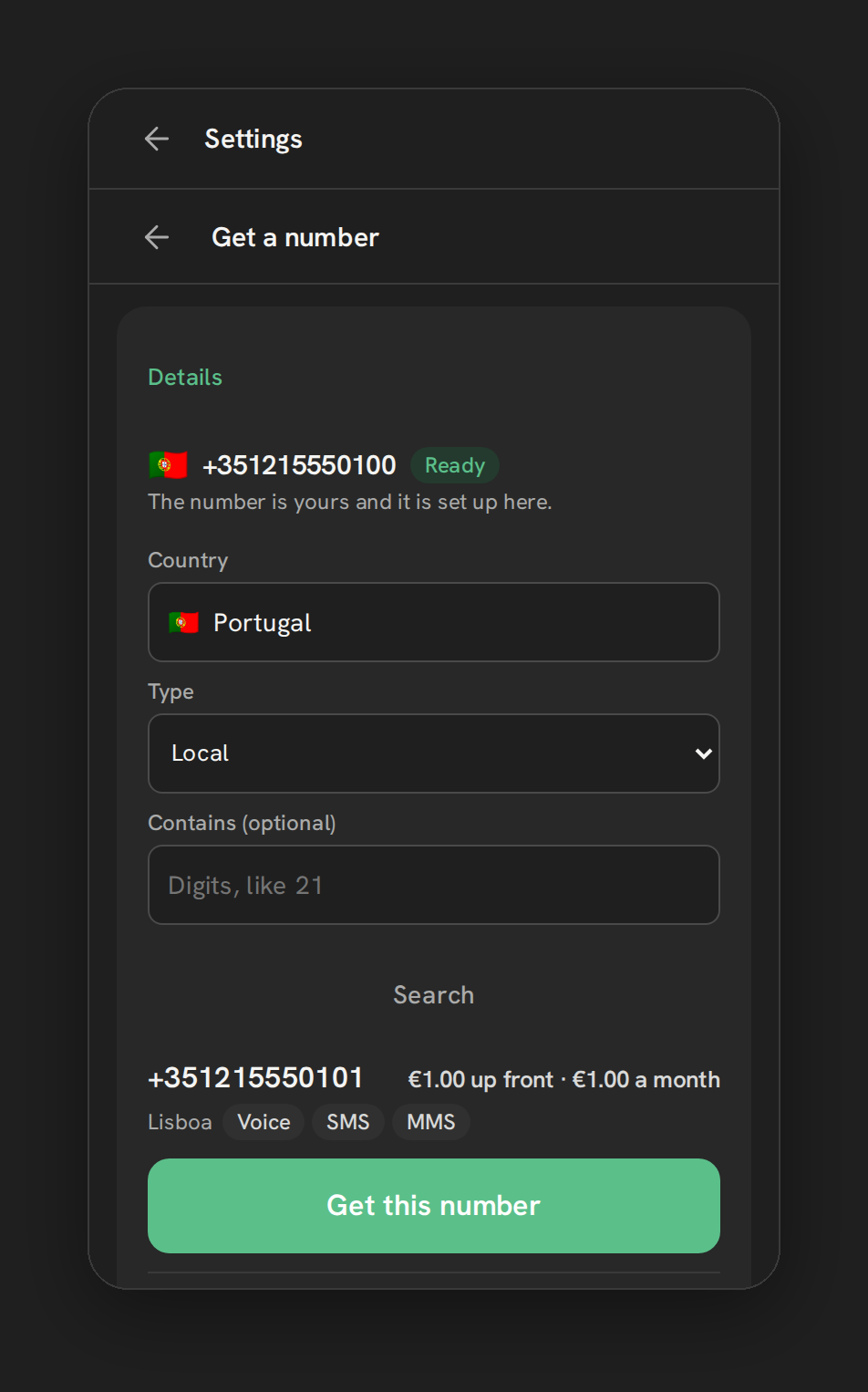
Teams chasing local numbers abroad. Telnyx has its own country inventory, and where it has numbers, Phone Clover can buy them from inside HighLevel. Coverage varies by country and number type, and some countries ask for documents first. See international phone numbers in GoHighLevel.
How to bring existing Telnyx numbers in today
If you already have a Telnyx account, possibly because you tried to build a trunk yourself, here is the path that works now:
- Connect the account. Paste your API key and public key and click Connect Telnyx.
- Add the numbers you want Phone Clover to handle. Open Settings, the Numbers tab, then Enable your Telnyx numbers. Adding a number moves its texting and incoming calls to Phone Clover inside your Telnyx account, so if a PBX or SIP connection uses that number today, its calls stop going there. Add only numbers you mean to move.
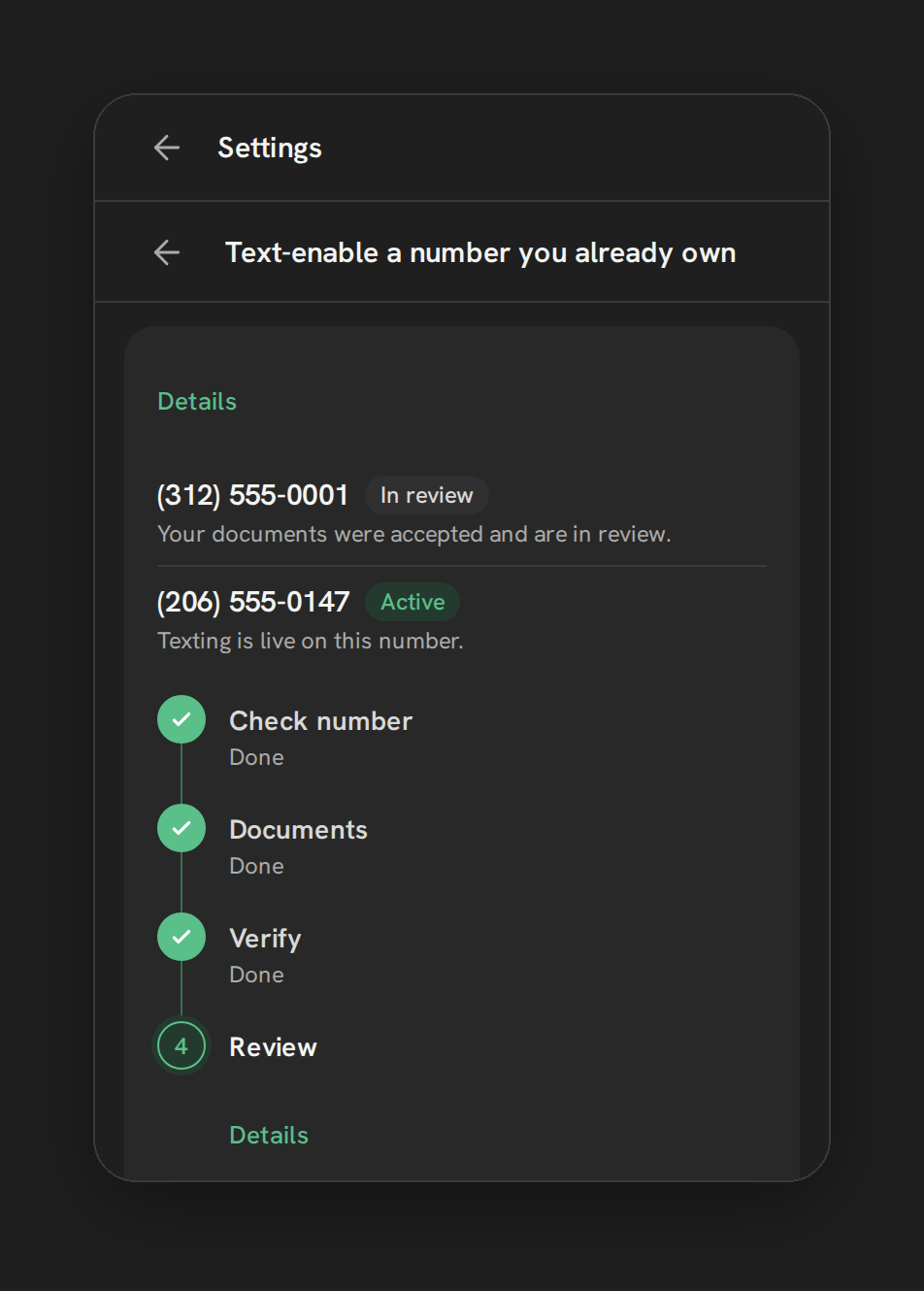
- Text-enable numbers that must stay on the PBX. For a US landline or VoIP number that has to keep ringing your existing system, use Hosted SMS instead. It adds texting and leaves the calls alone. Mobile numbers don’t qualify. See text-enable an existing business number without porting.
- Register for texting. US business texting needs A2P 10DLC registration on your own Telnyx account, from the Texting tab.
For every kind of number and how it gets in, read how to use Telnyx numbers in GoHighLevel.
What it costs, briefly
Bringing your own Telnyx account means two bills: Telnyx for usage, in your own account, and a Phone Clover plan per sub-account. As of September 2026, Telnyx’s US list rate is $0.0070 a minute outbound and $0.0052 inbound, against LC Phone’s published $0.0166 and $0.01165. Minutes are only part of the bill, though. The Phone Clover plan is a monthly fee per sub-account, so at light call volume LC Phone can cost less overall. Teams that call a lot save the most. Details are on pricing.
The short version
If “GoHighLevel SIP trunk” means desk phones or a PBX, there is no native path in HighLevel today beyond LC Phone’s own desk phone support, and Phone Clover doesn’t add one. If it means your own carrier, your own numbers and your own carrier bill, with calling inside HighLevel from a browser, that is what bringing your own Telnyx account does.
For the full picture of running HighLevel on Telnyx, start with Telnyx for GoHighLevel. If the real question is whether you can leave Twilio at all, read Is there a Twilio alternative for GoHighLevel?.