
Does GoHighLevel Have a Power Dialer? What It Is and What's Built
gohighlevel power dialer 8 min read
What a power dialer is, whether GoHighLevel has one, how it differs from predictive and sequential dialing, and what Phone Clover's calling lists do.
- Best for
- HighLevel teams working lead lists by phone who want to know what HighLevel's own Power Dialer does, and whether a one-line dialer is enough for them.
- Not for
- Teams that need several lines ringing at once or a predictive dialer. Phone Clover doesn't build one, and HighLevel's documentation doesn't describe one.
- The difference
- Phone Clover's calling lists dial one contact at a time, re-check do-not-disturb and calling hours at the moment of each call, and require an outcome before moving on.
Does GoHighLevel have a power dialer? Yes. HighLevel has a general phone dialer for one-off calls, and a separate feature it calls the Power Dialer. The Power Dialer works one call at a time from a queue of tasks. It is not a multi-line or predictive dialer. Phone Clover’s calling lists are also one call at a time, and we don’t build a predictive or parallel dialer either.
This guide explains what a power dialer is, how it differs from predictive and sequential dialing, what HighLevel’s own Power Dialer does, what Phone Clover’s calling lists do, and who each one fits.
What is a power dialer?
A power dialer is a calling tool that dials the next contact on a list automatically as soon as the rep finishes the previous call, so the rep doesn’t type or click each number. In the common sense of the term it rings one contact per rep. A predictive dialer is different: it dials several contacts ahead of time, guessing when reps will be free. A sequential dialer is the plain version of a power dialer: one contact after another, in list order.
What “power dialer” means, and why the word is slippery
Vendors use the same words for different things, so it helps to pin them down first. These are the common meanings:
| Type | What it does | Lines per rep |
|---|---|---|
| Preview dialer | Shows the next contact; the rep starts the call | One |
| Power dialer (common usage) | Dials the next contact automatically when the last call ends | One |
| Parallel or multi-line dialer | Rings several contacts at once and connects the rep to whoever answers | Several |
| Predictive dialer | Uses answer rates and call lengths to dial ahead of reps becoming free | Several, varying |
| Sequential dialer | Works down a list in order, one contact after another | One |
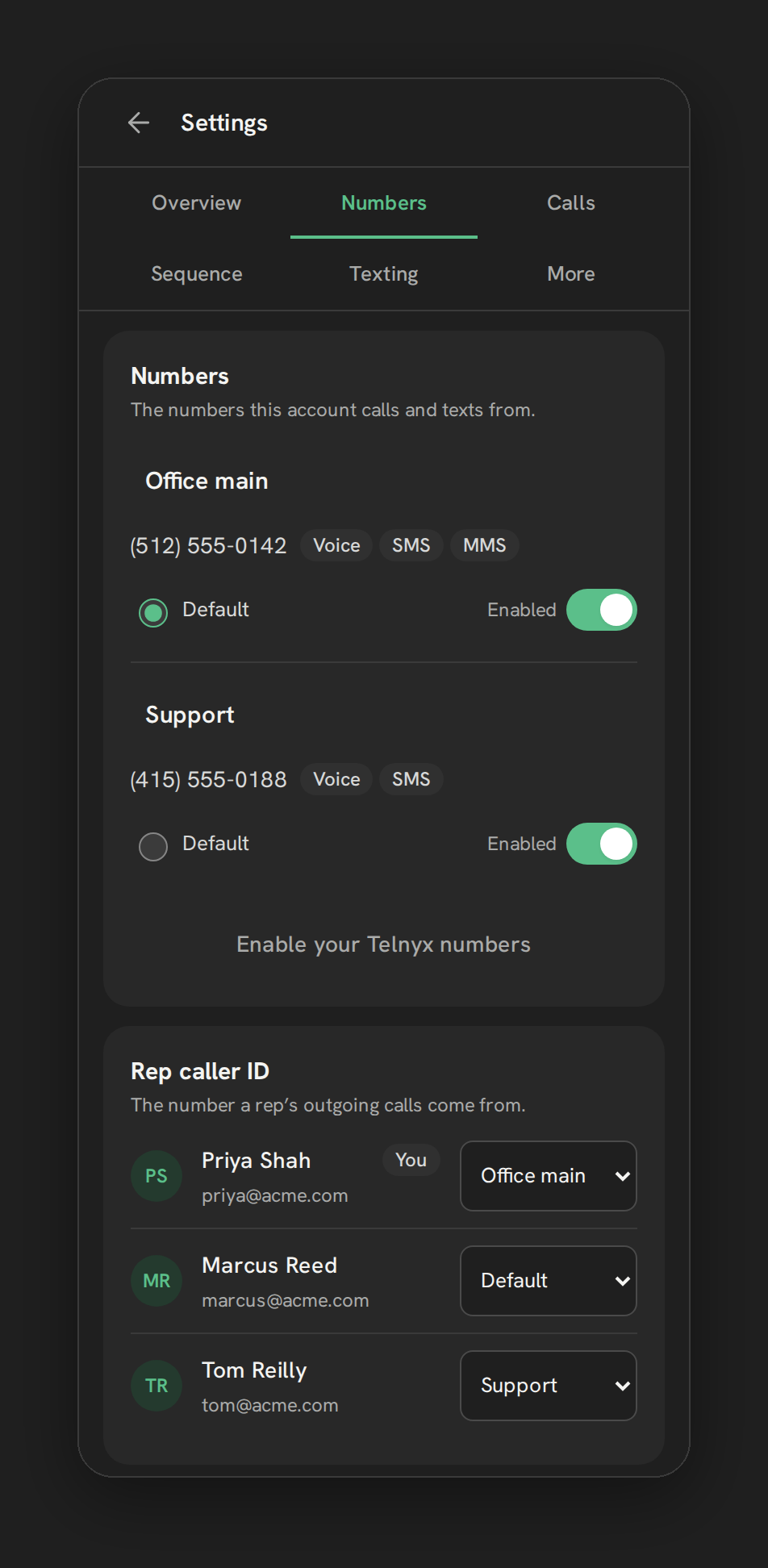
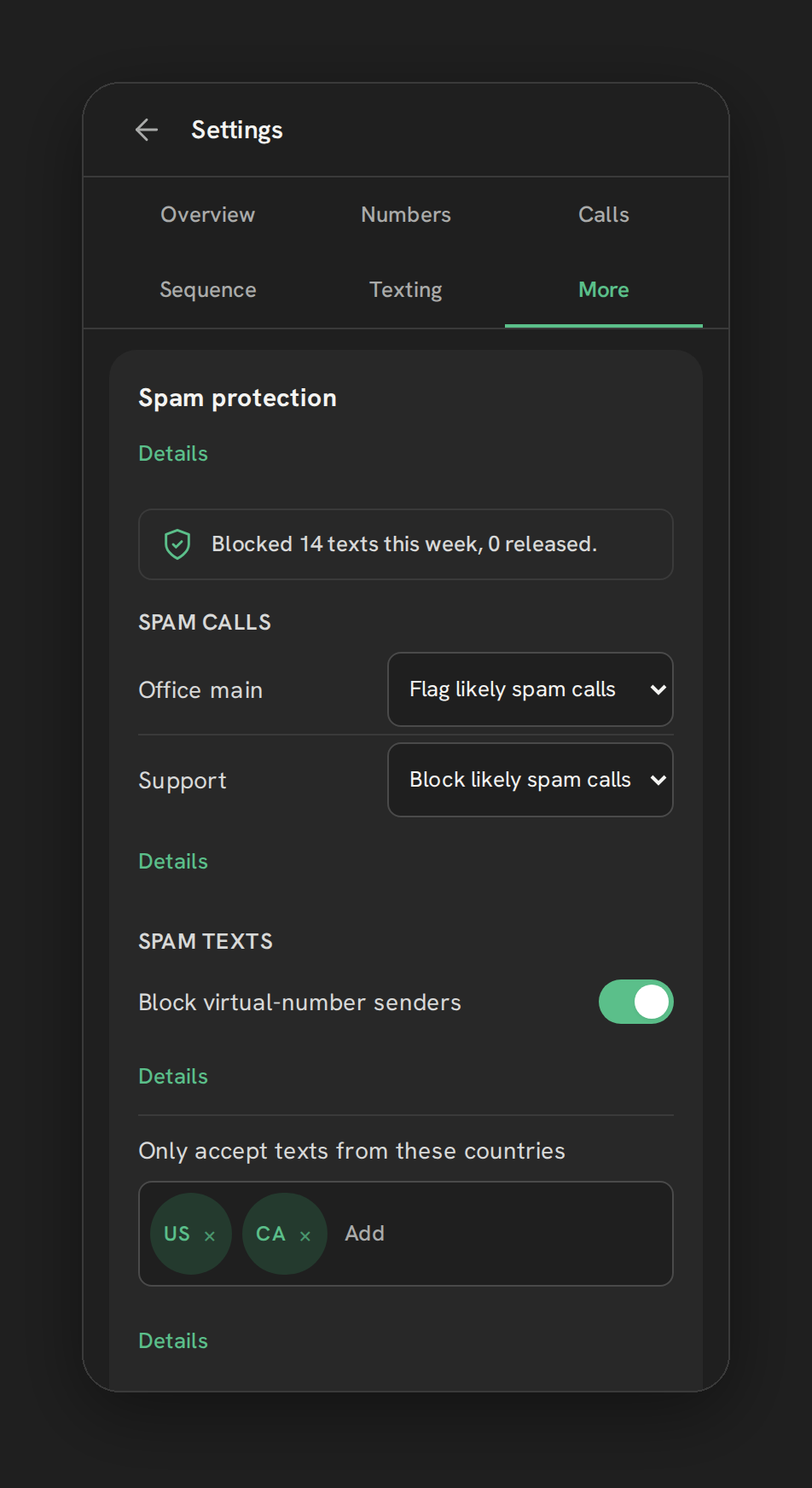
Phone Clover’s calling lists are sequential and manual-pace: the next call starts after a countdown you can pause, not at a speed the software chooses for you. The Settings page calls this “Sequential calling” (Settings, then Sequence).
The trouble is that some pages call anything that dials quickly a “power dialer”, including multi-line tools. When a vendor promises a GoHighLevel power dialer, ask one question: how many lines ring at once for each rep?
What is the GoHighLevel dialer, and which one do you mean?
People searching for the “GoHighLevel dialer” usually mean one of three things:
- The Web Dialer, HighLevel’s browser phone for one-off calls from the top bar.
- The Power Dialer, HighLevel’s queue of Manual Call tasks, covered next.
- A dialer from an app on top of HighLevel, such as Phone Clover’s calling lists, which run from the Lists tab of the Phone page.
What GoHighLevel’s Power Dialer actually is
HighLevel’s help center is clear once you find the right page. Its Web Dialer article says: “The Power Dialer experience uses workflow-created Manual Call tasks under Conversations → Manual Actions and opens the dialer as users work through the queue.”
How it works in practice:
- A workflow creates the tasks. You add a Manual Call action to a workflow, triggered by a tag, a form submission, an appointment or anything else a workflow can react to.
- The tasks form a queue in Conversations, then Manual Actions, which you can filter by workflow, task type, status and assignee.
- The rep clicks “Let’s Start” and works through the queue in HighLevel’s dialer.
- After each call, the rep logs the outcome and marks the task Complete, Skip or Re-queue. Pressing Enter starts the next task.
Two recent changes are worth knowing. A redial option shipped in December 2025, according to HighLevel’s reply on the ideas board. And HighLevel’s help center says that in September 2026, custom call dispositions replaced the old manual “Call Status” choice in the Power Dialer; a disposition can put a contact back in the queue.
What we could not find in HighLevel’s documentation:
- Multi-line, parallel or predictive dialing. The requests for them on HighLevel’s ideas board were still open when we checked in September 2026.
- Dialing straight from a smart list. The queue is fed by workflows; a request to use smart lists directly is also open.
- Answering-machine detection or voicemail drop inside the queue. LC Phone sells both as priced features, but the help pages don’t say they run in the Power Dialer queue.
So the honest summary: HighLevel’s Power Dialer is a one-line task queue with a dialer attached. For many teams that is enough. For call centers used to several lines ringing at once, it isn’t, and that gap is why so many third-party dialers advertise to HighLevel users.
Why multi-line dialing isn’t just a speed setting
Dialing several numbers per rep gets more conversations per hour. It also creates a problem: when two people answer and only one rep is free, the other person hears silence or a hang-up. US telemarketing rules treat that as an abandoned call.
The FCC’s telemarketing rule, 47 CFR 64.1200(a)(7), says a caller may not “abandon more than three percent of all telemarketing calls that are answered live by a person, as measured over a 30-day period for a single calling campaign.” A call counts as abandoned if it isn’t connected to a live representative “within two (2) seconds of the called person’s completed greeting.” When no rep is free, the caller has to play a recorded identification and opt-out message.
Separately, 47 CFR 64.1200(c)(1) bars telephone solicitations to residential numbers before 8 a.m. or after 9 p.m., local time for the person being called.
None of this makes multi-line dialers illegal. It means the dialer has to measure and manage its abandonment rate, and your team has to know which rules apply to your calls. A one-line dialer avoids the multi-line version of that problem, because there is no second person waiting for a rep. Consent, do-not-call and calling-hours rules still apply to every call.
What Phone Clover’s calling lists do
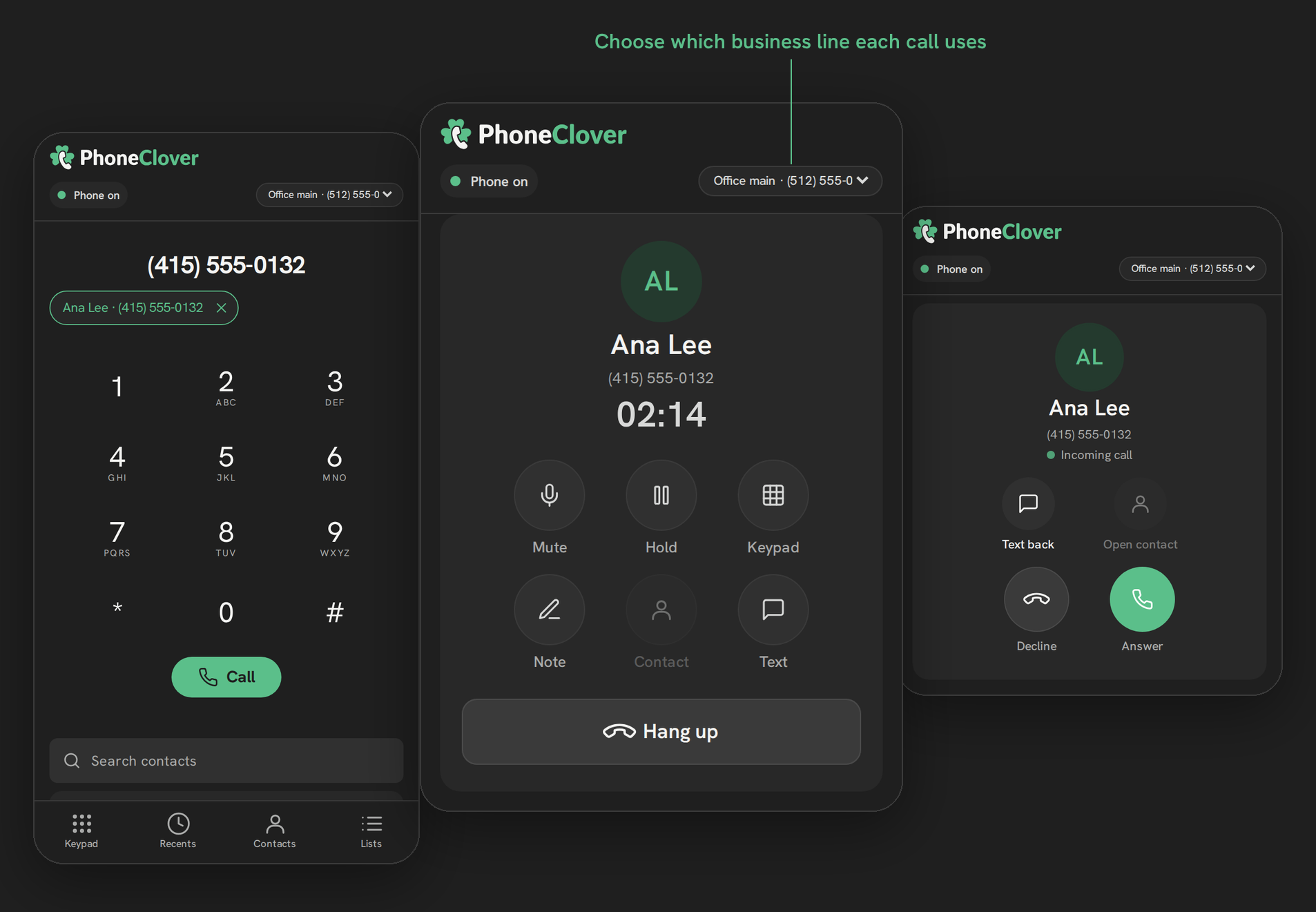
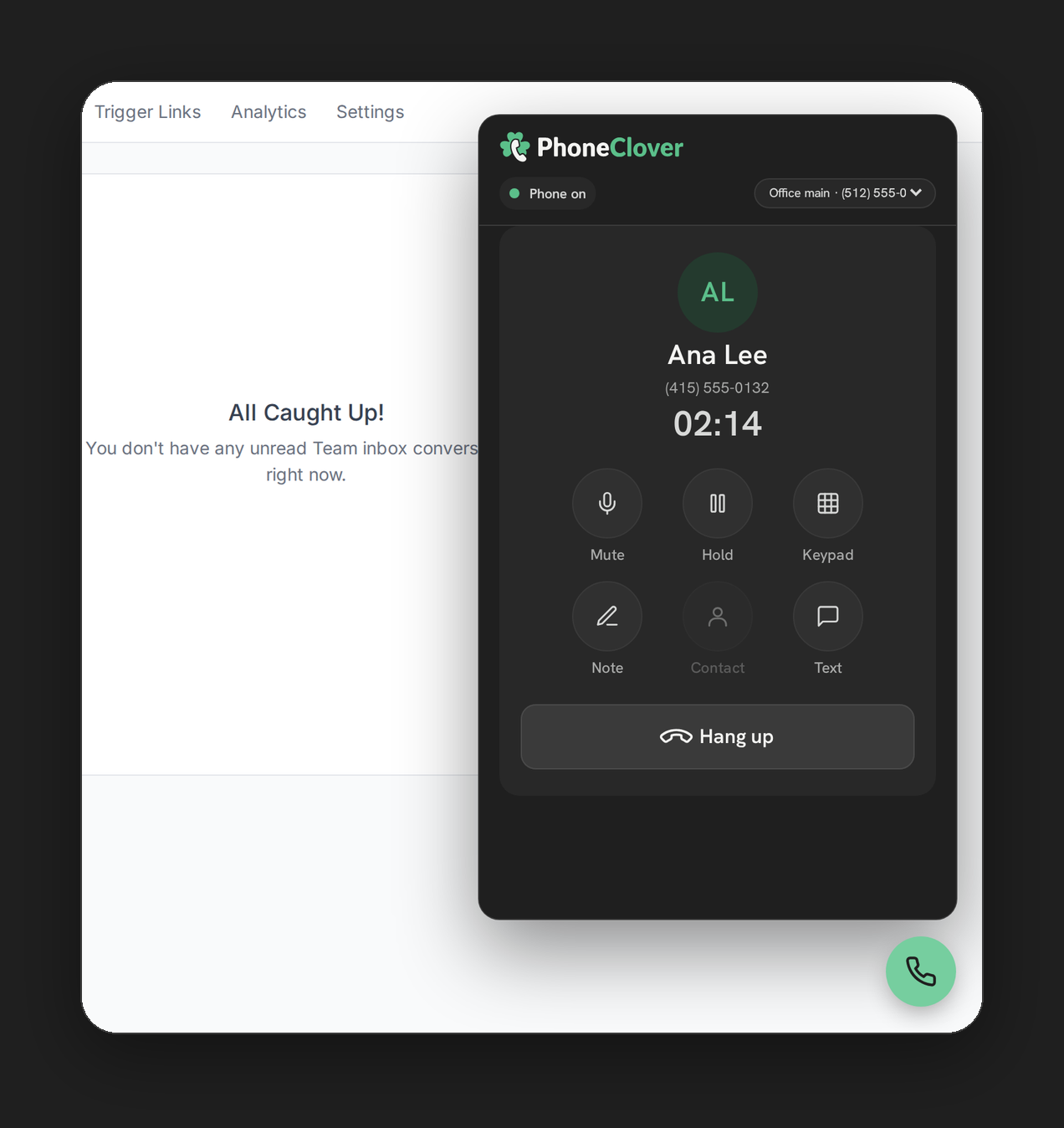
Phone Clover is a private HighLevel app in early access that runs calls on your own Telnyx account. Browser calling, and so calling lists, run in our pilot account today. The lists work like this:
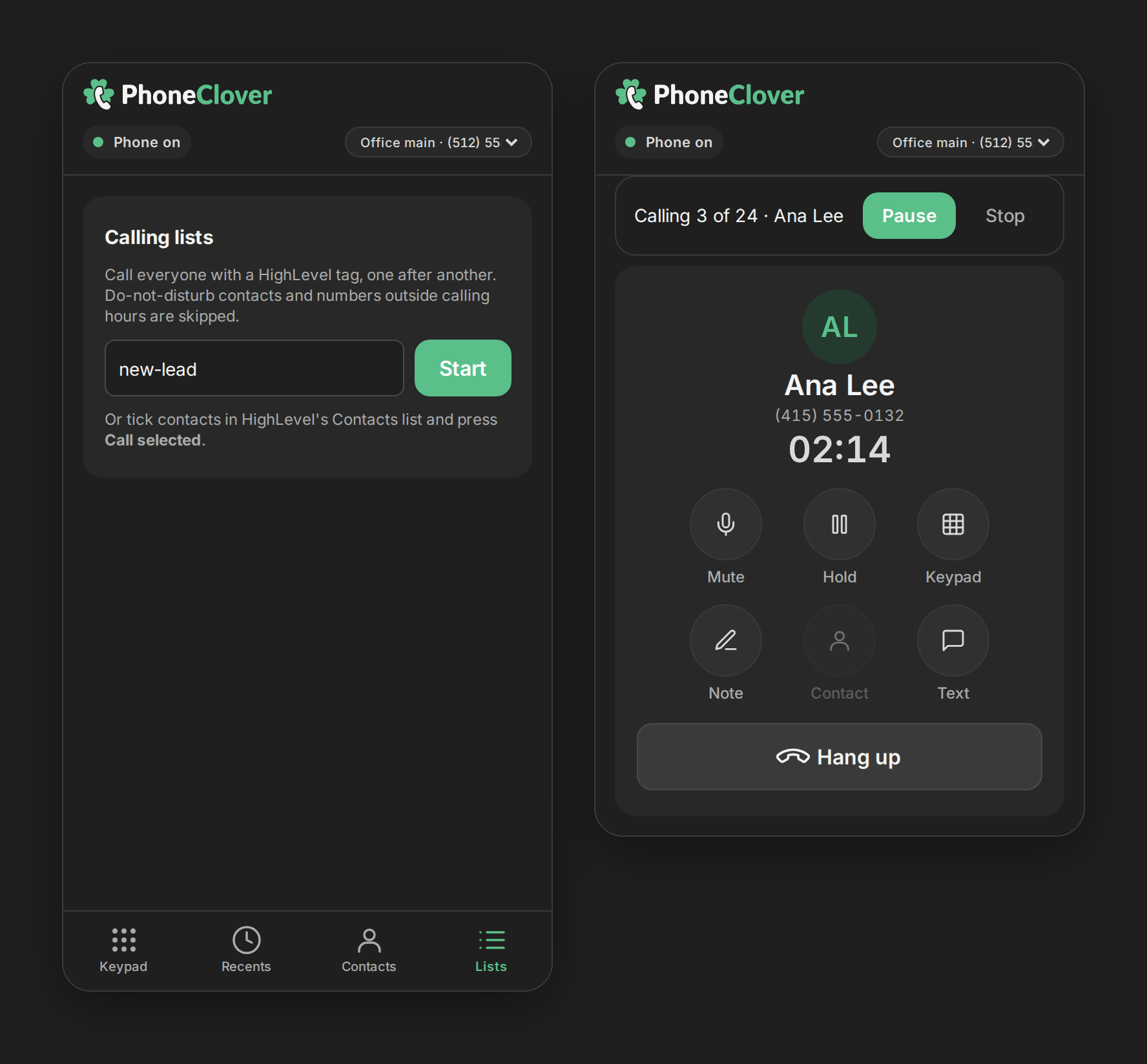
- Start from a tag. On the Phone page’s Lists tab, type a tag and press Start. The list loads the first 100 contacts with that tag and tells you if there are more.
- Or start from ticked contacts. Tick rows in HighLevel’s own Contacts list, then press Call N selected in the phone. Up to 100 contacts at a time, from the page you are on.
- One call at a time. The phone dials the first contact, and when the call ends it counts down to the next one. Pause, resume and stop are always on screen.
- Checks at the moment of dialing. Before each call, not only when the list was built, Phone Clover re-checks HighLevel’s do-not-disturb flag, its own suppression list, whether the number is still callable, whether the contact is still in the sub-account and calling hours, 8am to 9pm in the contact’s time zone. That hours check is a conservative default, not legal advice. Anyone who fails a check is skipped.
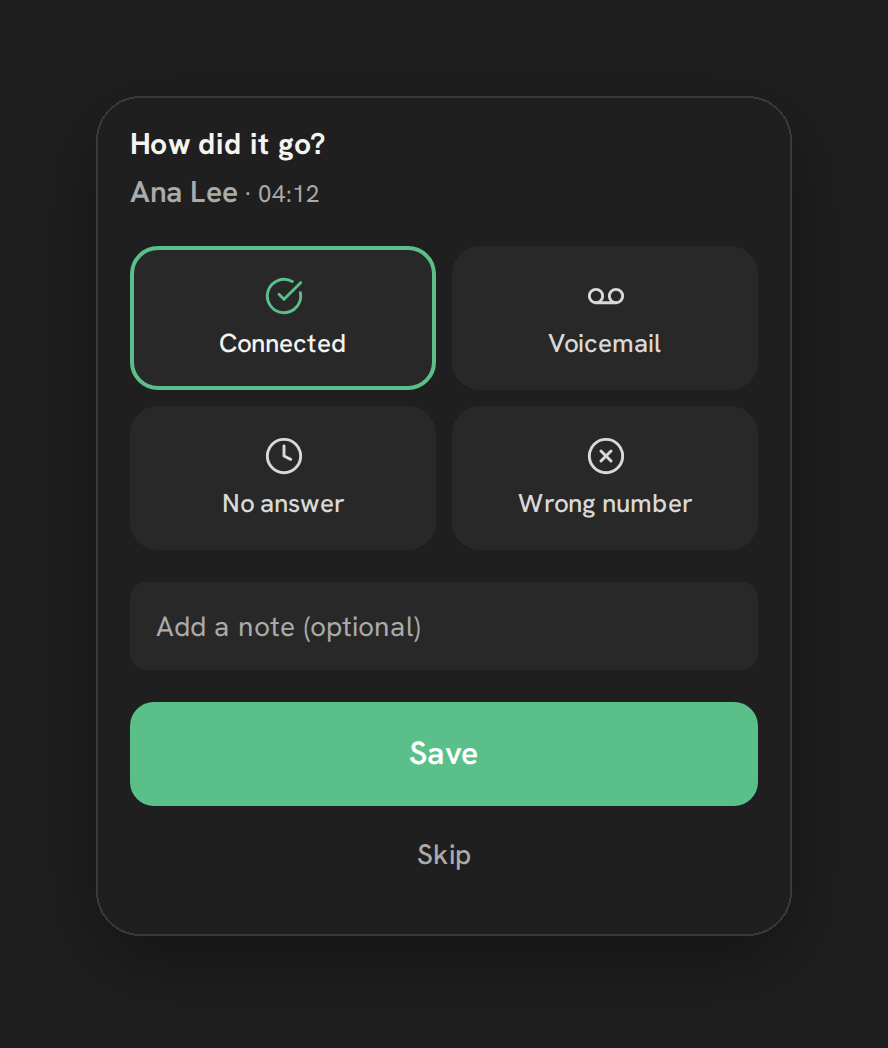
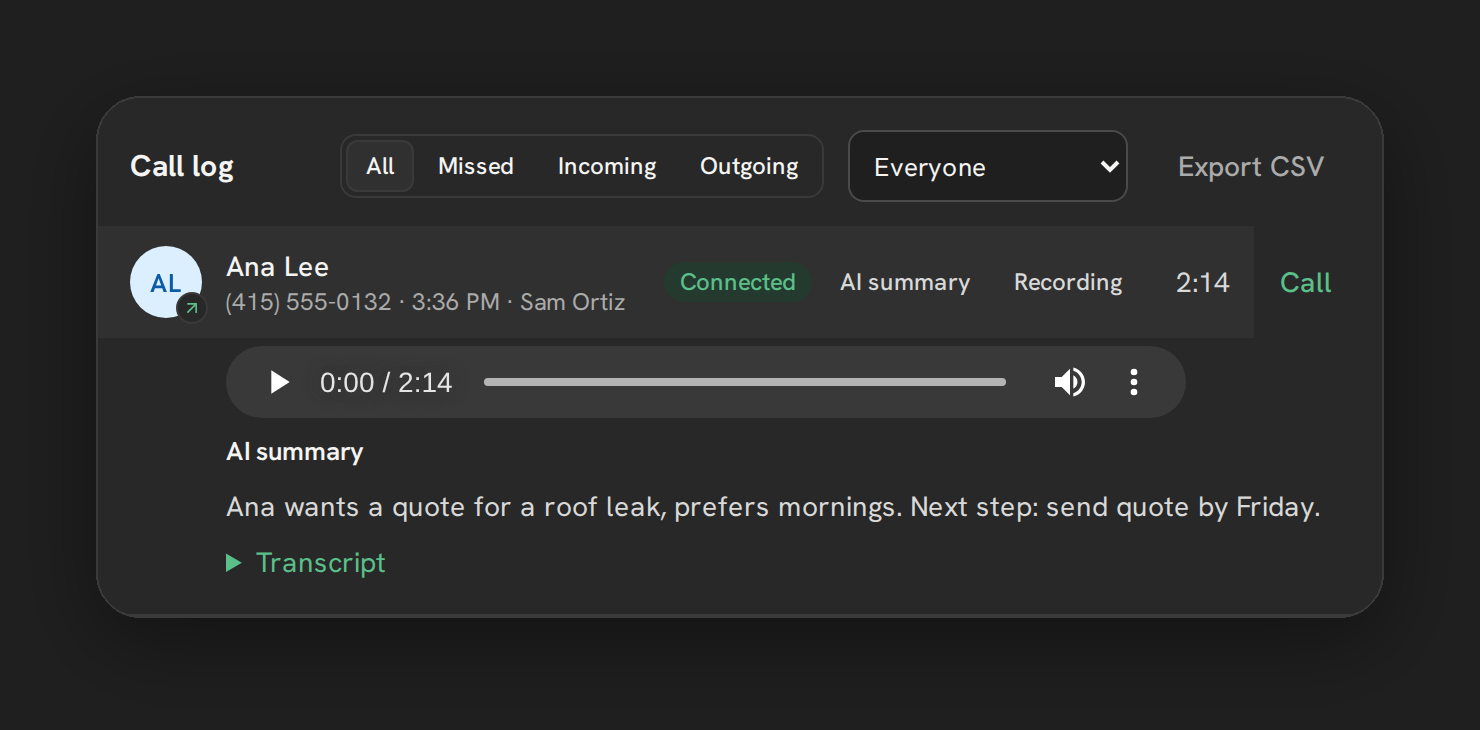
- An outcome after every call. In a list, the rep has to pick an outcome, such as Connected, Voicemail, No answer, Wrong number or a custom outcome, before the next call. Custom outcomes can tag the contact and create a follow-up task. See how to log call outcomes in HighLevel.
- A summary at the end, with a button to call the no-answers again.
For the full walkthrough, read how calling lists work in HighLevel, or the step-by-step guides for lists from a tag and lists from selected contacts.
What Phone Clover does not do
This matters as much as the list above:
- No predictive dialing. We don’t dial ahead of reps.
- No parallel or multi-line dialing. One rep, one call.
- No answering-machine detection on lists by default. An admin can switch on Automatic voicemail detection under Settings, then Sequence. It uses Telnyx’s paid Premium detection, applies to every outgoing call from the sub-account once it is on, and adds Telnyx usage charges. See voicemail detection.
- No voicemail drop and no ringless voicemail.
- No mobile calling. Calling is desktop, in the browser.
- Early access. Browser calling, and so calling lists, run in our pilot account today.
The answering-machine trade-off
Detection sounds like a pure win, so it is worth knowing the cost. To decide whether a person or a machine answered, the system listens to the first seconds of the call. Twilio’s documentation notes that the call recipient’s experience “is impacted if there is a delay from the time they pick up the phone to the first packet of audio they hear”, and that detection “will not always return the right answer.” Telnyx can return an unsure result, which it suggests treating as a human.
In practice that means some real people hear a pause after saying hello, and some get treated as machines. That is why Phone Clover leaves it off unless an admin chooses it, and shows the extra cost when they do.
Who a one-at-a-time dialer suits
A one-line GoHighLevel dialer, whether HighLevel’s Power Dialer or Phone Clover’s calling lists, fits:
- Follow-up and reactivation calls to people who already know you.
- Small and mid-sized teams where every conversation is worth a rep’s full attention.
- Compliance-conscious teams that want do-not-disturb and calling hours checked at dial time.
- Managers who want clean records: an outcome on every call, and per-rep numbers they can trust. Our guide to tracking rep call activity covers the reporting side.
It doesn’t fit high-volume cold outreach where the business model depends on several lines per rep. Those teams need a multi-line dialer from the dialer-extension category, and should check how it manages abandoned calls. Our GoHighLevel phone system options guide explains the categories.
One more thing for anyone dialing a lot from one number: calling patterns, including volume, can be one of the signals behind spam labels. If answer rates drop, read why GoHighLevel calls show up as Spam Likely.
Where this leaves you
GoHighLevel has a Power Dialer, and it is a one-line queue of workflow tasks. Its documentation describes no multi-line or predictive dialing. Phone Clover’s calling lists are also one-line, with checks at the moment of each call and a required outcome, and they are in early access. If that is the kind of calling you do, compare the two; if you need several lines per rep, neither is the tool.
See calling lists for the feature page, Calling for everything Phone Clover does on the phone side, and Phone Clover vs LC Phone for the side by side.