
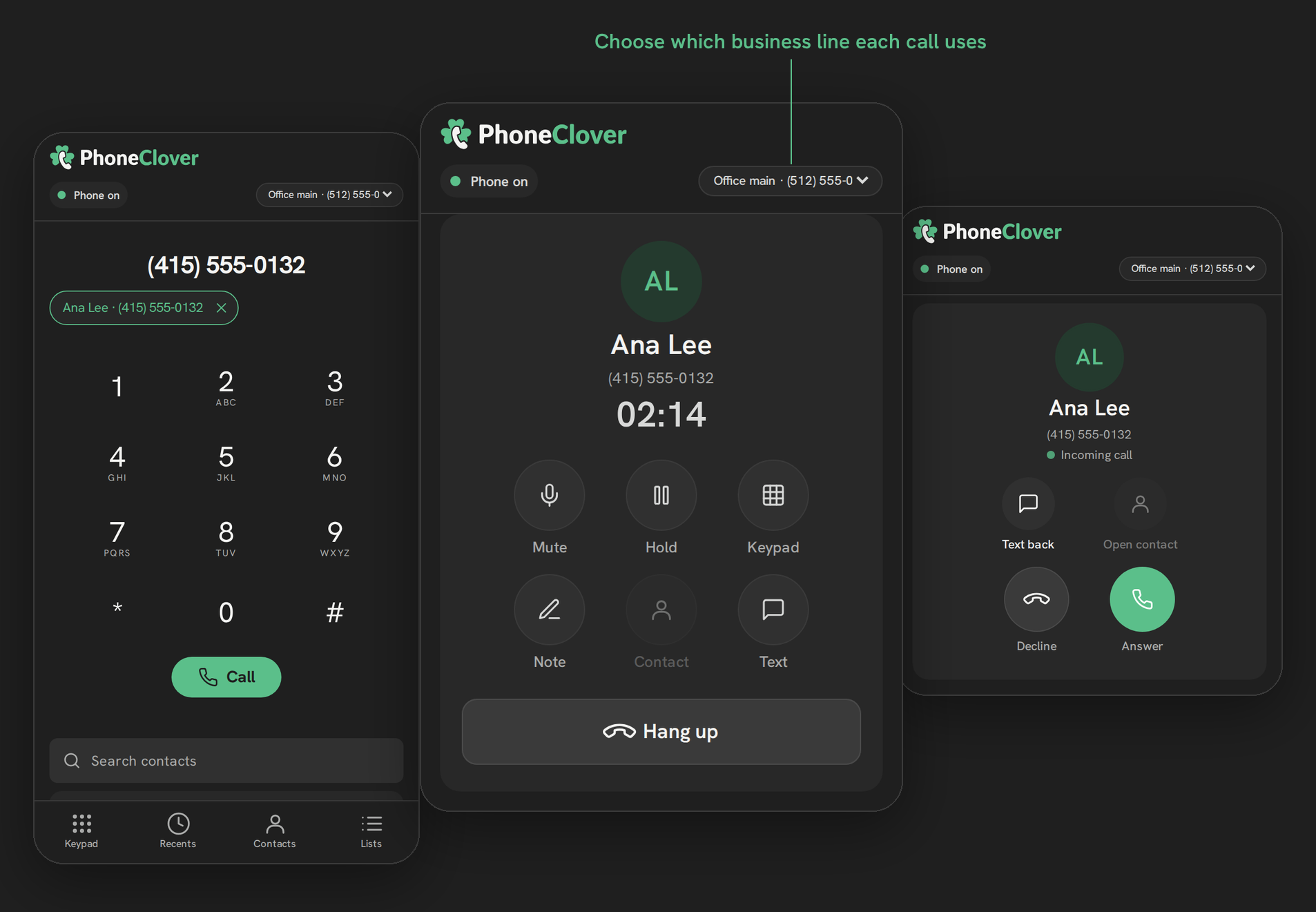
Why GoHighLevel Calls Show Up as "Spam Likely" (and What Actually Helps)
spam likely gohighlevel 9 min read
Spam Likely is a carrier label, not a HighLevel setting. See what causes it on GoHighLevel calls, what STIR/SHAKEN and CNAM do not fix, and a 7-step checklist.
- Best for
- HighLevel teams whose outbound calls go unanswered because recipients see Spam Likely or a similar warning, and who want to understand the cause before buying a fix.
- Not for
- Anyone looking for a guaranteed way to remove spam labels. No tool, including Phone Clover, controls the carriers' call-labeling decisions.
- The difference
- Phone Clover shows each number's caller ID name, a STIR/SHAKEN signing note and delivery health on one card, so you spot a problem number early. It does not remove labels.
Short answer: “Spam Likely” is added by the recipient’s mobile carrier, not by HighLevel or by your number settings. It is based on calling patterns, complaints and caller reputation. STIR/SHAKEN and a caller ID name help but do not remove it, and no tool can promise to. The fixes that work are lower volume per number, calling people who expect you, and registering the number with the analytics services.
Answer rates drop, reps say nobody picks up anymore, and eventually someone hears the reason: the call showed up as “Spam Likely”. If you run calls out of GoHighLevel, this is one of the more frustrating things that can happen, because nothing in HighLevel’s call log tells you it is going on.
This guide explains where the label comes from, what the usual fixes (STIR/SHAKEN, caller ID name registration, new numbers) actually do, and what is outside anyone’s control. It also covers what Phone Clover’s number health card does and, just as important, what it does not do.
If you are sorting out STIR/SHAKEN against a caller ID name, SHAKEN/STIR and friendly name (CNAM): what each one does covers them one by one.
What “Spam Likely” actually is
“Spam Likely” is not a HighLevel feature and not a setting on your number. It is a warning the recipient’s mobile carrier shows on the incoming call screen. HighLevel’s own help center puts it this way: the labels “are influenced by carriers and caller analytics providers that evaluate factors such as phone-number reputation, calling patterns, recipient feedback, and caller authentication.” The three analytics providers HighLevel names are Hiya (AT&T), First Orion (T-Mobile) and TNS (Verizon). The exact wording on the screen varies by carrier, but the mechanism is the same.
Three things follow from that:
- The label is applied per carrier. The same call can show a warning on one carrier’s phones and look clean on another’s.
- The decision is made on the receiving side. Your carrier (Twilio for LC Phone, or Telnyx) sends the call. It does not decide how the recipient’s phone labels it.
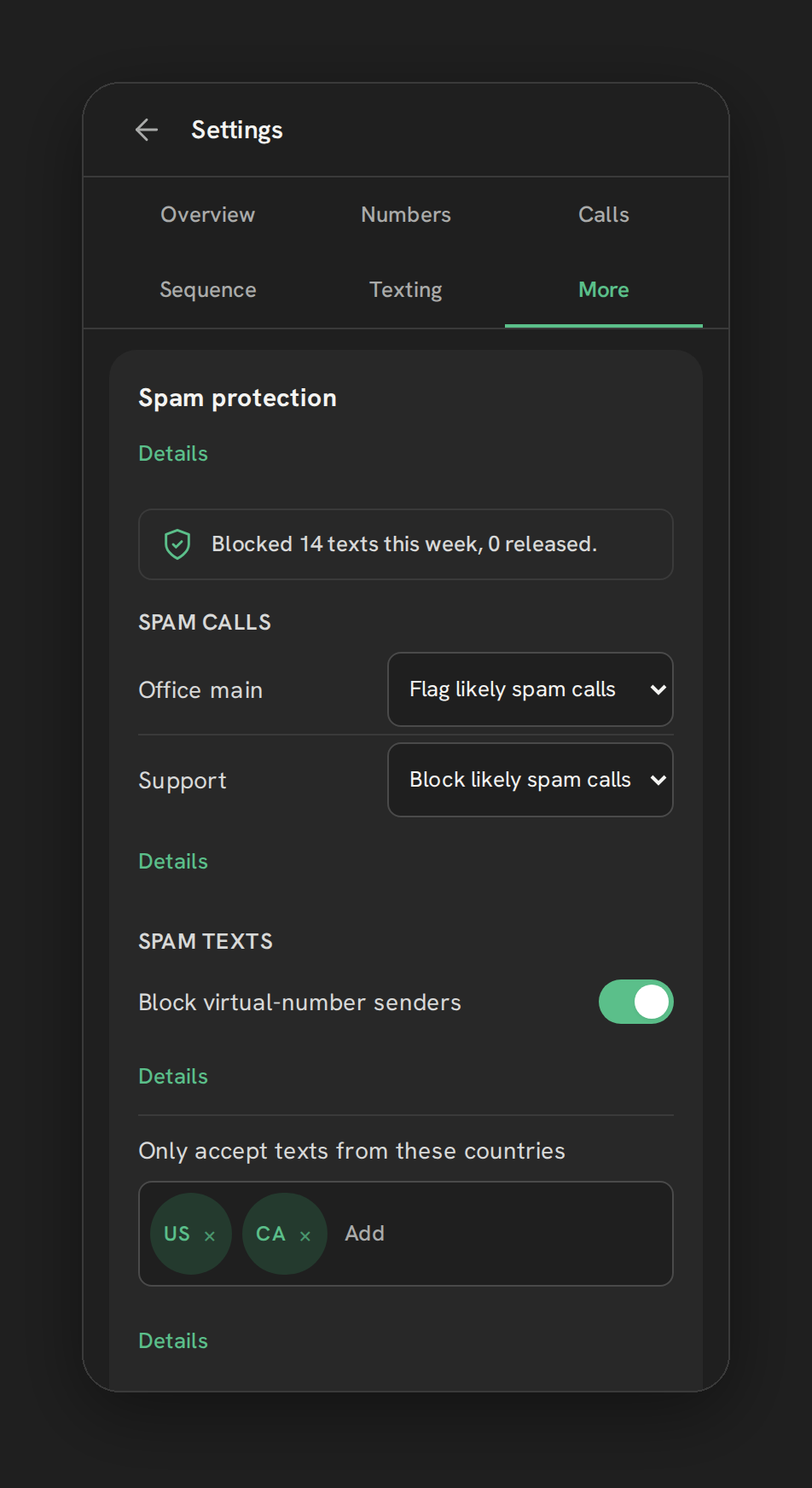
- Nobody sells an off switch. HighLevel, LC Phone, Telnyx and Phone Clover can influence the inputs the analytics look at. None of them can promise the output.
Why it happens to legitimate businesses
Call analytics don’t know your intent. They see patterns, and some patterns that are normal for a sales or follow-up team look a lot like robocalling from the outside:
- High volume from one number. A lot of outbound calls a day from a single number is a pattern the analytics watch, even when every call is to a real lead. HighLevel’s own advice is to ramp up call volume gradually.
- Short calls and low answer rates. Lots of calls that end in seconds, or ring out unanswered, look like a dialer working through a purchased list.
- Calls to people who don’t know the number. A brand-new number calling cold contacts has no history to balance the pattern.
- Recipients marking calls as spam. Recipient feedback is one of the factors HighLevel lists.
- A recycled number. A number that belonged to someone else may carry its old reputation with it.
- No caller ID name or a mismatched one. A number with no business name attached gives the analytics less to go on.
- Unsigned or poorly attested calls. Calls without full STIR/SHAKEN attestation carry less trust (more on that below).
None of these mean you did something wrong. They mean your calling pattern needs to look like what it is: a real business calling people who have a reason to hear from it.
What STIR/SHAKEN and CNAM do, and don’t do
These are the two fixes everyone mentions, so it is worth being precise.
STIR/SHAKEN is the US framework for signing calls. The originating carrier attaches a signature saying how well it knows the caller has the right to use that number, and the receiving carrier checks it. The FCC requires all US voice service providers to implement it in their IP networks. It exists to fight spoofing, where a robocaller fakes a number. A signed call proves the caller ID was not faked. It does not prove the call is wanted.
CNAM is the caller ID name, the business name that some carriers show under the number. A clean, correct name makes a call easier to recognize and gives the analytics a real business to associate the number with.
Both are worth having. Neither is a label remover. HighLevel says so plainly in its own documentation: SHAKEN/STIR “does not directly remove Spam Likely or other nuisance labels”, and CNAM name display “is not guaranteed and does not remove spam labels”. Its branded calling page adds that “a phone number can be authenticated and still be labeled based on call patterns, complaints, analytics-provider data, or previous activity.” You will still find older forum replies saying SHAKEN/STIR registration fixes Spam Likely. HighLevel’s current documentation says otherwise, and so do we.
What HighLevel gives you natively
LC Phone, HighLevel’s built-in phone, runs on Twilio, and HighLevel’s Trust Center gives LC Phone numbers a set of reputation tools:
- SHAKEN/STIR and CNAM registration. HighLevel says an EIN is required for both, and that numbers may be enrolled in SHAKEN/STIR automatically once a qualifying A2P registration is done.
- Voice Integrity. HighLevel submits eligible registrations to First Orion, Hiya and TNS. It applies only to US numbers.
- Free Caller Registry. A single free form, run jointly by the three analytics providers, where a business can ask for a flag to be reviewed. HighLevel’s guide says the flag “should be removed” within 4 business days, and that a remediated number can be labeled again later.
Those are sensible tools, and the Free Caller Registry is open to any business, whatever carrier its numbers are on. None of them removes labels on demand, because the labeling happens outside HighLevel. Every phone system for HighLevel hits the same wall.
What Phone Clover’s number health card does
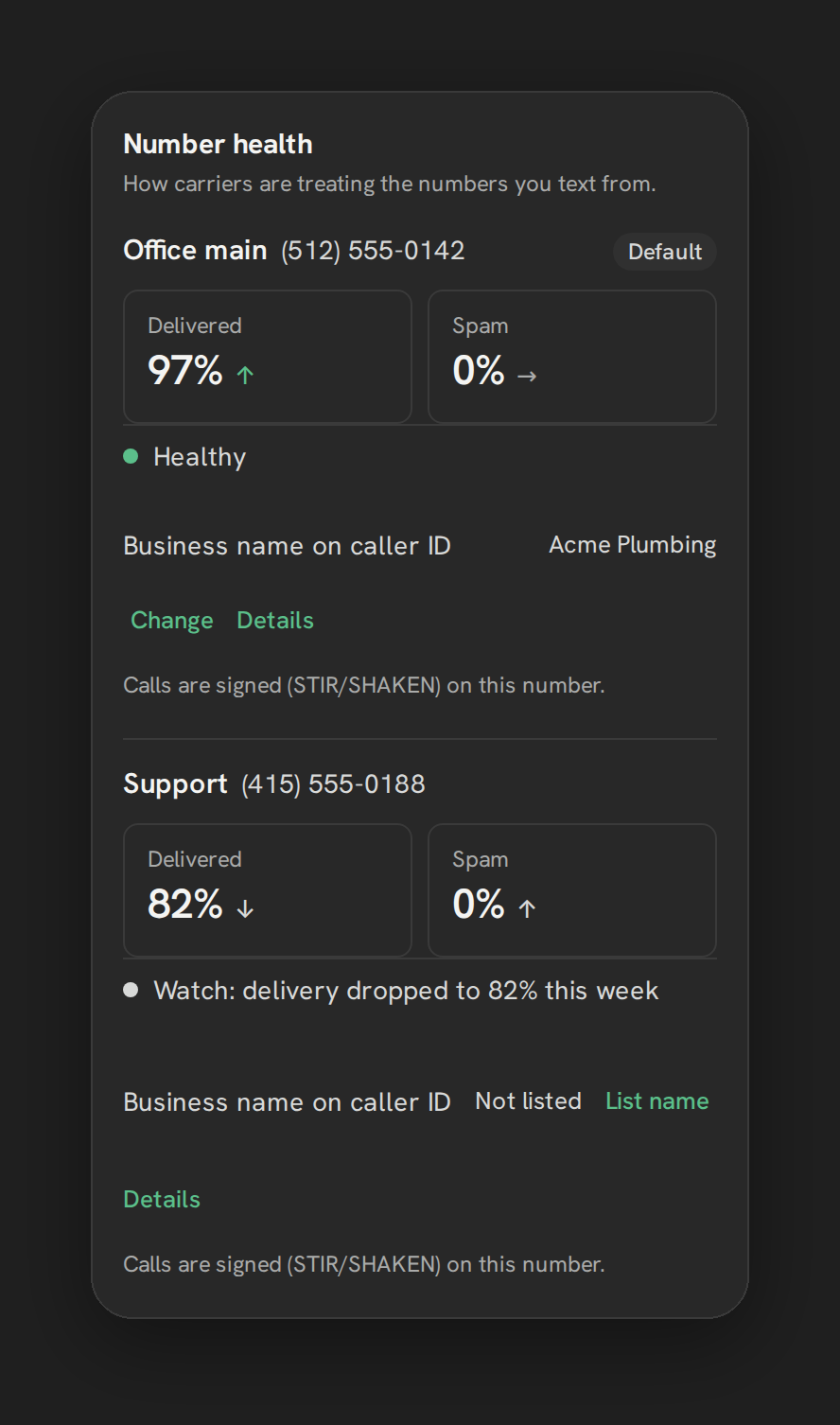
Phone Clover runs on your own Telnyx account, and it puts each number’s health on one card: open Settings, then the Texting tab, then Number health. One thing up front: the health scores on this card come from how carriers treat the number’s texts, while the caller ID name and STIR/SHAKEN lines are about calls. For each enabled number you see:
- Delivered and Spam tiles with a trend, built from Telnyx’s delivery and spam signals for that number’s texts.
- The CNAM, the caller ID name on the number, so you can spot a missing or wrong name.
- A STIR/SHAKEN signing note, a general statement that calls are signed, not a live status for that number.
- An overall status line, plus an amber “Check number health” badge in the top bar when any number turns unhealthy.
A number is marked unhealthy when its spam ratio goes over 1% or its success ratio drops below 85%, once at least 20 messages have been sent. With two or more enabled numbers, the switch “Pause a number that gets flagged” moves texting to your healthiest number until the flagged one recovers.
Two honest limits on that:
- The health scores come from texting. The Delivered and Spam tiles measure how carriers treat a number’s messages. They are an early warning that a number’s reputation is slipping, not a live readout of how its calls are labeled.
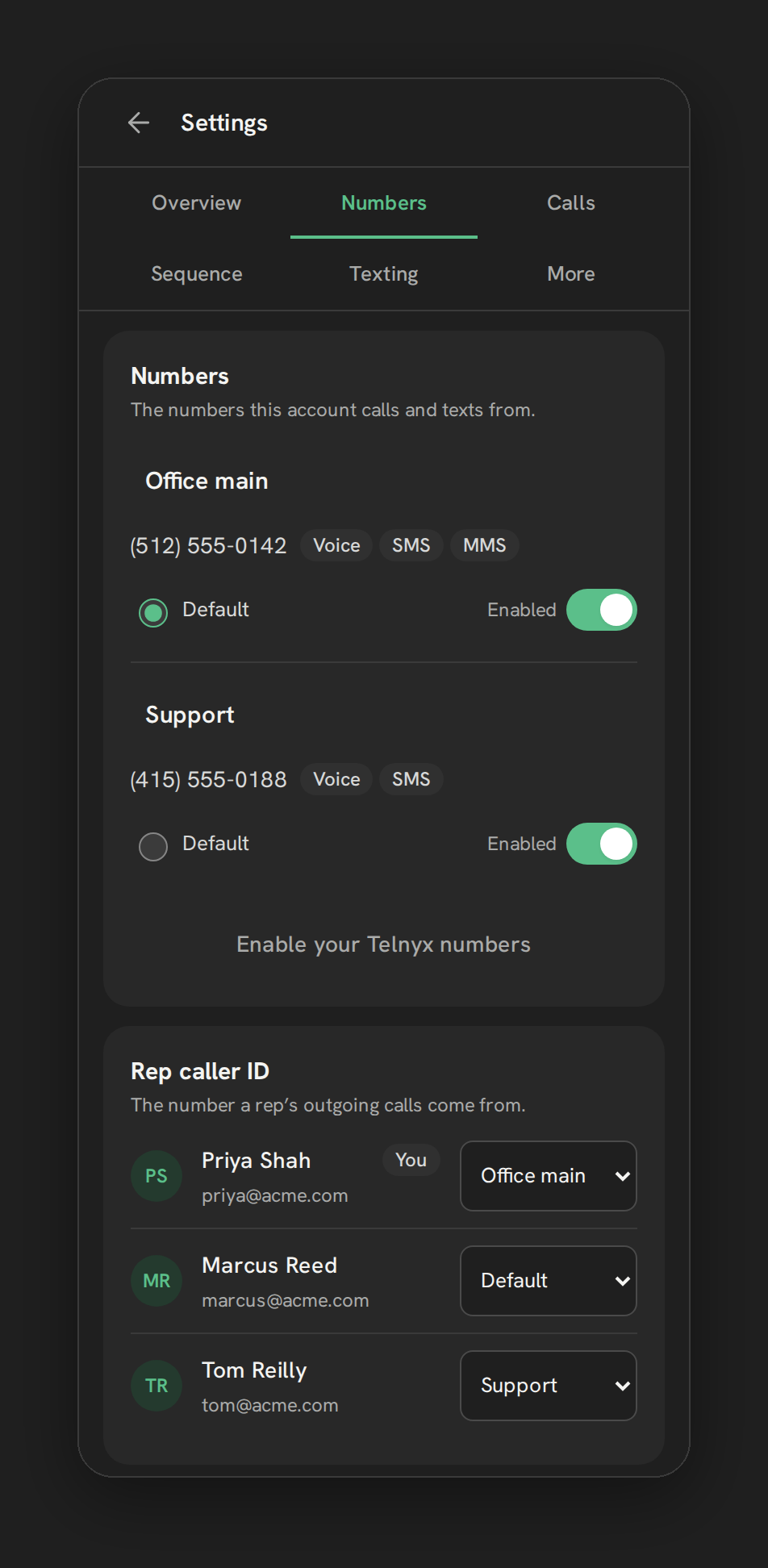
- Auto-pause moves texting, not calls. Outgoing calls keep the caller ID you set on the Rep caller ID card until you change it.
And one limit on scope: the CNAM and reputation work helps your name show up on the carriers that matter, for US-to-US calls to T-Mobile and Verizon mobile numbers. It does not remove Spam Likely labels broadly, across every carrier and call type. Browser calling itself is in early access: it runs in our pilot account today and is switched on for each new account as we set it up. The number health card, CNAM and STIR/SHAKEN signing note are ready for every early-access account. For the full card, see the number health page and Number health radar.
What is genuinely outside anyone’s control
It is worth saying out loud, because a lot of marketing in this space implies otherwise:
- The analytics models are private. Carriers and their analytics partners don’t publish exact thresholds, and they change them.
- There is no guaranteed removal. Registration and dispute processes exist, but a request is a request, not an order.
- Recovery takes time. A flagged number that changes its pattern can recover, on the carriers’ timeline.
- Other people’s reports count. If recipients keep marking your calls as spam, no setting on your side outweighs that for long.
If a vendor promises “no more Spam Likely”, ask them which carriers, which call types and how they measure it.
What each fix does
Here is every fix from this guide side by side, with the one question that matters: does it remove a Spam Likely label that is already there?
| Fix | What it does | Removes an existing label? |
|---|---|---|
| STIR/SHAKEN signing | Lets the receiving carrier check that the caller ID was not spoofed | No. HighLevel says it “does not directly remove Spam Likely or other nuisance labels” |
| Caller ID name (CNAM) | Shows your business name on carriers that display it | No. Display “is not guaranteed and does not remove spam labels” |
| Free Caller Registry | Asks the three big US analytics providers to review a flag | It can. HighLevel’s guide says the flag “should be removed” within 4 business days, and a remediated number can be labeled again |
| Lower volume per number | Changes the calling pattern the analytics watch | Not directly. It helps a number recover on the carriers’ timeline |
| A new number | Starts with a clean history | Replaces the flagged number rather than fixing it, and a new number with the same calling pattern tends to get the same label |
The only fix on the list that targets an existing flag is the Free Caller Registry, and even that is a request, not an order.
A practical checklist
Work through this in order. The first items cost nothing.
- Confirm it is really happening. Call a few colleagues on different carriers from the number in question and look at the incoming screen. One report from one prospect is a clue, not a diagnosis.
- Check the basics on the number. In Phone Clover, open the Number health card and confirm the CNAM shows your real business name. The STIR/SHAKEN line there is a general note that calls are signed, not a live check of that number. On LC Phone, check the same things in HighLevel’s phone settings.
- Look at the calling pattern. How many calls does this one number make per day? How many end in under ten seconds? Spreading volume and calling contacts who opted in does more than any setting.
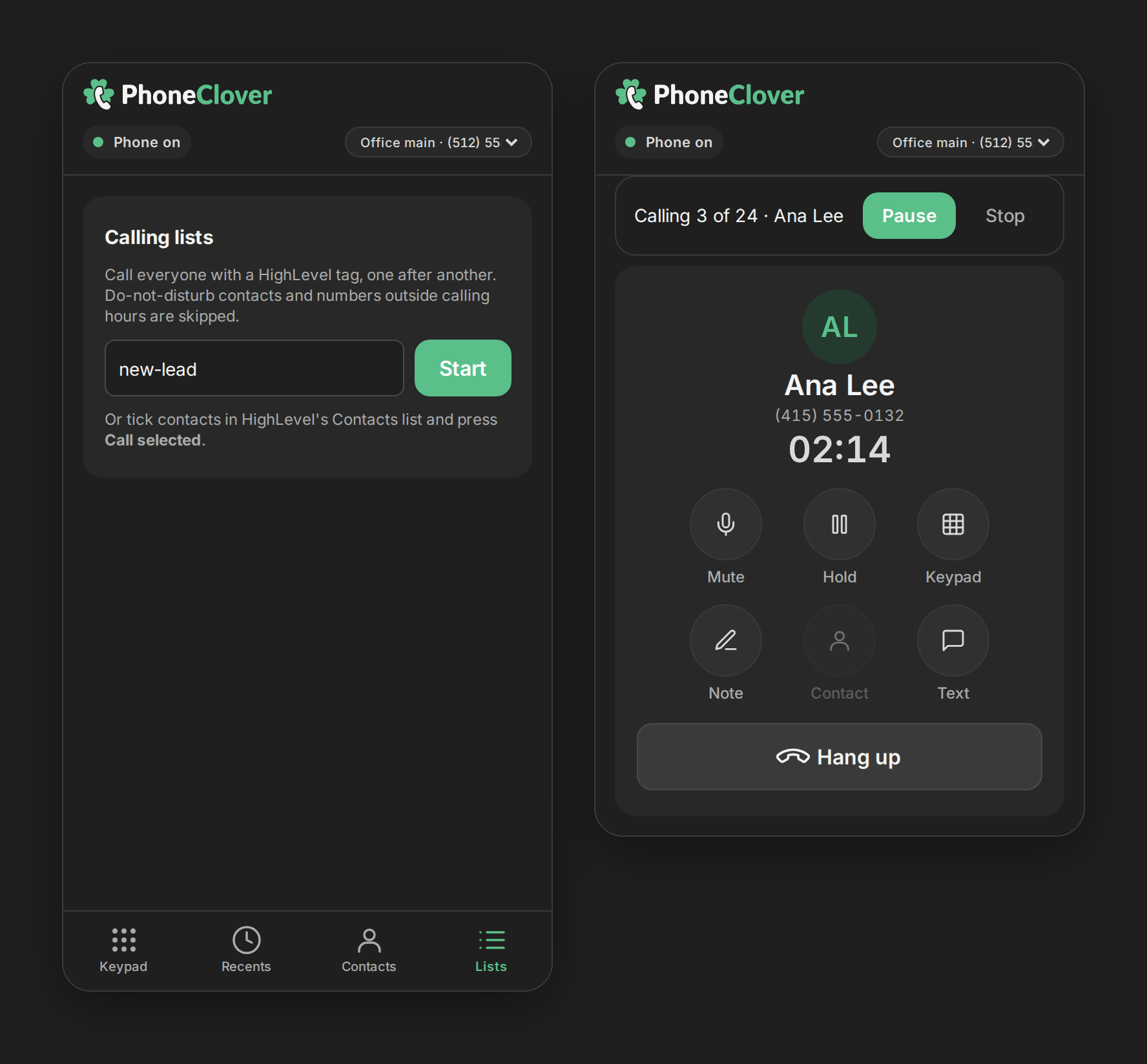
- Call people who expect you. Work leads who asked to be contacted first. Calling lists built from a tag, with do-not-disturb and calling-hours checks at dial time, keep reps on contacts you are allowed to call. See calling lists in HighLevel.
- Register the number with the analytics services. The Free Caller Registry covers the three big US analytics providers in one free form. Do it for every US number reps call from.
- Add a second number before you need one. With a second number, you can move a rep’s caller ID while the first one recovers, and texting auto-pause has somewhere to go.
- Decide whether to fix or replace. HighLevel’s own advice is that a flagged number that is new, not important to your business, or tied to an FTC complaint is often better replaced. A number customers know is worth remediating. Either way, a new number that repeats the same calling pattern tends to get the same label.
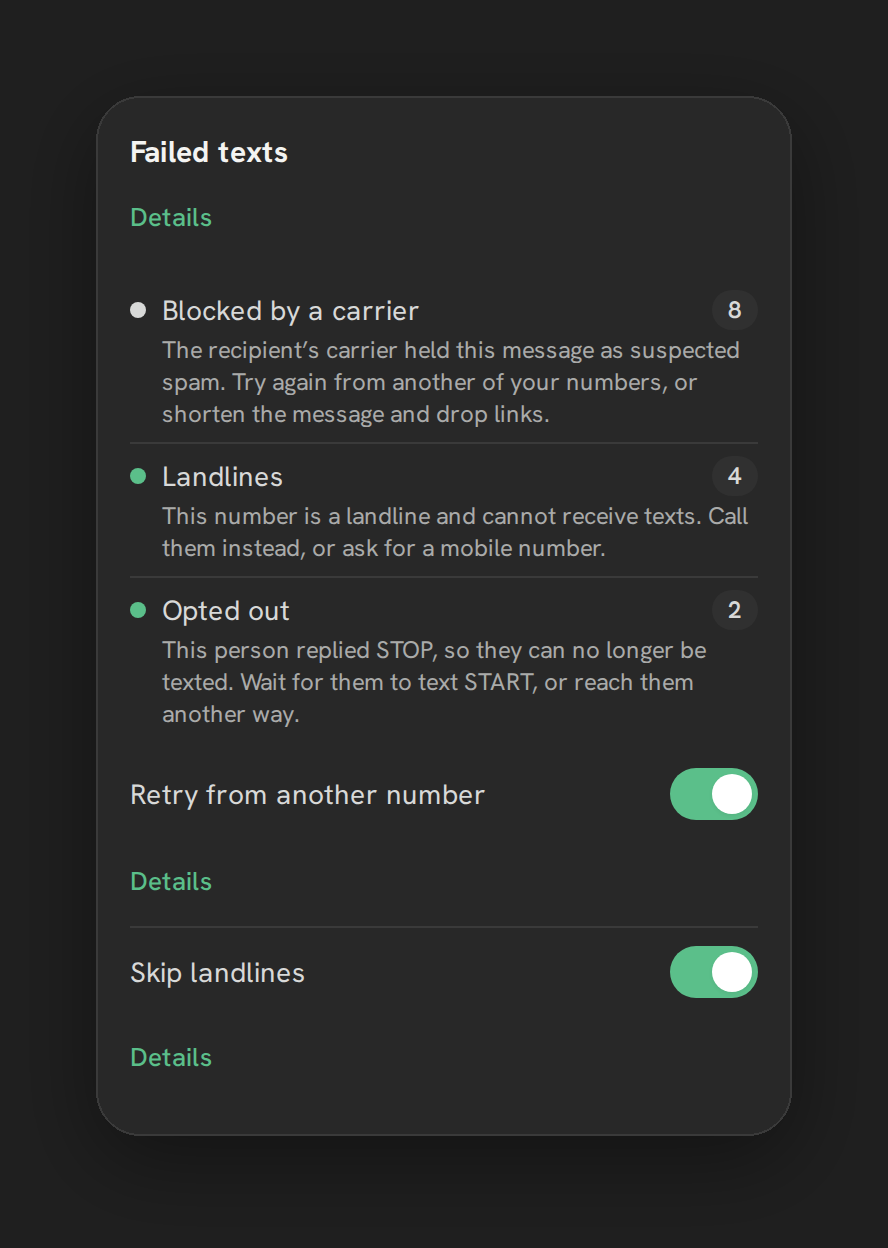
Texting has its own version of this problem: carrier filtering and unregistered traffic. If texts are failing too, read how to improve SMS deliverability in GoHighLevel.
Where this leaves you
Spam Likely is a carrier-side judgment about your calling pattern. The fixes that work are boring: correct caller ID name, signed calls, sensible volume per number, calling people who expect you, registering with the analytics services, and noticing early when a number slips. Phone Clover helps with the last part: one card per number, on your own Telnyx account, with a badge when something turns. It can’t make a promise the carriers won’t make.
For the wider picture of running HighLevel calls and texts on Telnyx, see Telnyx for GoHighLevel and Calling. If you are weighing a move off LC Phone for reasons like this, Phone Clover vs LC Phone compares the two side by side, and Is there a Twilio alternative for GoHighLevel? covers what switching carriers can and can’t change.