

Telnyx Pricing and Spend Limits for HighLevel Agencies
telnyx pricing 4 min read
What Telnyx lists for calls, texts and numbers (Oct 2026), and how a daily spend limit caps your own Telnyx account once it is connected to HighLevel.
- Best for
- Anyone who's connected their own Telnyx account to GoHighLevel through Phone Clover and wants to know what a daily spend limit actually caps.
- Not for
- Anyone on the shared house Telnyx account. Spend limits need your own connected account.
- The difference
- Nothing else explains this combination: a GoHighLevel admin's view of a Telnyx-enforced daily cap, not Telnyx's raw API docs and not a generic GHL pricing guide.
Connect your own Telnyx account to HighLevel and the pricing conversation changes: you pay Telnyx directly for usage instead of having it folded into a flat platform fee. That also means nothing stops a bug, a runaway workflow or a bad actor from running up a bill unless you set a limit yourself. This post covers what Telnyx lists for calls, texts and numbers, then how the daily spend limit works.
What Telnyx charges for calls, texts and numbers
These are Telnyx’s own published pay-as-you-go rates, read from telnyx.com in October 2026. Telnyx says they are “before volume tiers” and that carrier passthrough and taxes vary by destination, so treat them as a starting point and check Telnyx’s pricing pages before you budget.
| What | Telnyx lists (Oct 2026) |
|---|---|
| Outbound voice | $0.002 per minute for the Voice API, plus a SIP trunking fee ($0.005 in Telnyx’s example, $0.007 per minute total) |
| Inbound voice | $0.002 per minute for the Voice API, plus a SIP trunking fee ($0.0032 in Telnyx’s example) |
| Text, local numbers (including 10DLC) | $0.004 per message part, in or out, plus a carrier fee |
| Text, toll-free numbers | $0.0055 per message part, in or out, plus a carrier fee |
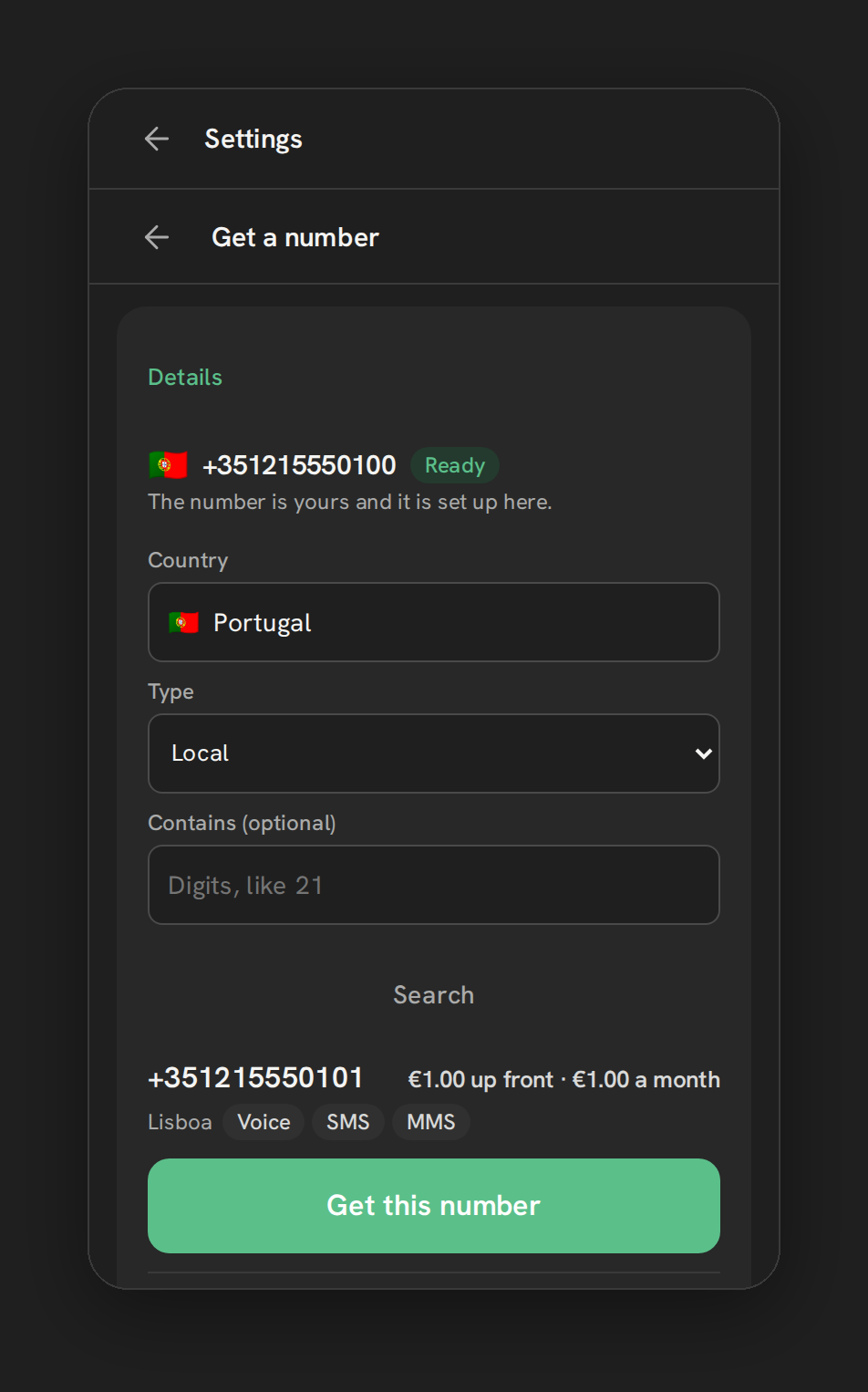
| Local number | From $1 per month |
| Toll-free number | From $1 per month |
| SMS and MMS on a number | $0.10 per month extra |
A few details that change the bill:
- Texts are priced per message part. A long message that splits into two parts costs two parts.
- Carrier fees apply on top for some carriers. For local senders Telnyx lists, for example, $0.0035 on AT&T in either direction, and $0.0045 outbound on T-Mobile and Verizon. Other carriers list no fee.
- Telnyx shows no separate 10DLC price on its messaging page. Ask Telnyx about registration charges. Phone Clover’s 10DLC guide covers the process.
- Rates can change. These are the figures on the page the day this was updated.
For the per-minute voice comparison with LC Phone, see Telnyx phone and SMS in HighLevel. Phone Clover’s own plan prices are separate and are on the pricing page.
Why BYO Telnyx needs its own cost control
On a shared house account, usage limits protect everyone sharing it, set by whoever runs the account. Once you connect your own Telnyx account, that protection goes away by default: your messaging and voice profiles are yours alone, billed to you directly, with nothing capping them unless you configure it. A workflow that fires more than intended, or a spike in inbound spam calls to a number with voicemail detection on, can turn into a real bill before anyone notices.
What the Telnyx cost dashboard shows
Before setting a limit, it helps to see what you’re actually spending. An admin-only card on the Phone dashboard shows:
| Period | Shows |
|---|---|
| Last 7 days | Texts sent, call minutes, total Telnyx cost |
| Last 30 days | Texts sent, call minutes, total Telnyx cost |
Both are counted by UTC day. Number rental isn’t included in the total, only usage, texting and calling.
Setting a daily spend limit
In Settings, Telnyx account, set an amount for Daily spend limit and turn it on. Once your sub-account’s spend for the day reaches that amount, Telnyx itself refuses new texts and calls until the limit resets at midnight UTC. This isn’t a soft warning inside GoHighLevel; the enforcement happens on Telnyx’s side, on the account you control.
One detail worth knowing: the limit applies to texts and calls separately, not as one combined total. Setting $25 a day means up to $25 of texting and up to $25 of calling, not $25 split between them.
Why it needs your own Telnyx account
This only works once you’ve connected your own Telnyx account. The shared house account’s messaging and voice profiles are used by other sub-accounts too, so a spend limit set there would cap their usage along with yours, which is why it’s restricted to a fully connected, standalone account.
What it doesn’t cover
- No number rental. The cost dashboard and the spend limit both track usage only: texts and call minutes, not the monthly cost of the numbers themselves.
- No agency-wide rollup. Cost and spend limits are both scoped to one sub-account. Running ten sub-accounts on your own Telnyx account means checking, and capping, each one separately.
- No default cap. Nothing is capped until you set and turn one on; a fresh connection has no protection by default.
A practical starting point
If you’re rolling BYO Telnyx out for the first time, a reasonable order:
- Connect your own Telnyx account. See connect your Telnyx account.
- Watch the cost dashboard for a week or two before setting a hard cap, so you have a real baseline instead of guessing.
- Set a spend limit with headroom above your normal usage, not a tight cap that could block legitimate traffic on a busy day.
- Revisit it per sub-account if you’re running several; there’s no agency-wide setting to set once.
Where this leaves you
A Telnyx spend limit is a real, Telnyx-enforced cap, not a GoHighLevel-side warning, and it only works once you’ve connected your own account. It applies to texts and calls separately, resets daily at midnight UTC, and doesn’t cover number rental or give you a combined view across sub-accounts. Set it after you’ve seen a normal week of usage, not before.
See Number Management for the full feature page, and Telnyx cost dashboard and daily spend limit for the exact settings walkthrough.