
The problem
Texting compliance rules exist to stop businesses from bothering people at the wrong hour or after they’ve asked to stop, and getting either wrong costs more than a bad reply: carrier filtering, complaints, and legal exposure. Most tools leave that entirely up to whoever wrote the workflow. Phone Clover builds a few of the most common mistakes out of the send path itself, so a badly timed workflow send doesn’t have to become a bad outcome.
How it works in HighLevel
Every outbound text checks the contact’s time zone, worked out from HighLevel’s own contact data when it’s set, or from their area code and state when it isn’t, against the legal send window for that state. Inside the window, the text sends immediately as usual. Outside it, the text is held rather than failed, and a background check running every minute releases held texts, in order, the moment their window opens. A reply sent within 30 minutes of a contact’s own inbound text skips the hold, since that’s an active conversation, not a cold send.
Separately, an inbound message is checked against a list of common opt-out keywords and phrases before it reaches your automations, so “STOP” and its usual variants are recognized consistently. And a number configured to record inbound calls now plays a short spoken notice before the call connects.
Every option explained
| Setting | Where | What it does |
|---|---|---|
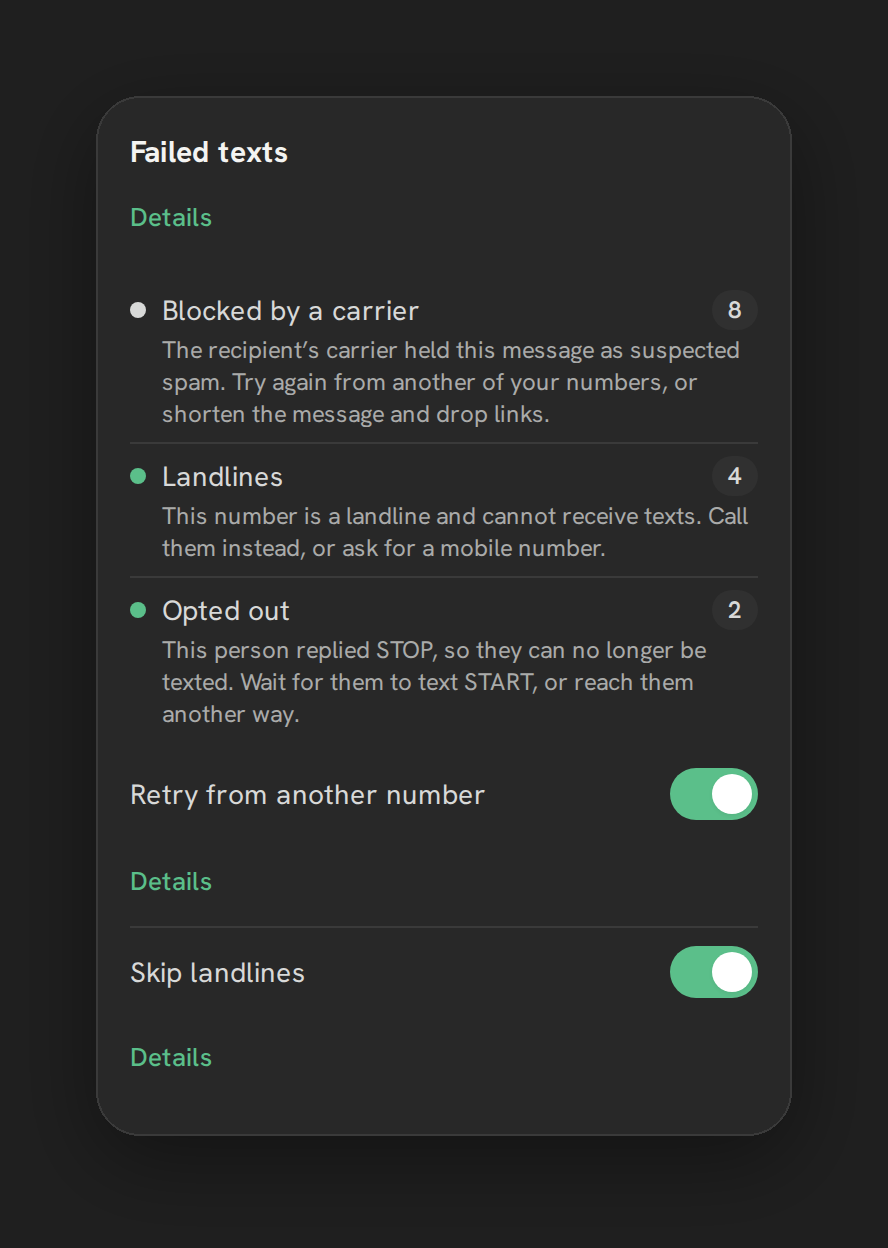
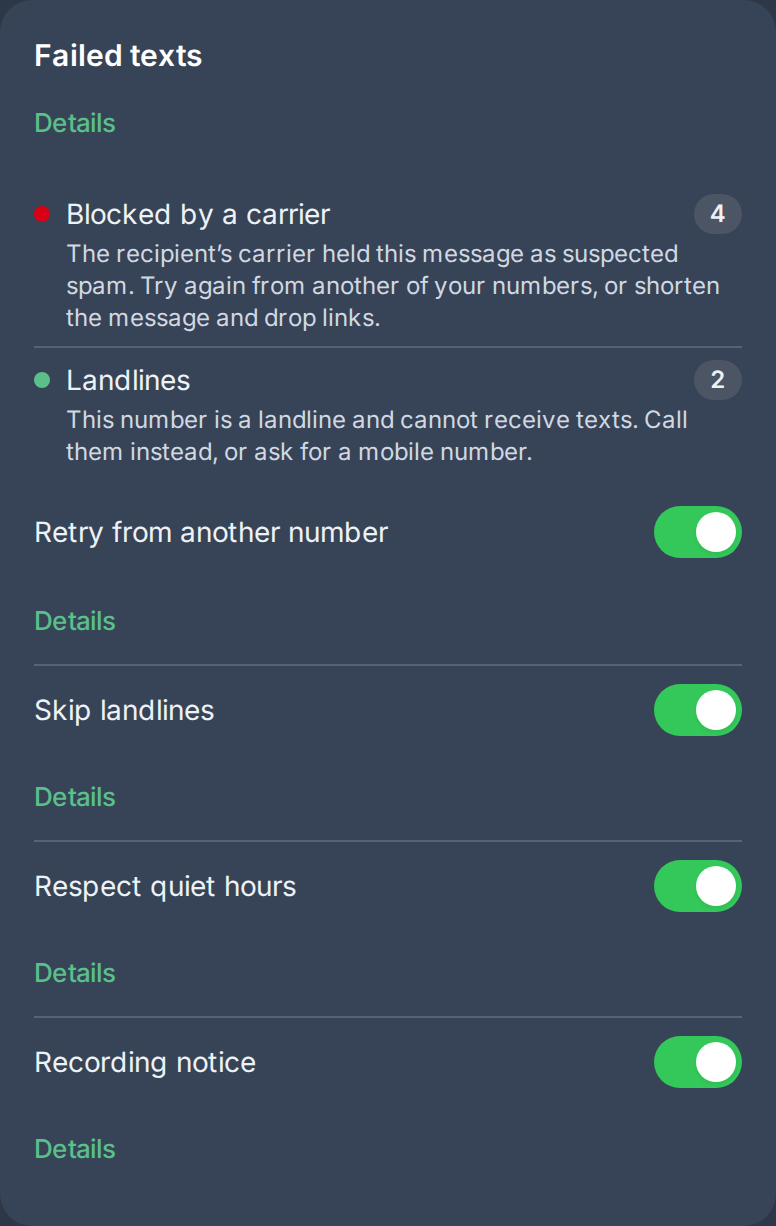
| Respect quiet hours | Settings → Texting → “Failed texts” card | Holds outbound texts outside the legal send window and releases them automatically when it opens |
| Recording notice | Settings → Texting → “Failed texts” card | Plays a spoken notice before a recorded inbound call connects |
| Opt-out keywords | Always on, not a toggle | Recognizes STOP-style replies automatically, whatever the case or punctuation |
Note: both toggles default to on for every sub-account. Turn either off in Settings if it doesn’t fit how your business texts or calls.
Who uses it
These guardrails run automatically once texting or recording is on; nobody has to configure a send schedule or a keyword list. An admin only needs to visit Settings if they want to turn a guardrail off for their sub-account.
What to expect
A held text is not a failed text: it waits, and sends itself once the window opens, so a workflow that fires at midnight still reaches the contact at a reasonable hour instead of failing outright. The state-specific windows cover a handful of states with their own rules; everywhere else falls back to the federal window. None of this is a substitute for knowing the texting law that applies to where your contacts actually are, and every part of it can be switched off per sub-account if it doesn’t match how you operate.
For the legal background behind the send window itself, see GoHighLevel SMS quiet hours: the legal send window, and how Phone Clover enforces it.