
Call screening and press-1 forwarding
One control for spam-call screening across every number, plus a "press 1 to accept" gate on calls forwarded to a rep's mobile. Early access.
For admins · Updated Sep 25, 2026
All guides
Early access. Live in production, but some of the underlying Telnyx call data this relies on is still unverified. Treat the screening verdict as a signal, not a guarantee.
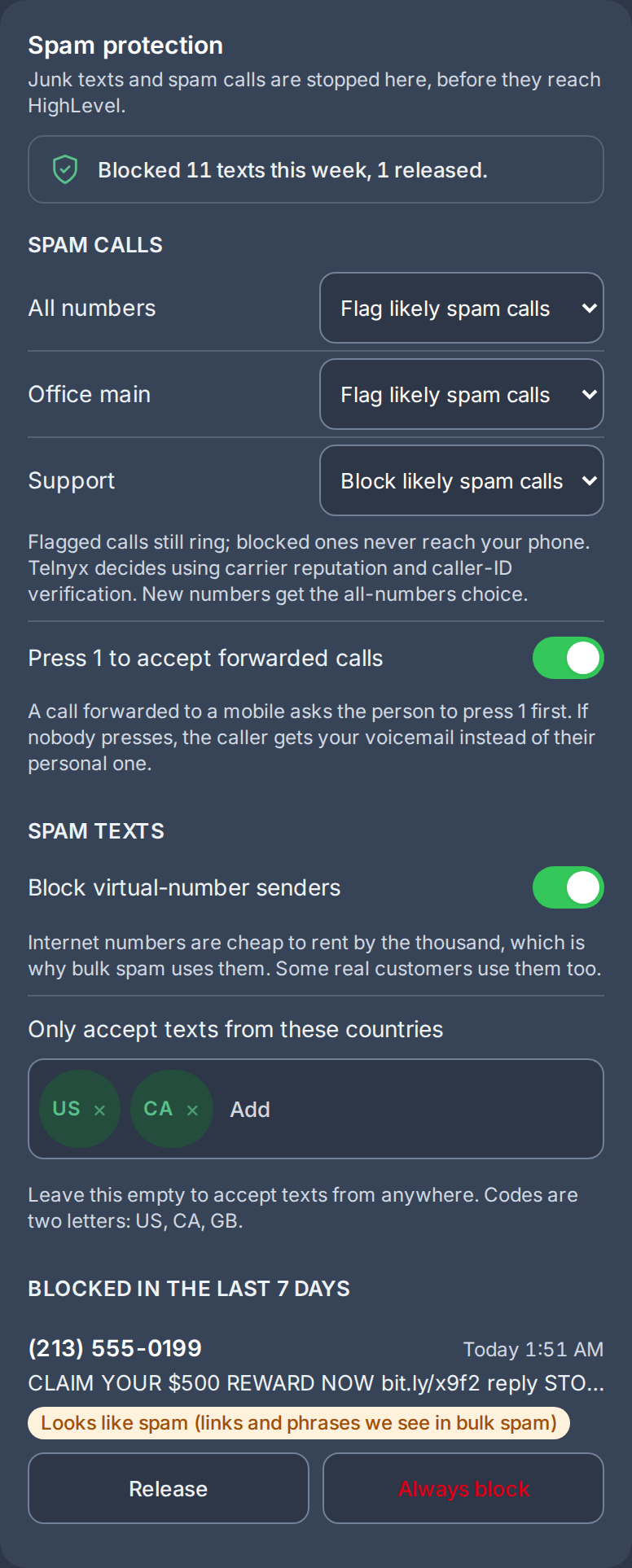
Two related controls cut down on spam and unwanted calls reaching a rep: a screening choice for inbound calls, and an optional gate on calls forwarded to a rep’s personal mobile.
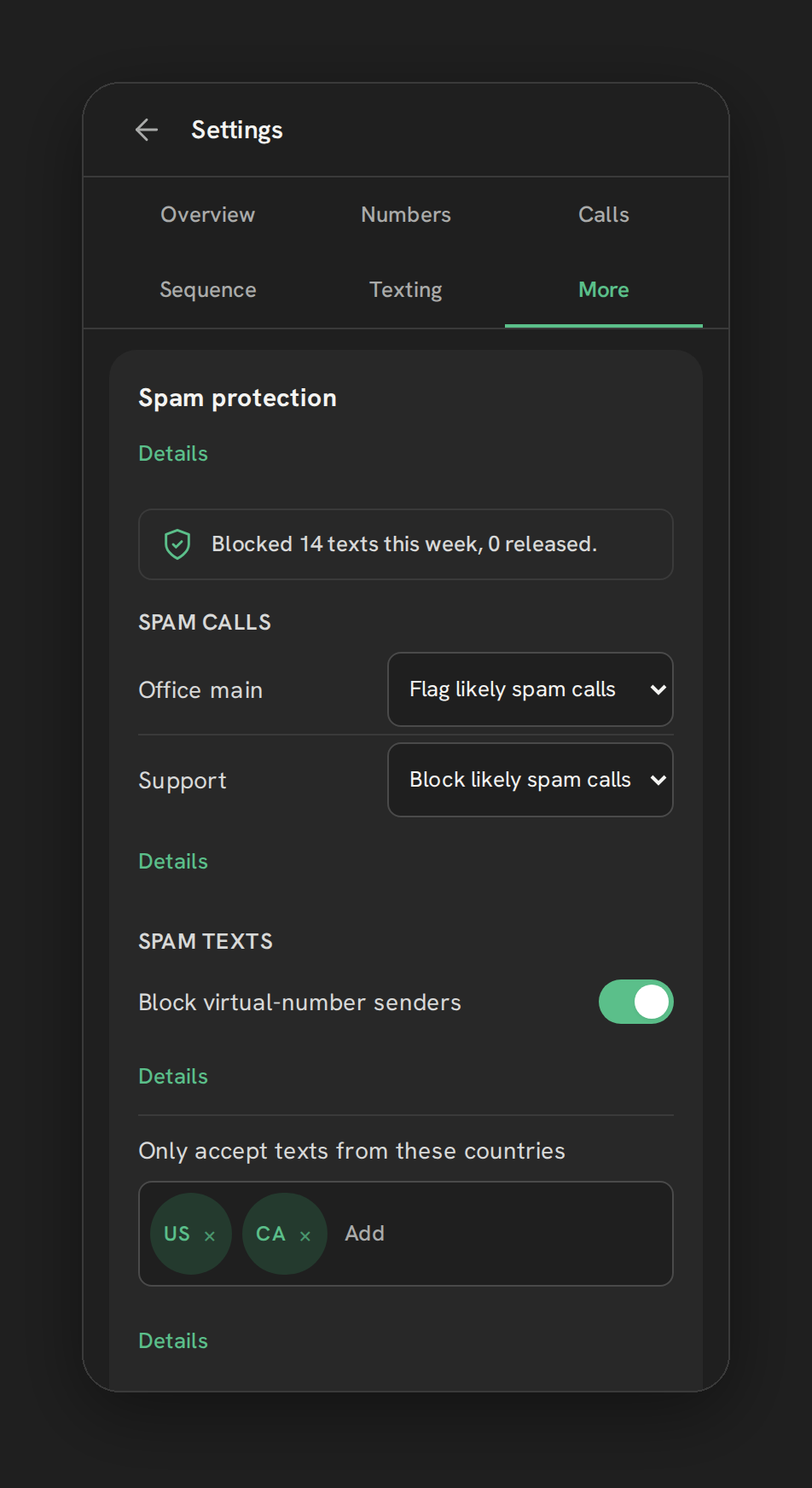
Where to find it
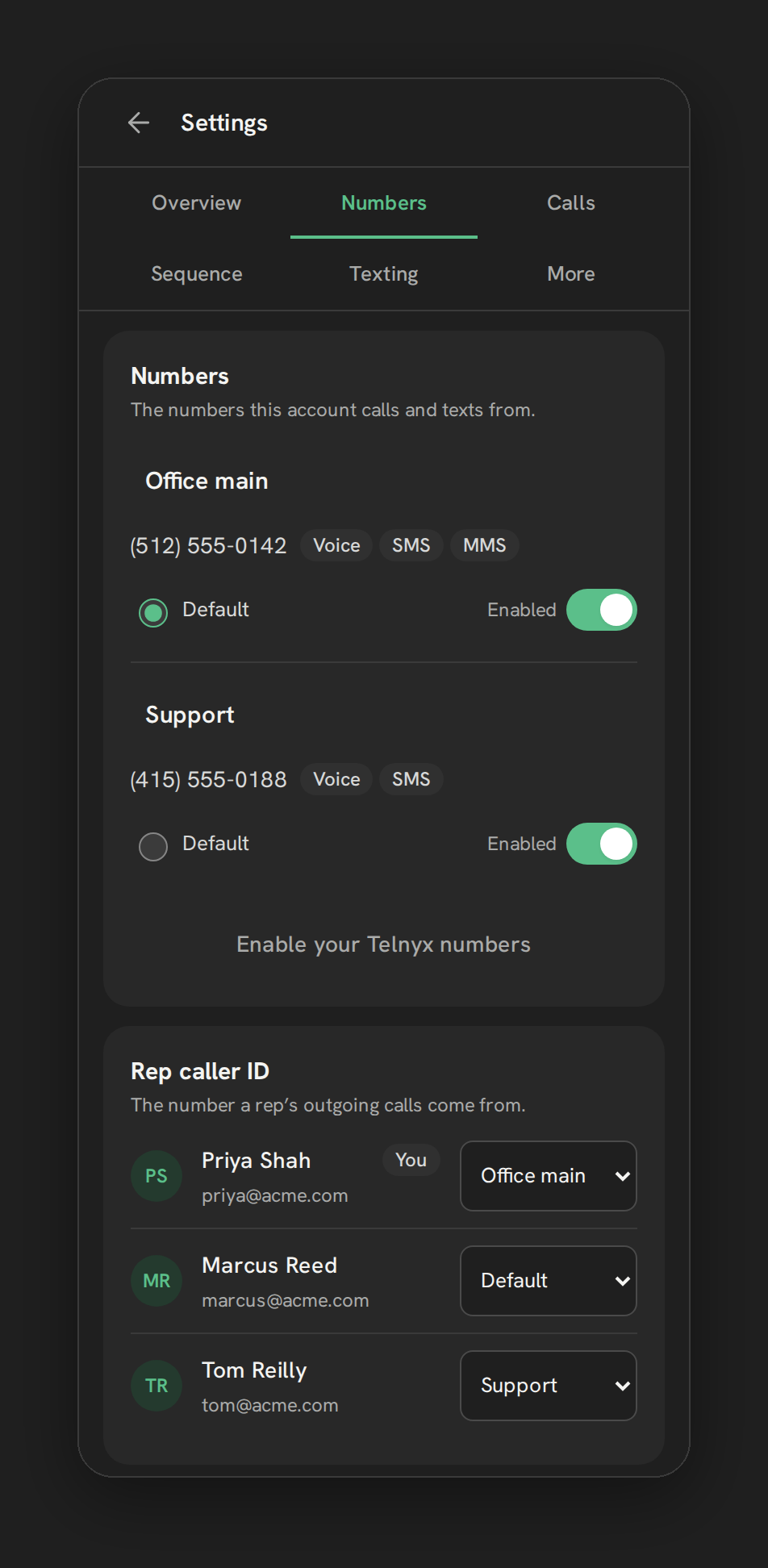
Settings, then the More tab, then the Spam protection card.
Call screening
An All numbers choice applies one screening setting across every Telnyx number on the sub-account:
| Choice | What happens |
|---|---|
| Off | Every call rings through, unscreened |
| Flag likely spam calls (default) | The call still rings; it’s just flagged |
| Block likely spam calls | The call never rings; no voicemail, no missed-call badge |
Telnyx decides using carrier reputation and caller-ID verification. Per-number overrides are still available if one number needs a different setting than the rest. A new number added later gets the sub-account’s All-numbers choice automatically as a starting point.
Press 1 to accept forwarded calls
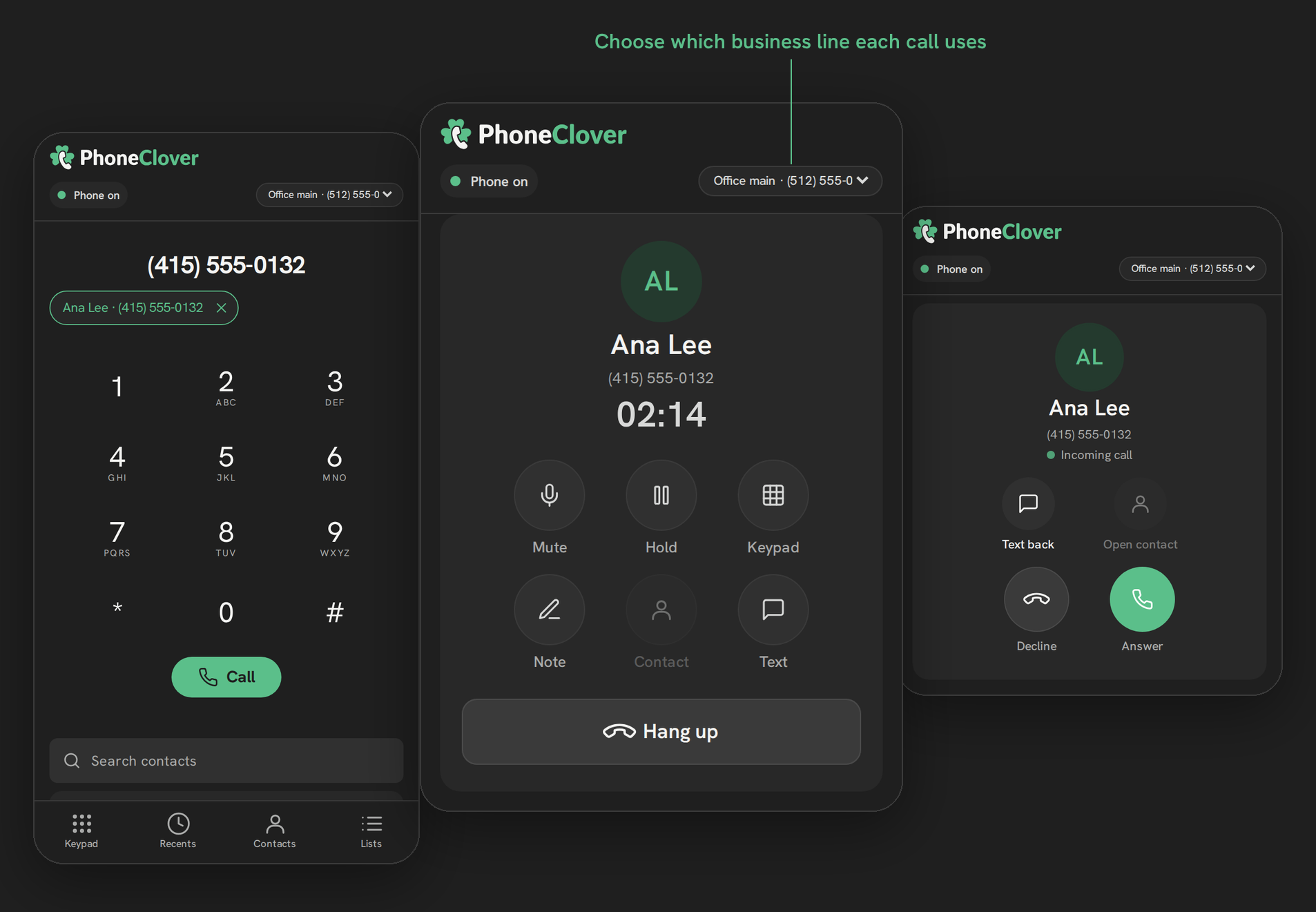
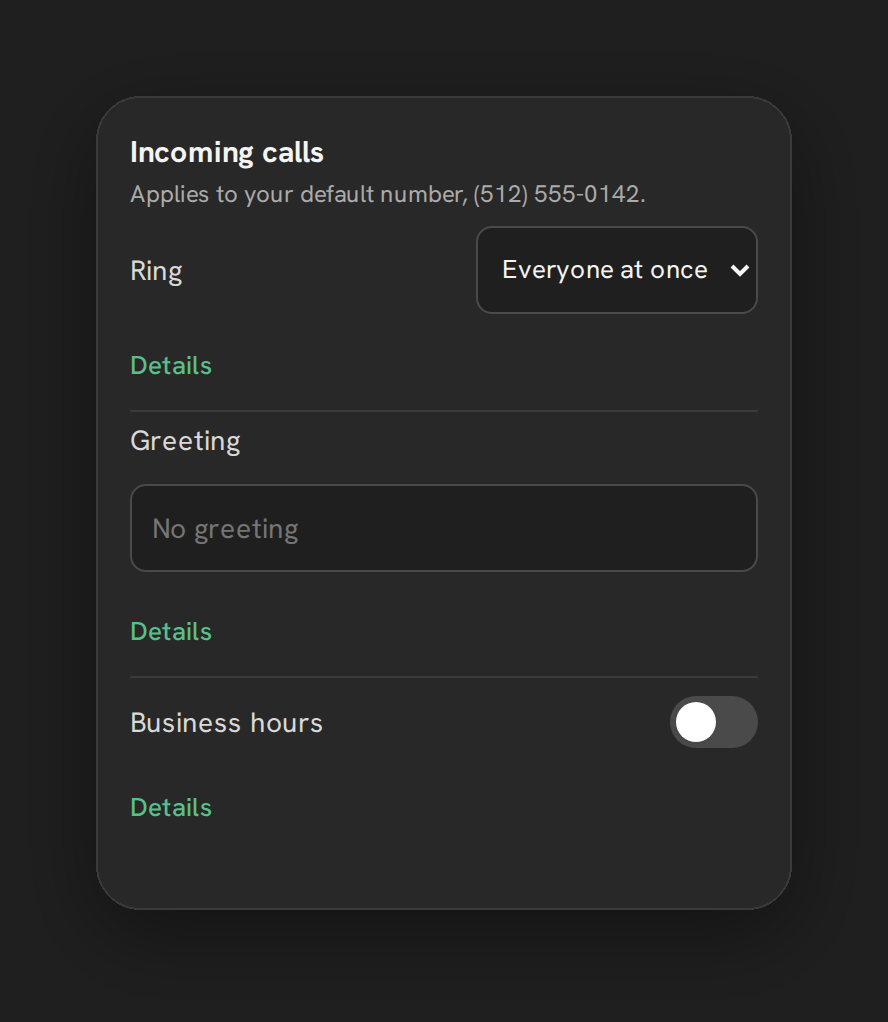
When a call is forwarded to a rep’s personal mobile, this asks the caller to press 1 before it bridges. Whoever doesn’t press 1, wrong number, robocall, or someone who just doesn’t see the prompt, falls through to your voicemail instead of ringing the rep’s personal line as if it were theirs. Default on.
Limits
- “Flag” never blocks a call, it only marks it; only “Block” actually stops a call from ringing.
- A blocked call gets no voicemail and no missed-call text-back, since it never reaches the point those trigger from.
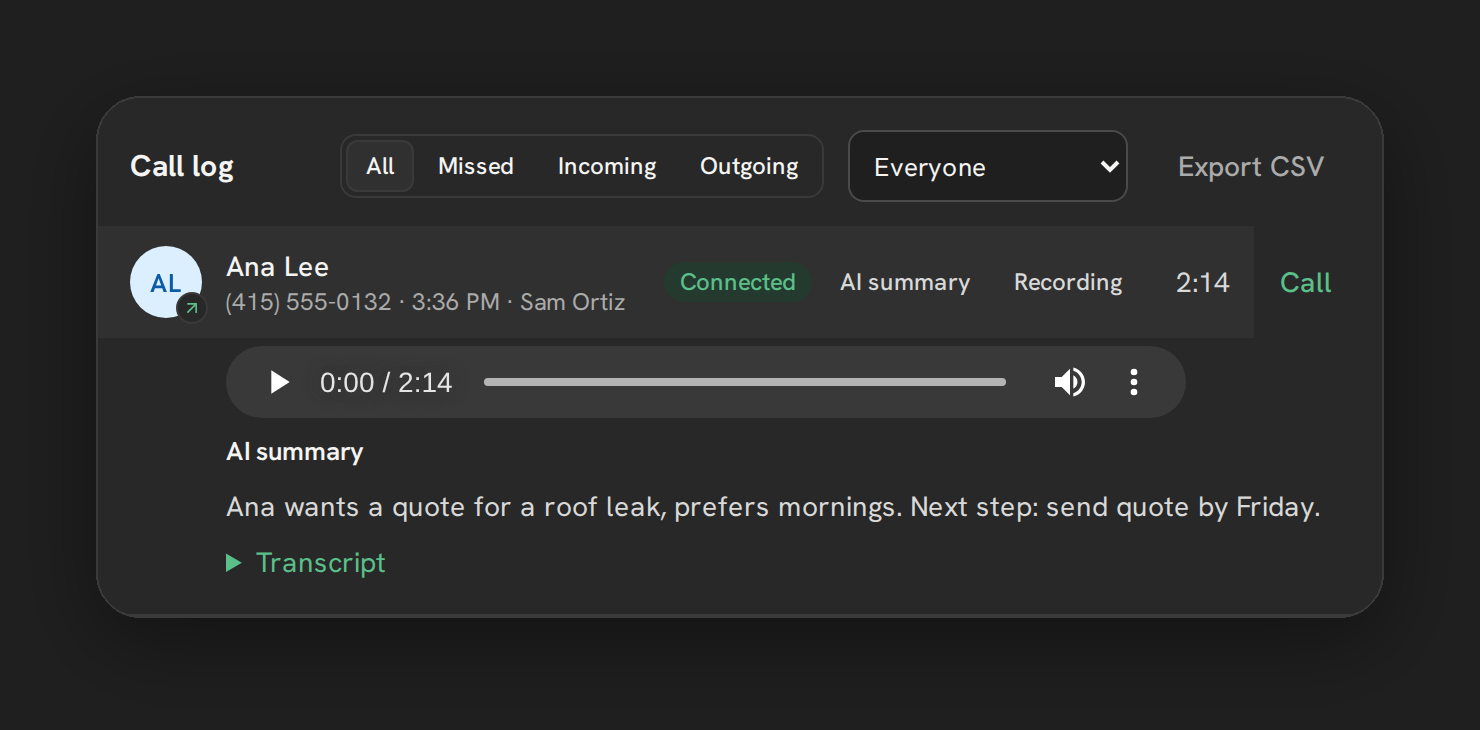
- Whether a flagged call is tagged as spam in the call log is unverified as of this writing; Telnyx’s documented parameters for this don’t show it explicitly.
Troubleshooting
A real customer’s call got blocked. Switch that number, or All numbers, to “Flag” instead of “Block,” or add an allow-list entry for that number specifically.
Forwarded calls don’t ring my mobile at all now. Confirm you’re pressing 1 within about 8 seconds; the call falls to voicemail if the prompt times out.