
Transfer an answered call
Move an answered inbound call to a teammate or an outside number. Blind transfer only, early access, not yet proven on a real call.
For reps · Updated Oct 20, 2026
All guides
Plan requirement: Pro, Growth 5, Growth 10 or Scale, with this sub-account covered by the plan.
Early access. This is live, but hasn’t yet been proven with a real call on a pilot account. Test it before relying on it for a live handoff.
Once a rep has answered an inbound call, they can move it to someone else without asking the caller to hang up and call back.
Where to find it
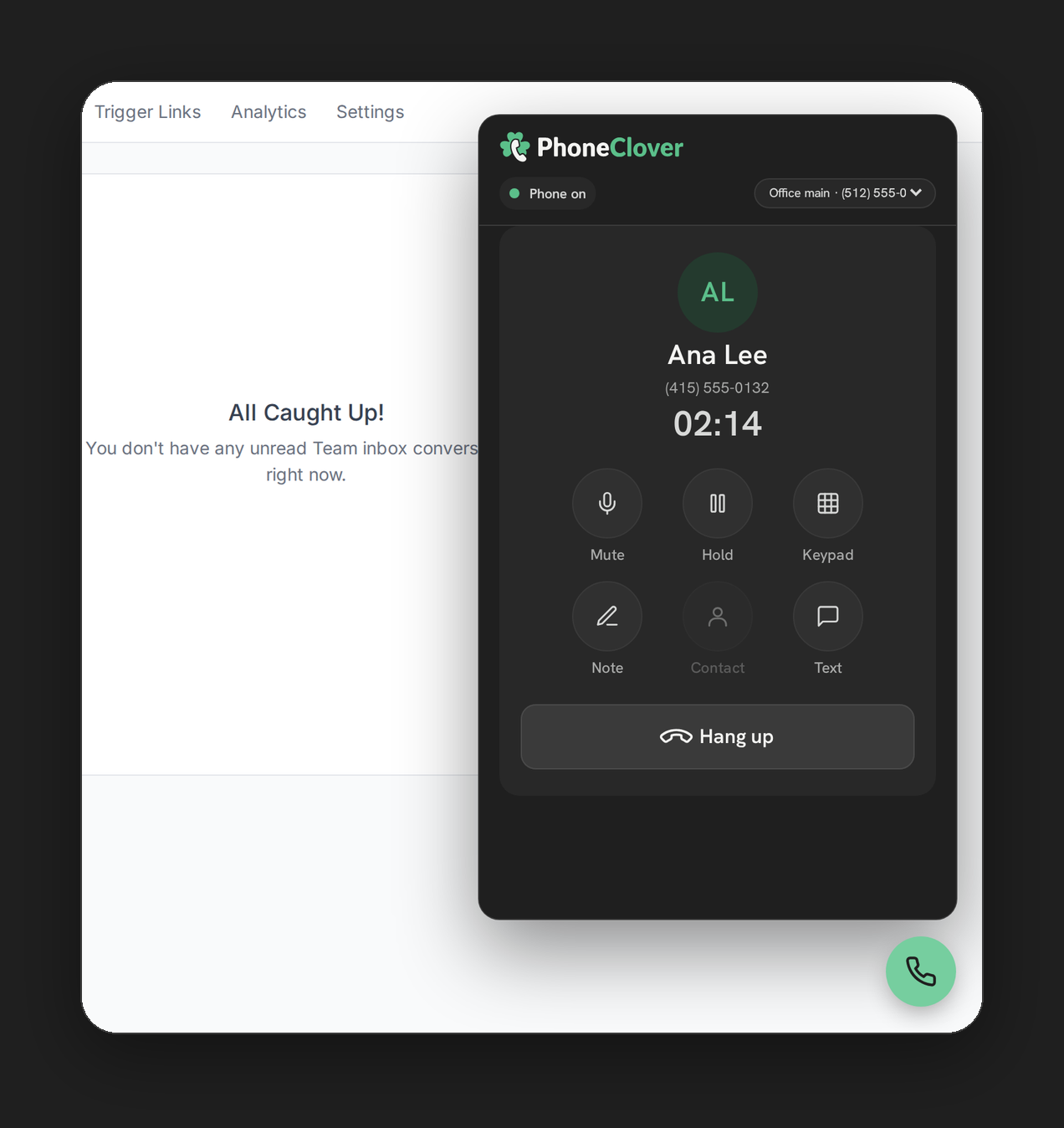
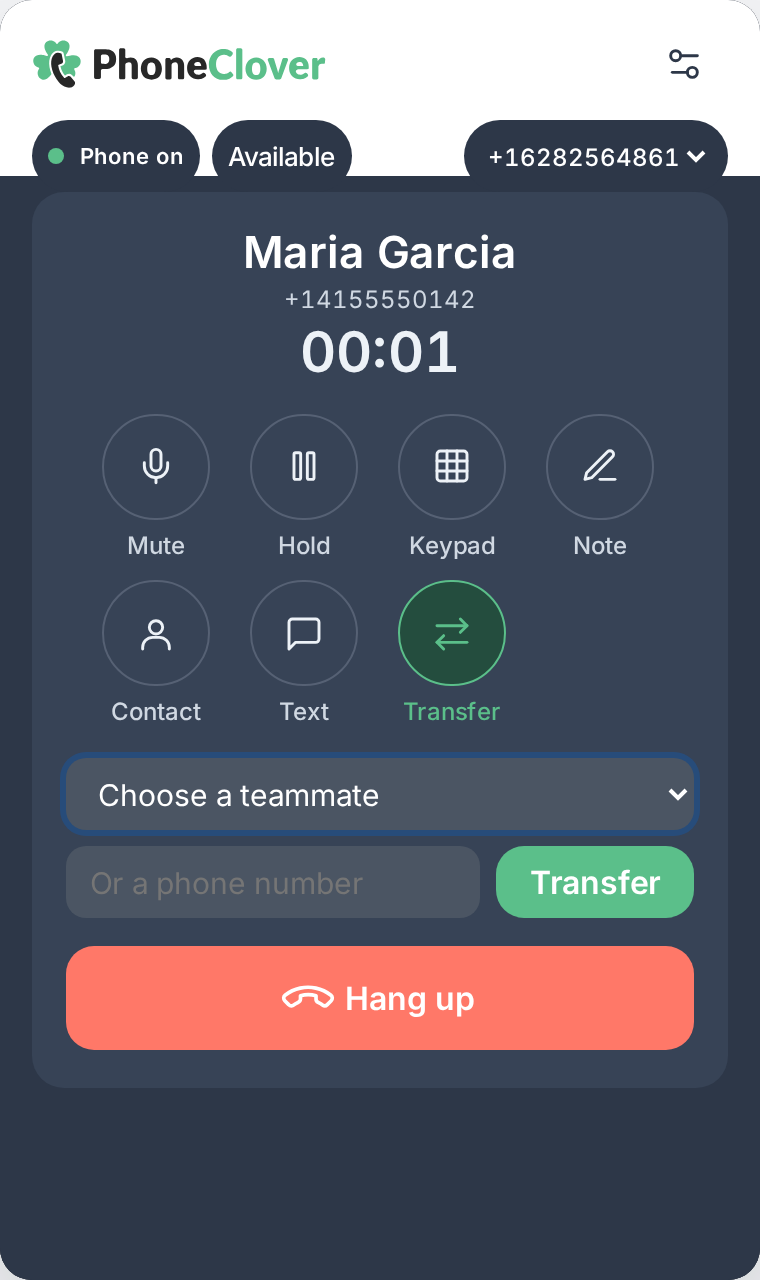
The Transfer control on an answered inbound call, in both the floating widget and the full Phone page.
Step by step
- Answer the call. Transfer only appears once a call is connected, not while it’s still ringing.
- Pick a target. Choose a teammate from Choose a teammate, a dropdown of reps who’d actually be rung right now (same sub-account, phone open, not marked Away), or type a number into Or a phone number.
- Click Transfer. The caller connects to the new leg. Your own call ends there.
What kind of transfer this is
This is a blind transfer: the caller is handed off, not conferenced in with you first. There’s no warm introduction and no 3-way call. If the person or number you transferred to doesn’t answer, the call goes to voicemail if that’s turned on for the number, otherwise it hangs up. It never returns to you.
Note: any rep in the sub-account can transfer any live inbound call for it. Phone Clover can’t tell which rep actually answered a given call, so this isn’t restricted to whoever picked up.
Limits
- Blind transfer only. No warm handoff, no 3-way calling.
- A number transfer is US/Canada only, and can’t be one of your own numbers.
- Only the first recording attaches to the call log. The segment after a transfer is stored but not attached to the logged call yet.
- Calls that started before this feature went live can’t be transferred.
Troubleshooting
Transfer doesn’t appear. It only shows on an answered call, not while ringing, and needs at least one currently ringable teammate to populate the picker (you can still type a number).
The transfer target didn’t answer. The call falls to voicemail if it’s on for that number, otherwise it hangs up. It does not return to you; call the contact back if you need to try again.