
SMS in your CRM mobile app
Texting from your CRM mobile app on your Telnyx number is not proven yet. Calling does not work there; forward calls to your mobile instead.
For everyone · Updated Sep 23, 2026
All guides
If you use your CRM mobile app, texting is designed to work there the same way it does on desktop, on your Phone Clover number, though we have not proven it yet. Calling is a different story, and this page explains exactly where the line is.
Texting on mobile
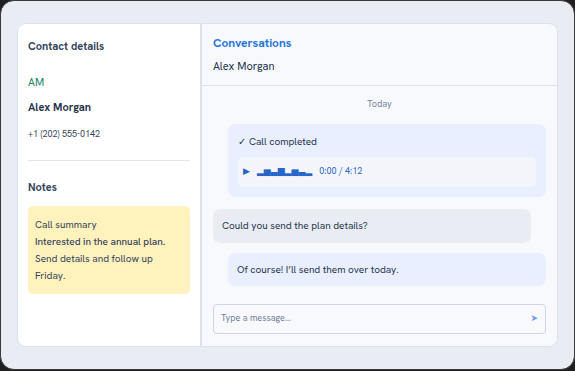
Because texting rides through your CRM as a Conversation Provider, it should work anywhere your CRM Conversations works, including your CRM mobile app on iOS and Android. Open a contact's conversation in the app, send a text, and it goes out from your Telnyx number the same as it would from a desktop browser. Replies land in the same thread either way.
This means a rep can text a customer from their phone between calls, catch up on Conversations while away from their desk, or reply to an incoming text the moment it arrives, without needing a laptop open.
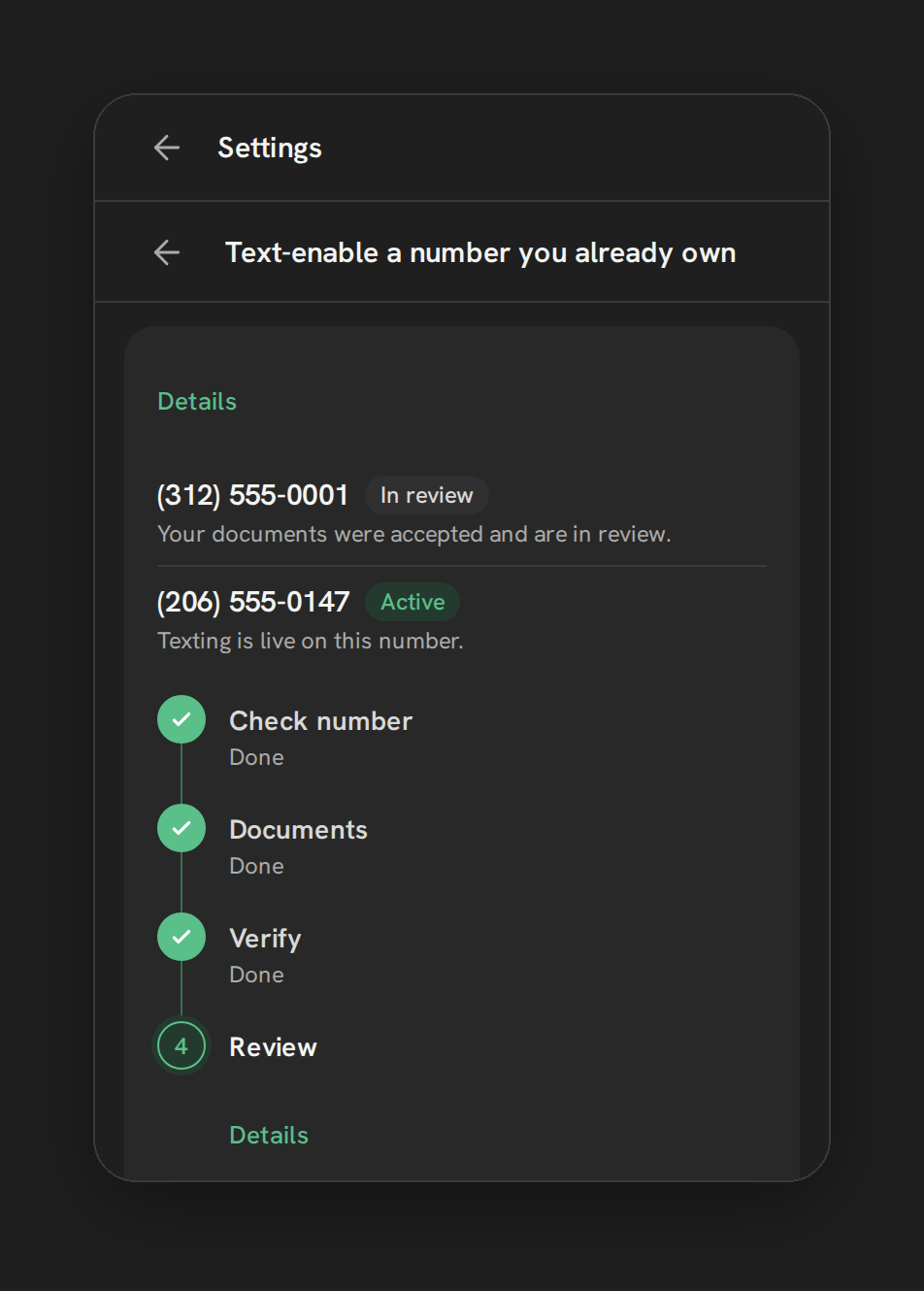
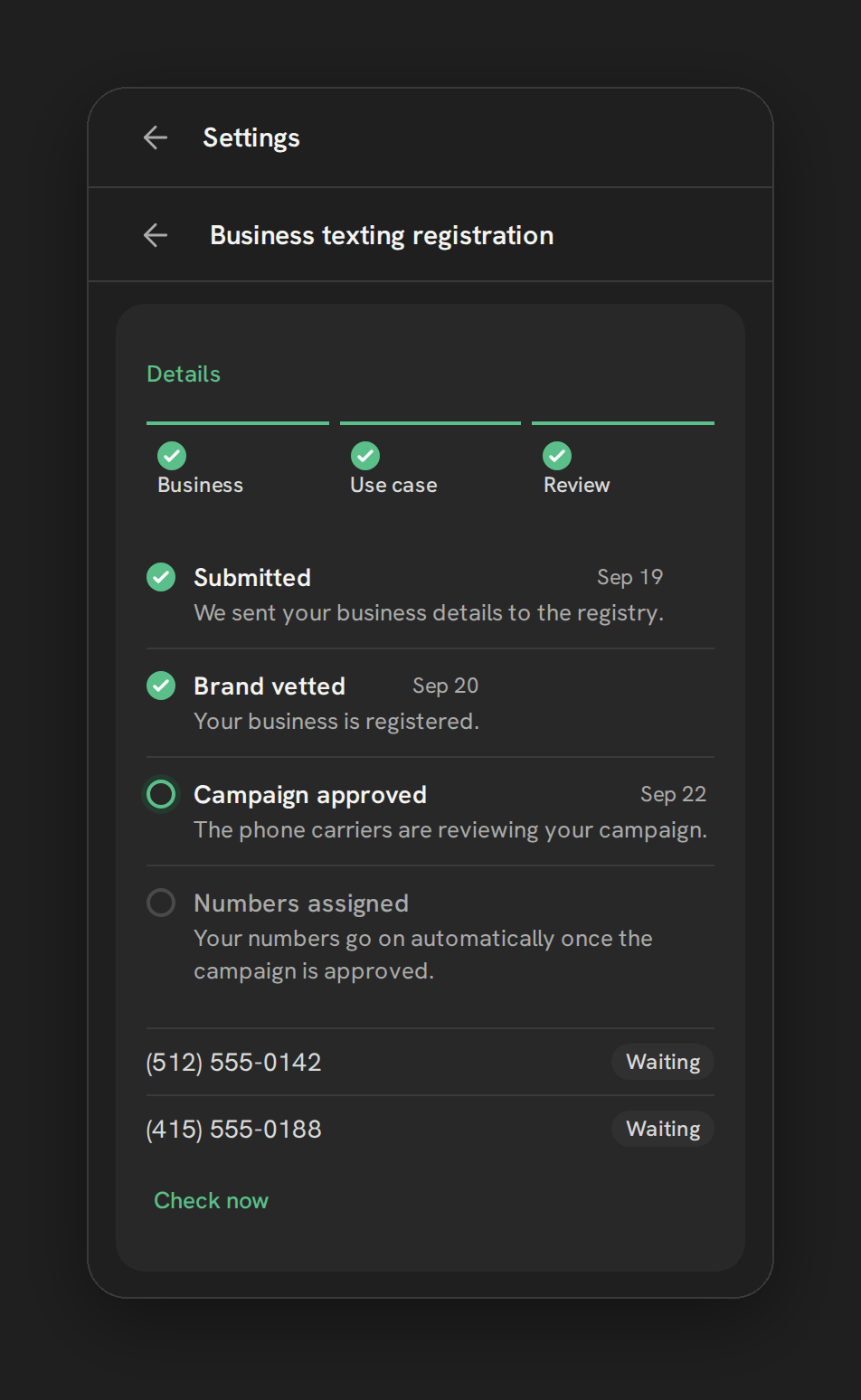
Conversations texting is available with Phone Clover SMS selected as the provider and an eligible, registered Telnyx number. Workflow, bulk and mobile-app messaging remain unverified; do not rely on those paths without testing and confirmation. Carrier registration and approval requirements still apply.
Calling does not work on mobile
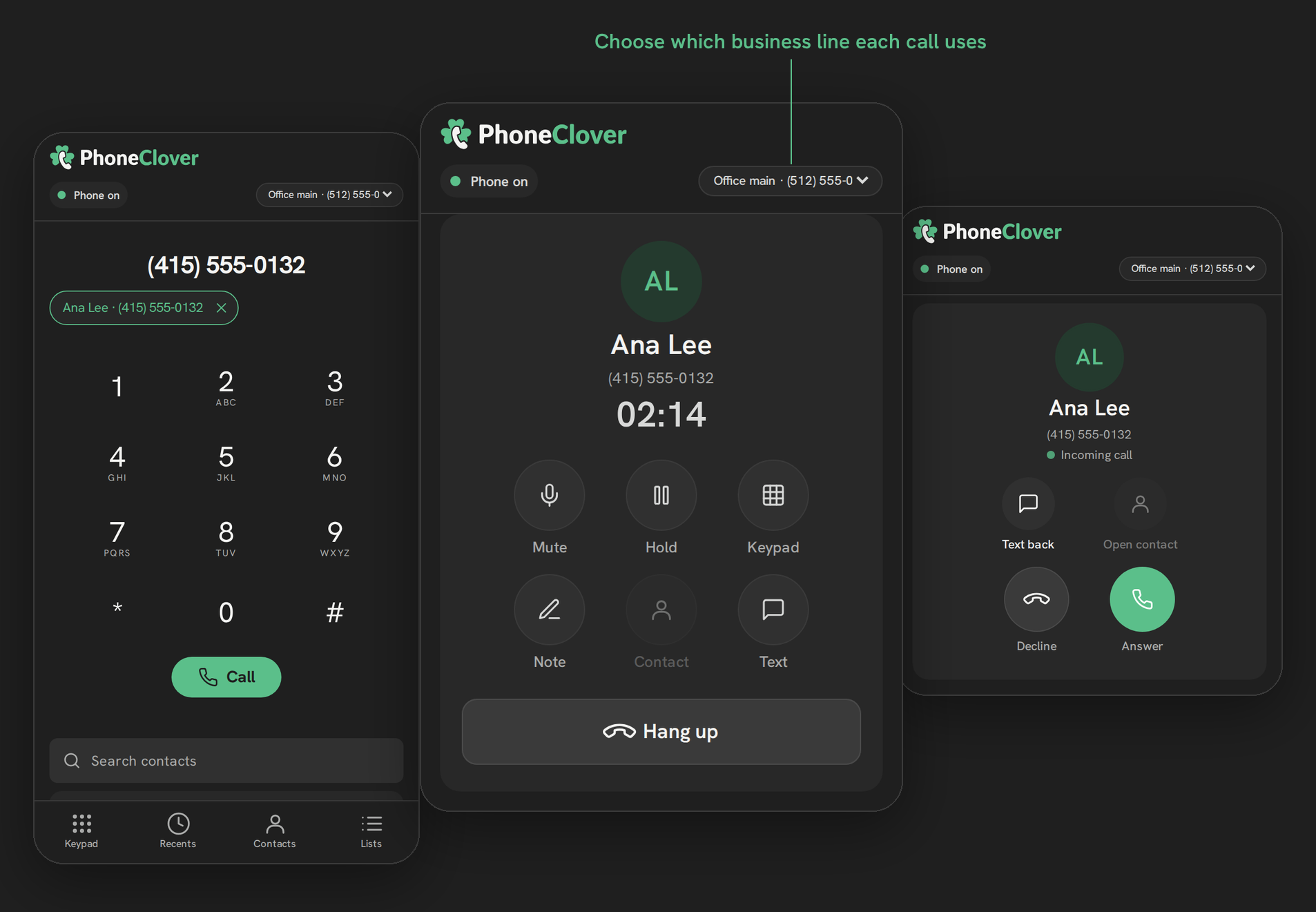
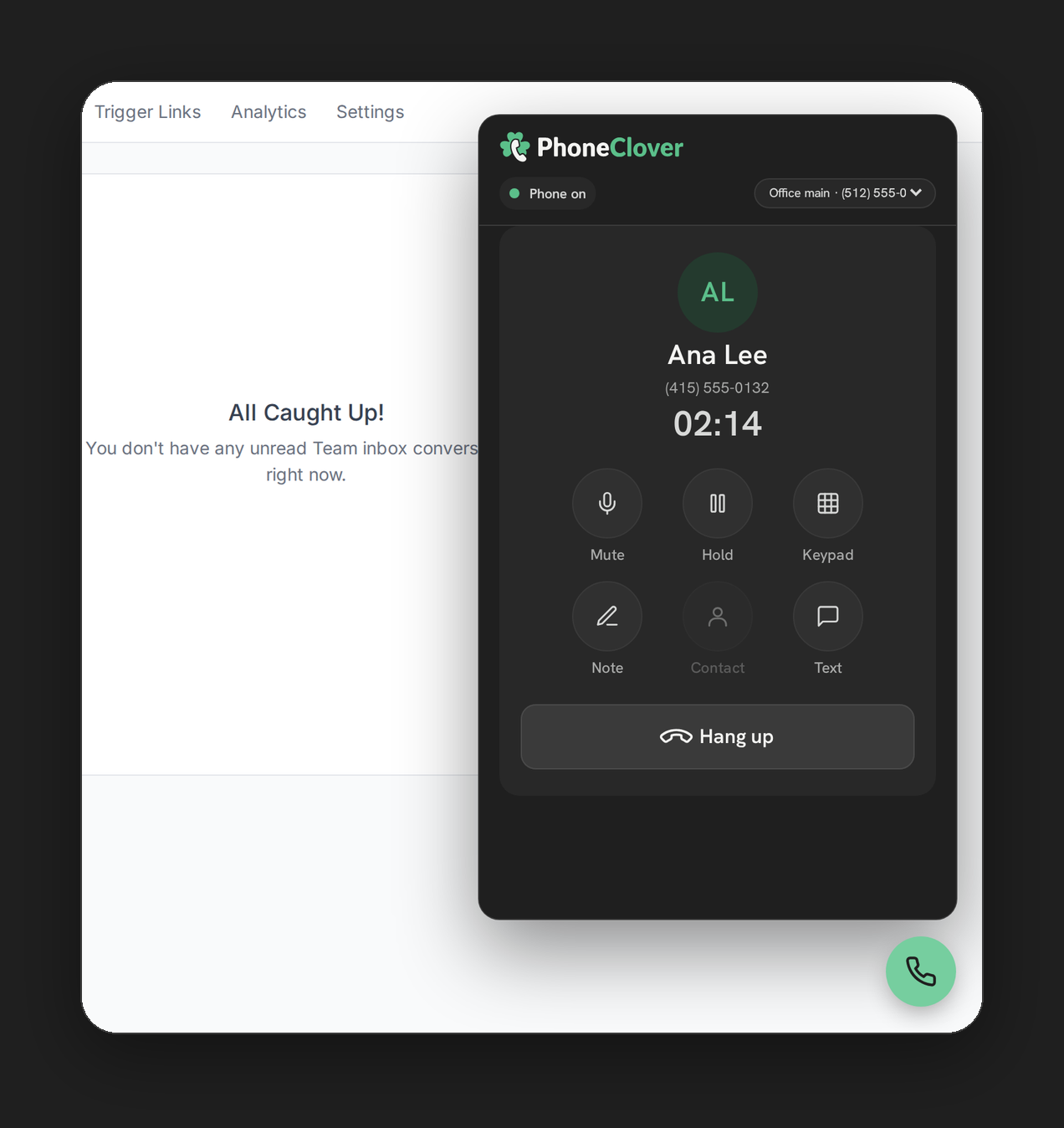
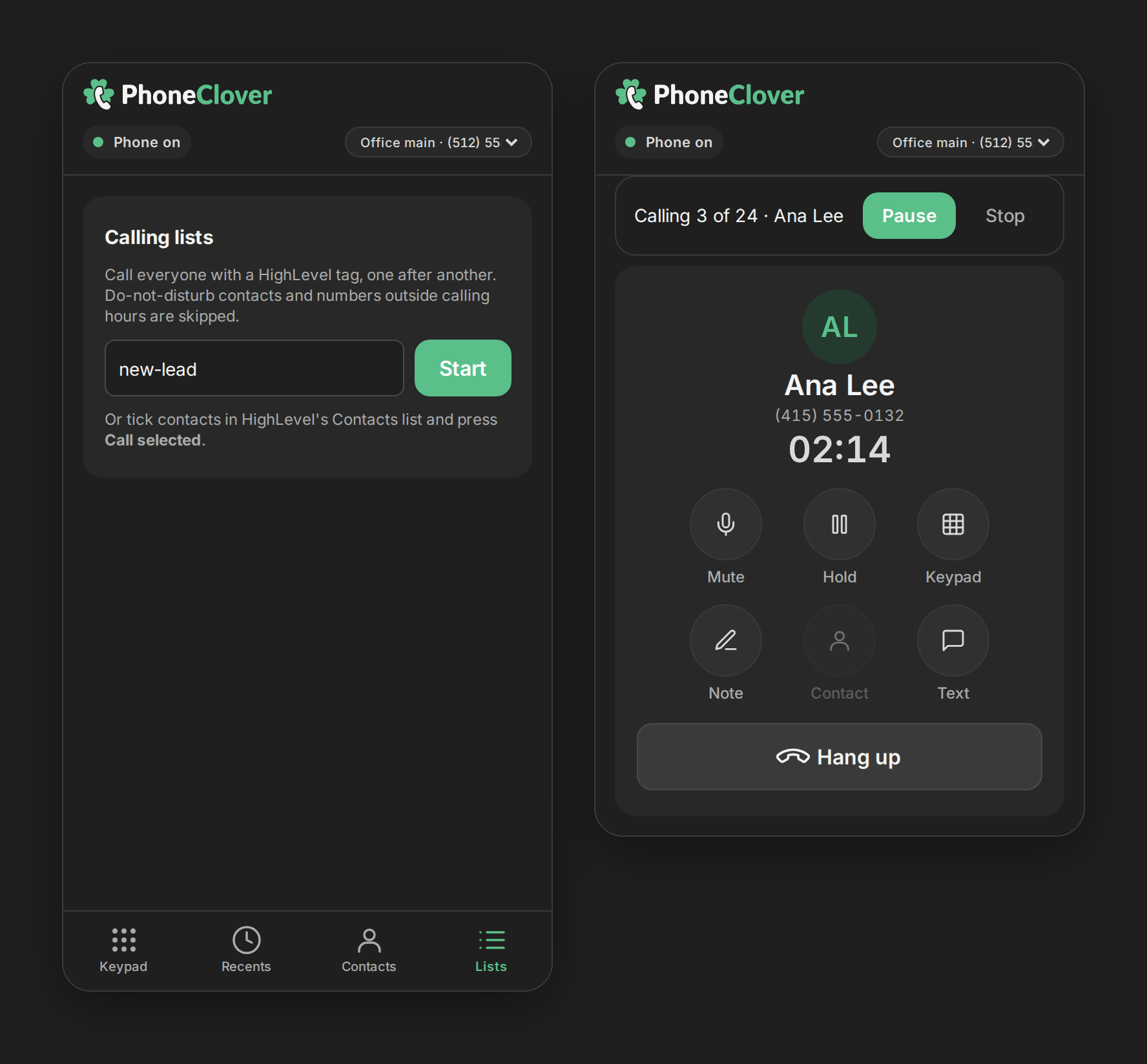
Phone Clover's calling surface, the Phone page and the floating call widget, is a desktop browser experience only. There is no native mobile calling app for Phone Clover, and your CRM mobile app does not carry Phone Clover's calling feature. This is a deliberate scope decision, not a bug or a missing setting to find.
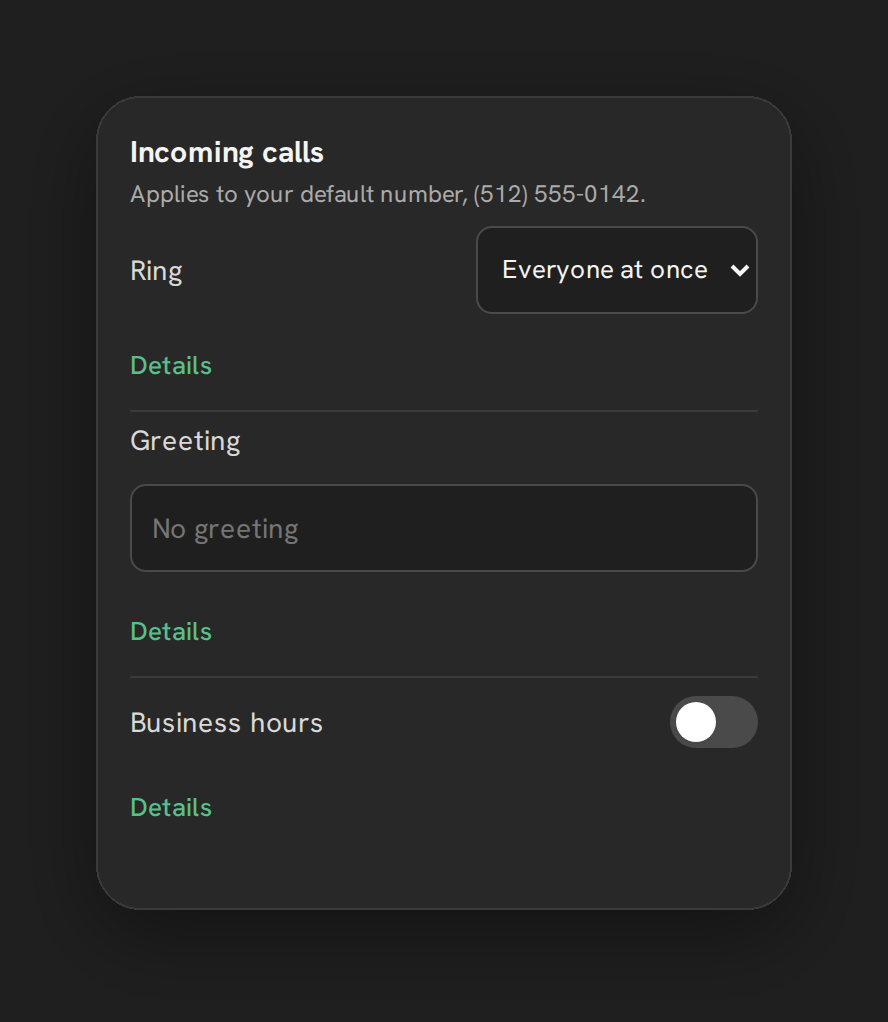
If you need to place or receive calls while away from a desktop, the honest answer is:
- Forward incoming calls to your cell phone. Your Phone Clover number can forward to any mobile number, so calls still reach you even when you're not at a computer. See Forward calls to your mobile phone.
- Text from your CRM mobile app, as described above (not proven yet), for anything that does not require an actual voice call.
Why this matters for how you work
A practical pattern for reps who split time between desktop and mobile: keep the desktop Phone page open (or the floating widget) for calling during the hours you're at your computer, forward calls to your mobile phone for the times you're not, and rely on your CRM mobile app for texting either way.
Troubleshooting
Texts I send from the mobile app aren't going out from my Telnyx number. Confirm the native SMS provider is switched on for your business account; this is a business account-level setting, not something controlled from the mobile app itself. See Turn on Telnyx as your native SMS provider.
I was expecting to make calls from my phone and can't find that feature. There isn't one to find. Calling in Phone Clover is desktop browser only, by design. Set up call forwarding to your mobile number instead. See Forward calls to your mobile phone.
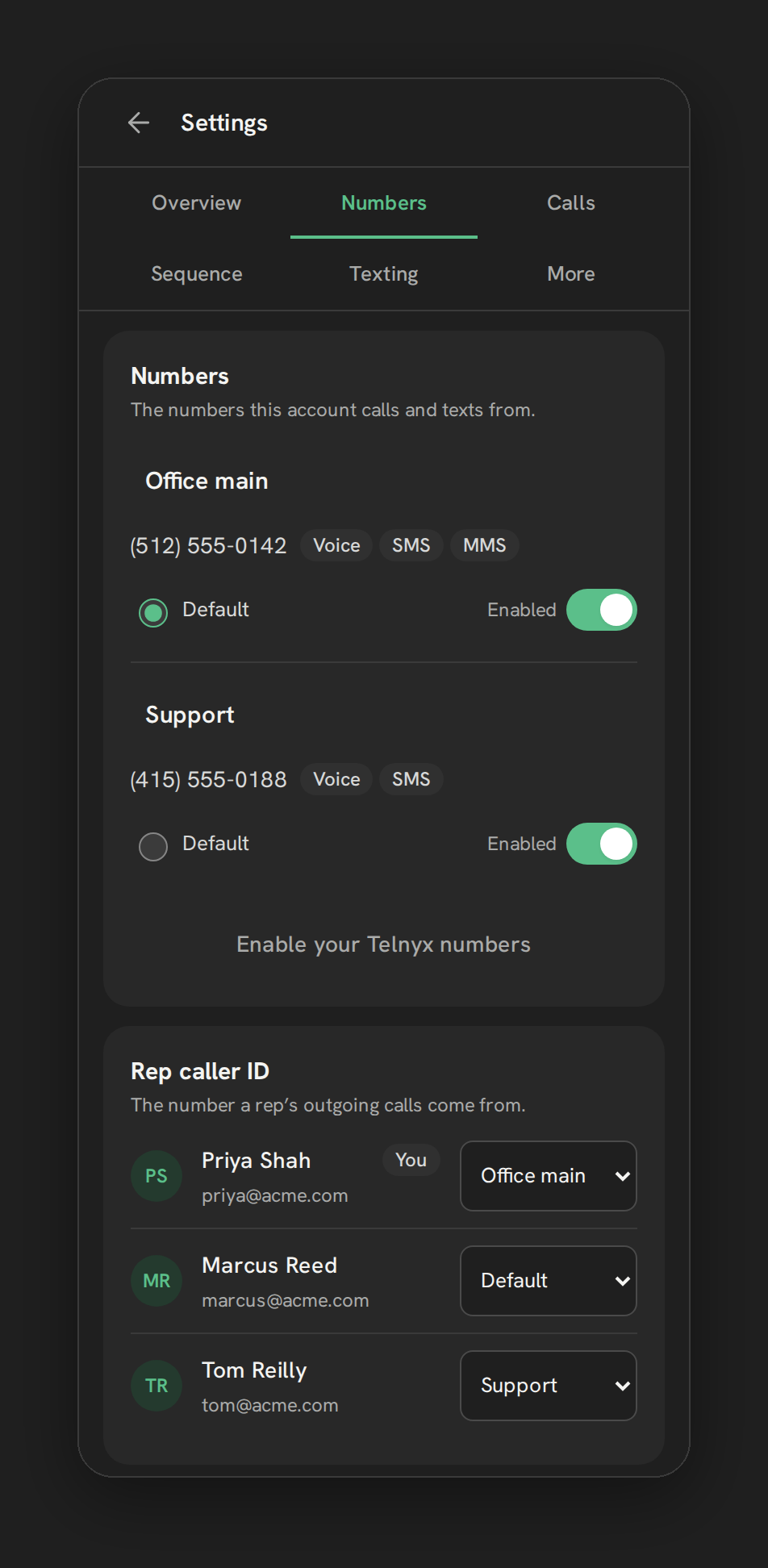
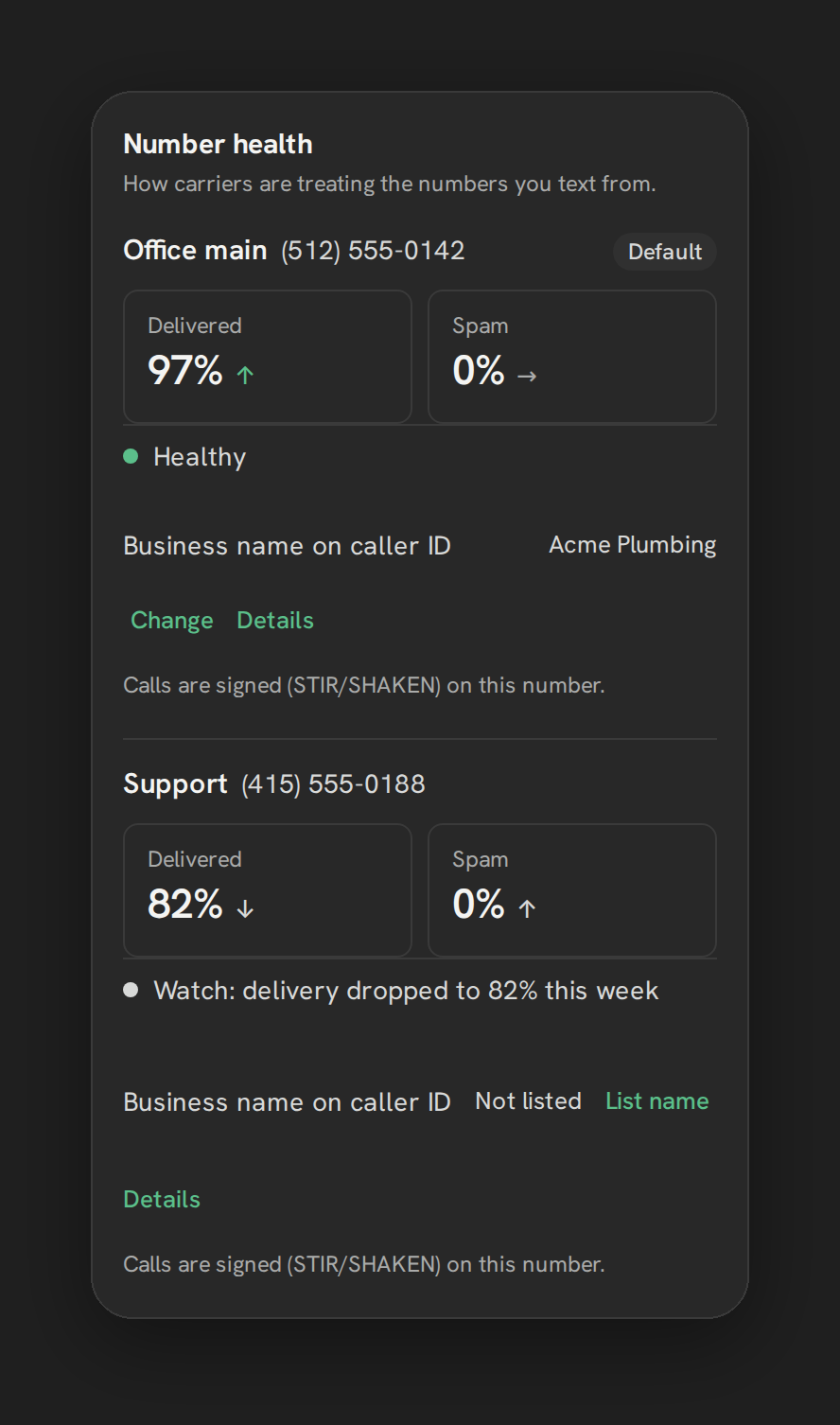
A text I sent from mobile shows up differently than one sent from desktop. It shouldn't; both use the same your CRM Conversations thread and the same sending number. If you see a difference, check which number is set as default in Settings → Numbers on desktop, since the mobile app does not have its own separate number settings.
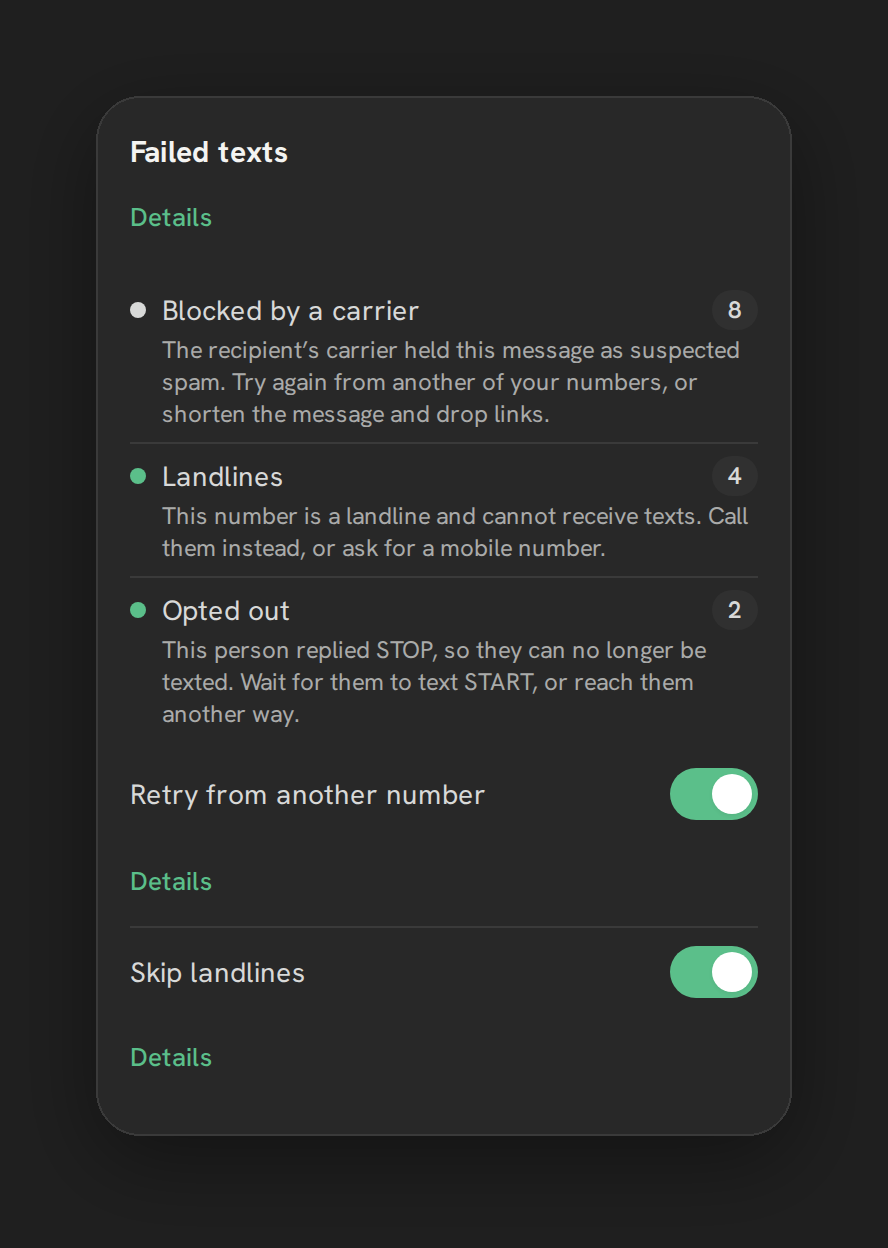
Replies aren't showing up in the mobile app. Confirm you're looking at the same conversation thread a desktop user would see; your CRM Conversations sync across mobile and desktop automatically, so a missing reply usually points to a delivery problem rather than a sync problem. Check Why texts fail and what the reasons mean.